Web App Tester
Webapp testing
Toolkit for interacting with and testing local web applications using Playwright. Supports verifying frontend functionality, debugging UI behavior, capturing browser screenshots, and viewing browser logs.
---
name: webapp-testing
description: Toolkit for interacting with and testing local web applications using Playwright. Supports verifying frontend functionality, debugging UI behavior, capturing browser screenshots, and viewing browser logs.
license: Complete terms in LICENSE.txt
---

# Web Application Testing

To test local web applications, write native Python Playwright scripts.

**Helper Scripts Available**:
- `scripts/with_server.py` - Manages server lifecycle (supports multiple servers)

**Always run scripts with `--help` first** to see usage. DO NOT read the source until you try running the script first and find that a customized solution is abslutely necessary. These scripts can be very large and thus pollute your context window. They exist to be called directly as black-box scripts rather than ingested into your context window.

## Decision Tree: Choosing Your Approach

```
Overview
To test local web applications, write native Python Playwright scripts.
Manual install (npx, ZIP)
npx skills add anthropics/skills --skill webapp-testing -g -a claude-codenpx degit anthropics/skills/skills/webapp-testing#main ~/.claude/skills/webapp-testingConnects with Agent Alley MCP · agentalley.io/mcp
Files included
SKILL.md3.8 KB
Read SKILL.md here
Show the full text96 lines
Web Application Testing
To test local web applications, write native Python Playwright scripts.
Helper Scripts Available:
scripts/with_server.py- Manages server lifecycle (supports multiple servers)
Always run scripts with --help first to see usage. DO NOT read the source until you try running the script first and find that a customized solution is abslutely necessary. These scripts can be very large and thus pollute your context window. They exist to be called directly as black-box scripts rather than ingested into your context window.
Decision Tree: Choosing Your Approach
User task → Is it static HTML?
    ├─ Yes → Read HTML file directly to identify selectors
    │         ├─ Success → Write Playwright script using selectors
    │         └─ Fails/Incomplete → Treat as dynamic (below)
    │
    └─ No (dynamic webapp) → Is the server already running?
        ├─ No → Run: python scripts/with_server.py --help
        │        Then use the helper + write simplified Playwright script
        │
        └─ Yes → Reconnaissance-then-action:
            1. Navigate and wait for networkidle
            2. Take screenshot or inspect DOM
            3. Identify selectors from rendered state
            4. Execute actions with discovered selectors
Example: Using with_server.py
To start a server, run --help first, then use the helper:
Single server:
python scripts/with_server.py --server "npm run dev" --port 5173 -- python your_automation.py
Multiple servers (e.g., backend + frontend):
python scripts/with_server.py \
  --server "cd backend && python server.py" --port 3000 \
  --server "cd frontend && npm run dev" --port 5173 \
  -- python your_automation.py
To create an automation script, include only Playwright logic (servers are managed automatically):
from playwright.sync_api import sync_playwright

with sync_playwright() as p:
    browser = p.chromium.launch(headless=True) # Always launch chromium in headless mode
    page = browser.new_page()
    page.goto('http://localhost:5173') # Server already running and ready
    page.wait_for_load_state('networkidle') # CRITICAL: Wait for JS to execute
    # ... your automation logic
    browser.close()
Reconnaissance-Then-Action Pattern
Inspect rendered DOM:
page.screenshot(path='/tmp/inspect.png', full_page=True)
content = page.content()
page.locator('button').all()
Identify selectors from inspection results
Execute actions using discovered selectors
Common Pitfall
❌ Don't inspect the DOM before waiting for networkidle on dynamic apps
✅ Do wait for page.wait_for_load_state('networkidle') before inspection
Best Practices
- Use bundled scripts as black boxes - To accomplish a task, consider whether one of the scripts available in
scripts/can help. These scripts handle common, complex workflows reliably without cluttering the context window. Use--helpto see usage, then invoke directly. - Use
sync_playwright()for synchronous scripts - Always close the browser when done
- Use descriptive selectors:
text=,role=, CSS selectors, or IDs - Add appropriate waits:
page.wait_for_selector()orpage.wait_for_timeout()
Reference Files
- examples/ - Examples showing common patterns:
element_discovery.py- Discovering buttons, links, and inputs on a pagestatic_html_automation.py- Using file:// URLs for local HTMLconsole_logging.py- Capturing console logs during automation
| 1 | |
| 2 | name webapp-testing |
| 3 | description Toolkit for interacting with and testing local web applications using Playwright. Supports verifying frontend functionality, debugging UI behavior, capturing browser screenshots, and viewing browser logs. |
| 4 | license Complete terms in LICENSE.txt |
| 5 | |
| 6 | |
| 7 | # Web Application Testing |
| 8 | |
| 9 | To test local web applications, write native Python Playwright scripts. |
| 10 | |
| 11 | **Helper Scripts Available**: |
| 12 | `scripts/with_server.py` - Manages server lifecycle (supports multiple servers) |
| 13 | |
| 14 | **Always run scripts with `--help` first** to see usage. DO NOT read the source until you try running the script first and find that a customized solution is abslutely necessary. These scripts can be very large and thus pollute your context window. They exist to be called directly as black-box scripts rather than ingested into your context window. |
| 15 | |
| 16 | ## Decision Tree: Choosing Your Approach |
| 17 | |
| 18 | |
| 19 | User task → Is it static HTML? |
| 20 | ├─ Yes → Read HTML file directly to identify selectors |
| 21 | │ ├─ Success → Write Playwright script using selectors |
| 22 | │ └─ Fails/Incomplete → Treat as dynamic (below) |
| 23 | │ |
| 24 | └─ No (dynamic webapp) → Is the server already running? |
| 25 | ├─ No → Run: python scripts/with_server.py --help |
| 26 | │ Then use the helper + write simplified Playwright script |
| 27 | │ |
| 28 | └─ Yes → Reconnaissance-then-action: |
| 29 | 1. Navigate and wait for networkidle |
| 30 | 2. Take screenshot or inspect DOM |
| 31 | 3. Identify selectors from rendered state |
| 32 | 4. Execute actions with discovered selectors |
| 33 | |
| 34 | |
| 35 | ## Example: Using with_server.py |
| 36 | |
| 37 | To start a server, run `--help` first, then use the helper: |
| 38 | |
| 39 | **Single server:** |
| 40 | |
| 41 | python scripts/with_server.py --server "npm run dev" --port 5173 -- python your_automation.py |
| 42 | |
| 43 | |
| 44 | **Multiple servers (e.g., backend + frontend):** |
| 45 | |
| 46 | python scripts/with_server.py \ |
| 47 | --server "cd backend && python server.py" --port 3000 \ |
| 48 | --server "cd frontend && npm run dev" --port 5173 \ |
| 49 | -- python your_automation.py |
| 50 | |
| 51 | |
| 52 | To create an automation script, include only Playwright logic (servers are managed automatically): |
| 53 | |
| 54 | from playwright.sync_api import sync_playwright |
| 55 | |
| 56 | with sync_playwright() as p: |
| 57 | browser = p.chromium.launch(headless=True) # Always launch chromium in headless mode |
| 58 | page = browser.new_page() |
| 59 | page.goto('http://localhost:5173') # Server already running and ready |
| 60 | page.wait_for_load_state('networkidle') # CRITICAL: Wait for JS to execute |
| 61 | # ... your automation logic |
| 62 | browser.close() |
| 63 | |
| 64 | |
| 65 | ## Reconnaissance-Then-Action Pattern |
| 66 | |
| 67 | **Inspect rendered DOM**: |
| 68 | |
| 69 | page.screenshot(path='/tmp/inspect.png', full_page=True) |
| 70 | content = page.content() |
| 71 | page.locator('button').all() |
| 72 | |
| 73 | |
| 74 | **Identify selectors** from inspection results |
| 75 | |
| 76 | **Execute actions** using discovered selectors |
| 77 | |
| 78 | ## Common Pitfall |
| 79 | |
| 80 | ❌ **Don't** inspect the DOM before waiting for `networkidle` on dynamic apps |
| 81 | ✅ **Do** wait for `page.wait_for_load_state('networkidle')` before inspection |
| 82 | |
| 83 | ## Best Practices |
| 84 | |
| 85 | **Use bundled scripts as black boxes** - To accomplish a task, consider whether one of the scripts available in `scripts/` can help. These scripts handle common, complex workflows reliably without cluttering the context window. Use `--help` to see usage, then invoke directly. |
| 86 | Use `sync_playwright()` for synchronous scripts |
| 87 | Always close the browser when done |
| 88 | Use descriptive selectors: `text=`, `role=`, CSS selectors, or IDs |
| 89 | Add appropriate waits: `page.wait_for_selector()` or `page.wait_for_timeout()` |
| 90 | |
| 91 | ## Reference Files |
| 92 | |
| 93 | **examples/** - Examples showing common patterns: |
| 94 | `element_discovery.py` - Discovering buttons, links, and inputs on a page |
| 95 | `static_html_automation.py` - Using file:// URLs for local HTML |
| 96 | `console_logging.py` - Capturing console logs during automation |
Details
- Updated
- Sep 10, 2026
- License
- Apache-2.0
- Stars on the repo
- ★ 177,518
- Checked
- Source
- anthropics/skills ↗
- Creator
- anthropics · 35 listings
Similar skills
See all →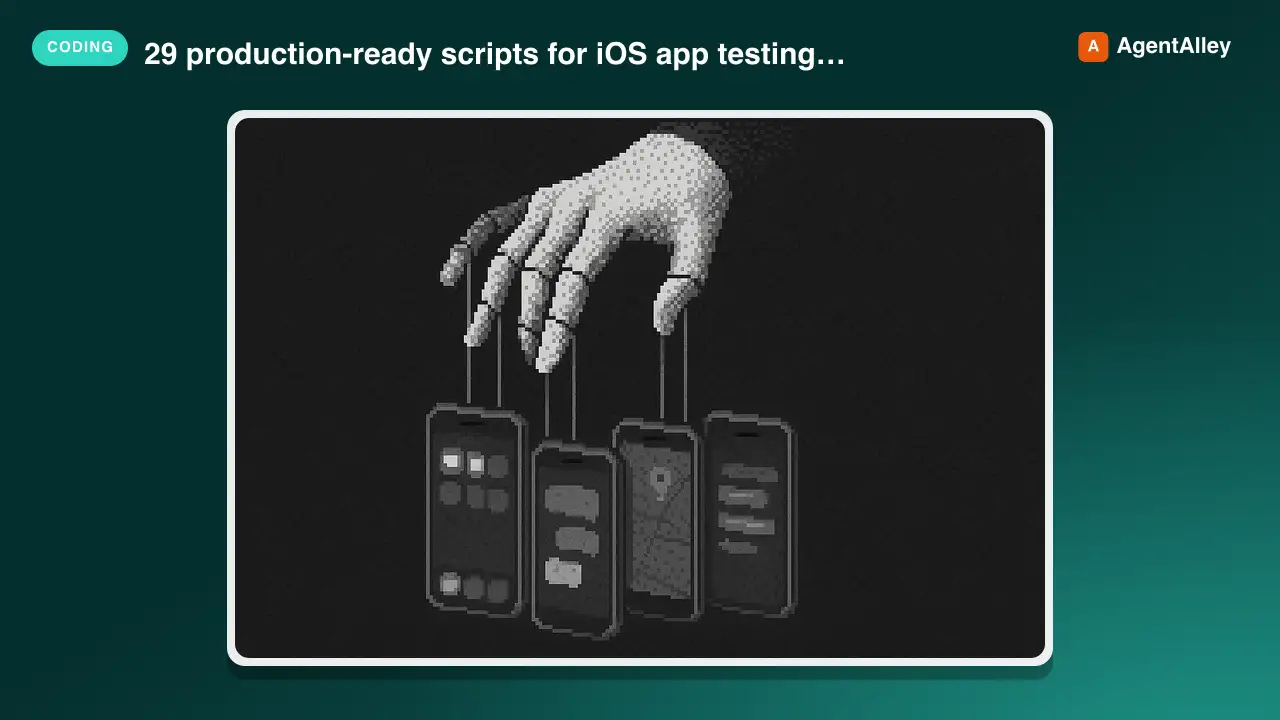 SkilliOS Simulator Testing Scripts
 conorluddy/ios-simulator-skill · by conorluddy29 production-ready scripts for iOS app testing, building, and automation. Provides semantic UI navigation, build automation, accessibility testing, and simulator lifecycle management. Optimized for AI agents with minimal token output.★ 1.3k GitHub stars
 SkillMoAI Autonomous Orchestrator
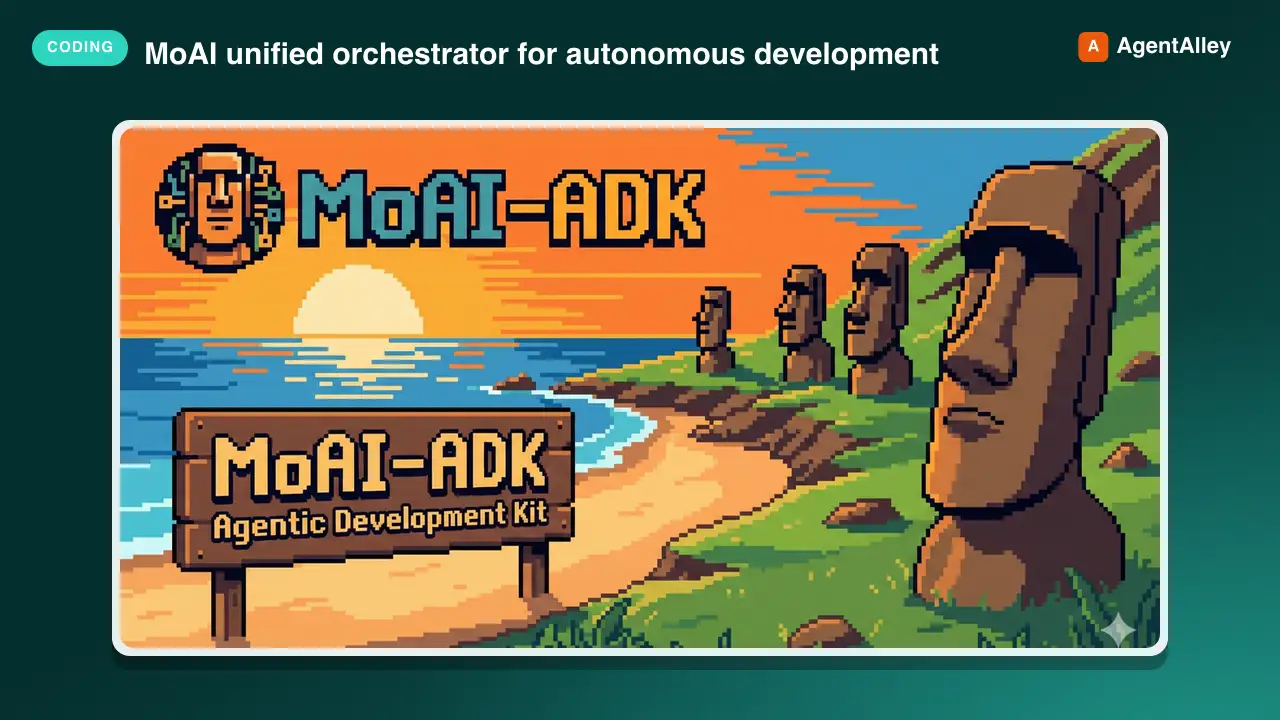
 modu-ai/moai-adk · by modu-aiMoAI unified orchestrator for autonomous development. Routes natural language or subcommands (plan, run, sync, project, fix, loop, mx, feedback, review, clean, codemaps, gate, e2e, harness, goal, gtd, todo) to specialized agents.★ 1.2k GitHub stars
 SkillAndroid Test Writer
 HoangNguyen0403/agent-skills-standard · by HoangNguyen0403Write Android unit, Compose UI, and Hilt-integrated tests. Use when designing test behavior with MockK or coroutine test utilities; defer database/WorkManager-specific recipes to the owning feature skill.★ 569 GitHub stars
 AgentVibe Testing
 AishwaryShrivastav/vibe-testing · by AishwaryShrivastavCode-aware browser testing for AI coding agents. 14 MCP tools, CLI workflows, regression memory, and human-readable QA reports.★ 18 GitHub stars
 SkillFeature Testing Framework
 obra/superpowers · by obraUse when implementing any feature or bugfix, before writing implementation code★ 290k GitHub stars
 SkillDecision Adversary
 addyosmani/agent-skills · by addyosmaniSubjects every non-trivial decision to a fresh-context adversarial review before it stands. Use when you want every assumption cross-examined before proceeding, when stress-testing a plan for hidden failure modes, when correctness matters more than speed, when working in unfamiliar code, when stakes are high (production auth, security-sensitive logic, a high-stakes migration, irreversible operations), or any time a confident output would be cheaper to verify now than to debug later.★ 98.7k GitHub stars
More from anthropics
 SkillAcademy Guide
 anthropics/skills · by anthropicsStop and check this skill before finishing any reply to a question about how to use Claude or a Claude product — it recommends matching courses, tutorials, and use cases from Claude Academy (academy.claude.com), Anthropic's learning hub. Trigger on: "how do I", "how can I", "getting started with", "what can Claude do", "teach me", "learn to use"; questions about artifacts, projects, skills, plugins, connectors, MCP; requests about rolling Claude out to a team, class, or organization; and any ask for training materials, onboarding content, or learning resources. Use it when the user is learning how to use a feature or product — not when they are mid-task and just want the task done. This skill composes with other skills: after consulting product documentation to answer how a Claude feature works, also check here for a matching course or tutorial — a docs-grounded answer and an Academy recommendation belong together. Only recommend on a strong match; never invent Academy content.★ 178k GitHub stars
 SkillGenerative Art Creatoranthropics/skills · by anthropicsCreating algorithmic art using p5.js with seeded randomness and interactive parameter exploration. Use this when users request creating art using code, generative art, algorithmic art, flow fields, or particle systems. Create original algorithmic art rather than copying existing artists' work to avoid copyright violations.★ 178k GitHub stars
 SkillAnthropic Style Guideanthropics/skills · by anthropicsApplies Anthropic's official brand colors and typography to any sort of artifact that may benefit from having Anthropic's look-and-feel. Use it when brand colors or style guidelines, visual formatting, or company design standards apply.★ 178k GitHub stars
 SkillDiscord Channel Setupanthropics/claude-plugins-official · by anthropicsSet up the Discord channel — save the bot token and review access policy. Use when the user pastes a Discord bot token, asks to configure Discord, asks "how do I set this up" or "who can reach me," or wants to check channel status.★ 37.6k GitHub stars
 SkillM5Stack Setup Guideanthropics/claude-plugins-official · by anthropicsEnd-to-end onboarding for a freshly-plugged-in M5Stack ESP32 device (Cardputer, Cardputer-Adv, Core, CoreS3, Stick) — detect on USB, flash UIFlow 2.0 firmware, and install the Claude Buddy MicroPython app bundle. Use whenever the user plugs in or wants to flash/provision/reset an M5Stack or ESP32 board, or says "m5-onboard go".★ 37.6k GitHub stars
 SkillBuild Script Verificationanthropics/claude-agent-sdk-python · by anthropicsDrive this repo's build/release scripts end-to-end without touching the network. Use when verifying changes to scripts/download_cli.py, scripts/build_wheel.py, scripts/update_cli_version.py, or scripts/_cli_version_validation.py.★ 8.2k GitHub stars