Desktop Task Notifier
Task banner
Set up (or toggle) a macOS desktop banner that appears whenever Claude Code finishes a task, showing a one-line summary of what was done. Use when the user says "notify me when Claude is done", "desktop notification on completion", "set…
---
name: task-banner
description: Set up (or toggle) a macOS desktop banner that appears whenever Claude Code finishes a task, showing a one-line summary of what was done. Use when the user says "notify me when Claude is done", "desktop notification on completion", "set up the task banner", "mute the banner", or "unmute the banner".
---

# task-banner

Show a large, always-on-top desktop banner when Claude Code finishes a turn — with a one-line summary of what was actually completed. Works even when macOS Notification Center silently drops `osascript display notification` calls (a common problem: the CLI has no Notification Center registration, so the command exits 0 but nothing shows).

The banner is a borderless Cocoa overlay window drawn by `mac-overlay.js` (a JXA script adapted from [peon-ping](https://github.com/PeonPing/peon-ping)), so no notification permissions are needed.

## Requirements

- macOS (the overlay uses Cocoa via JXA / `osascript -l JavaScript`)
- Claude Code with hooks support

## Setup
Overview
Show a large, always-on-top desktop banner when Claude Code finishes a turn — with a one-line summary of what was actually completed. Works even when macOS Notification Center silently drops osascript display notification calls (a common problem: the CLI has no Notification Center registration, so the command exits 0 but nothing shows).
Manual install (npx, ZIP)
npx skills add OpenClaudia/openclaudia-skills --skill task-banner -g -a claude-codenpx degit OpenClaudia/openclaudia-skills/skills/task-banner#main ~/.claude/skills/task-bannerConnects with Agent Alley MCP · agentalley.io/mcp
Files included
SKILL.md3.1 KB
Read SKILL.md here
Show the full text65 lines
task-banner
Show a large, always-on-top desktop banner when Claude Code finishes a turn — with a one-line summary of what was actually completed. Works even when macOS Notification Center silently drops osascript display notification calls (a common problem: the CLI has no Notification Center registration, so the command exits 0 but nothing shows).
The banner is a borderless Cocoa overlay window drawn by mac-overlay.js (a JXA script adapted from peon-ping), so no notification permissions are needed.
Requirements
- macOS (the overlay uses Cocoa via JXA /
osascript -l JavaScript) - Claude Code with hooks support
Setup
Copy
mac-overlay.jsfrom this skill directory to~/.claude/scripts/mac-overlay.js.Merge a
Stophook into~/.claude/settings.json(read the file first and preserve existing hooks):
{
  "hooks": {
    "Stop": [
      {
        "matcher": "",
        "hooks": [
          {
            "type": "command",
            "command": "m=$(cat /tmp/claude-banner-msg 2>/dev/null); rm -f /tmp/claude-banner-msg; [ -f ~/.claude/banner.off ] || osascript -l JavaScript ~/.claude/scripts/mac-overlay.js \"${m:-Task done}\" blue \"\" 0 4 2>/dev/null || true",
            "async": true
          }
        ]
      }
    ]
  }
}
- To make the banner show what was finished (instead of the generic "Task done"), add this to your global agent instructions file (
~/.claude/CLAUDE.mdorAGENTS.md):
After finishing each task, write a short summary of what was completed to
/tmp/claude-banner-msg(e.g.printf 'Typecheck fixed and committed' > /tmp/claude-banner-msg). Identify the actual task; never use a generic "task done".
The Stop hook displays the message and deletes the file. If the file is absent, it falls back to "Task done".
Toggle (mute / unmute)
The hook checks a sentinel file — no config editing needed:
touch ~/.claude/banner.off   # mute the banner
rm -f ~/.claude/banner.off   # unmute
When the user asks to mute/unmute the banner, run the matching command and report the resulting state.
How it works / notes
mac-overlay.js <message> <color> <icon> <slot> <dismiss_seconds>— color isblue/yellow/red, dismiss0means persistent-until-click.- The hook consumes
/tmp/claude-banner-msgeven while muted, so no stale summary pops up later when unmuted. - On recent macOS the JXA bridge constant
NSTextAlignmentCenterevaluates to the legacy AppKit value (2), which the unified runtime treats as right-aligned — the bundled script hardcodes alignment1(center) to compensate. /tmp/claude-banner-msgis shared across parallel Claude sessions; if two finish in the same instant one banner may show the other's summary. Use a per-session file path if that ever matters.
| 1 | |
| 2 | name task-banner |
| 3 | description Set up (or toggle) a macOS desktop banner that appears whenever Claude Code finishes a task, showing a one-line summary of what was done. Use when the user says "notify me when Claude is done", "desktop notification on completion", "set up the task banner", "mute the banner", or "unmute the banner". |
| 4 | |
| 5 | |
| 6 | # task-banner |
| 7 | |
| 8 | Show a large, always-on-top desktop banner when Claude Code finishes a turn — with a one-line summary of what was actually completed. Works even when macOS Notification Center silently drops `osascript display notification` calls (a common problem: the CLI has no Notification Center registration, so the command exits 0 but nothing shows). |
| 9 | |
| 10 | The banner is a borderless Cocoa overlay window drawn by `mac-overlay.js` (a JXA script adapted from [peon-ping]), so no notification permissions are needed. |
| 11 | |
| 12 | ## Requirements |
| 13 | |
| 14 | macOS (the overlay uses Cocoa via JXA / `osascript -l JavaScript`) |
| 15 | Claude Code with hooks support |
| 16 | |
| 17 | ## Setup |
| 18 | |
| 19 | Copy `mac-overlay.js` from this skill directory to `~/.claude/scripts/mac-overlay.js`. |
| 20 | |
| 21 | Merge a `Stop` hook into `~/.claude/settings.json` (read the file first and preserve existing hooks): |
| 22 | |
| 23 | |
| 24 | { |
| 25 | "hooks": { |
| 26 | "Stop": [ |
| 27 | { |
| 28 | "matcher": "", |
| 29 | "hooks": [ |
| 30 | { |
| 31 | "type": "command", |
| 32 | "command": "m=$(cat /tmp/claude-banner-msg 2>/dev/null); rm -f /tmp/claude-banner-msg; [ -f ~/.claude/banner.off ] || osascript -l JavaScript ~/.claude/scripts/mac-overlay.js \"${m:-Task done}\" blue \"\" 0 4 2>/dev/null || true", |
| 33 | "async": true |
| 34 | } |
| 35 | ] |
| 36 | } |
| 37 | ] |
| 38 | } |
| 39 | } |
| 40 | |
| 41 | |
| 42 | To make the banner show *what* was finished (instead of the generic "Task done"), add this to your global agent instructions file (`~/.claude/CLAUDE.md` or `AGENTS.md`): |
| 43 | |
| 44 | > After finishing each task, write a short summary of what was completed to `/tmp/claude-banner-msg` (e.g. `printf 'Typecheck fixed and committed' > /tmp/claude-banner-msg`). Identify the actual task; never use a generic "task done". |
| 45 | |
| 46 | The Stop hook displays the message and deletes the file. If the file is absent, it falls back to "Task done". |
| 47 | |
| 48 | ## Toggle (mute / unmute) |
| 49 | |
| 50 | The hook checks a sentinel file — no config editing needed: |
| 51 | |
| 52 | |
| 53 | touch ~/.claude/banner.off # mute the banner |
| 54 | rm -f ~/.claude/banner.off # unmute |
| 55 | |
| 56 | |
| 57 | When the user asks to mute/unmute the banner, run the matching command and report the resulting state. |
| 58 | |
| 59 | ## How it works / notes |
| 60 | |
| 61 | `mac-overlay.js <message> <color> <icon> <slot> <dismiss_seconds>` — color is `blue`/`yellow`/`red`, dismiss `0` means persistent-until-click. |
| 62 | The hook consumes `/tmp/claude-banner-msg` even while muted, so no stale summary pops up later when unmuted. |
| 63 | On recent macOS the JXA bridge constant `NSTextAlignmentCenter` evaluates to the legacy AppKit value (2), which the unified runtime treats as right-aligned — the bundled script hardcodes alignment `1` (center) to compensate. |
| 64 | `/tmp/claude-banner-msg` is shared across parallel Claude sessions; if two finish in the same instant one banner may show the other's summary. Use a per-session file path if that ever matters. |
| 65 |
Details
- License
- MIT
- Stars on the repo
- ★ 705
- Checked
- Source
- OpenClaudia/openclaudia-skills ↗
- Creator
- OpenClaudia · 78 listings
Similar skills
See all → SkillBanner Design
 nextlevelbuilder/ui-ux-pro-max-skill · by claudekitTell us what your banner is for and what it should say, and get back polished, ready-to-post cover and ad images sized correctly for each platform.★ 130k GitHub stars
 SkillAcademic Poster Builder
 wanshuiyin/Auto-claude-code-research-in-sleep · by wanshuiyinDEFAULT poster pipeline — build an academic conference poster (ICML/NeurIPS/ICLR/CVPR/...) as a single HTML/CSS file with measurement-driven hard gates, real paper figures, a two-hue design-token system, and print-ready PDF via headless Chromium. Use when the★ 16.5k GitHub stars
 SkillAI Image Generator
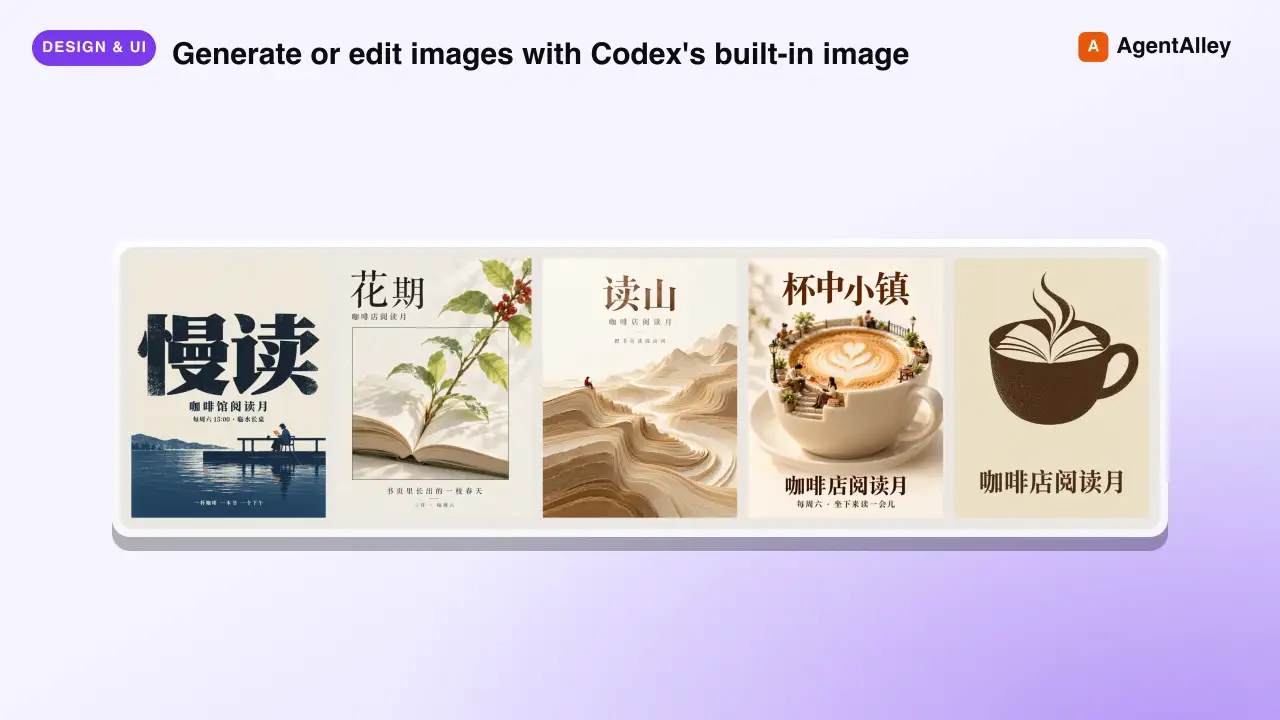
 joeseesun/qiaomu-codex-imagegen · by joeseesunGenerate or edit images with Codex's built-in image generation from any agent, through an MCP tool or a plain CLI. For every image request it first proposes at least four divergent style directions (24 distilled templates, 48 presets, 20 Mondo poster artists), lets the user pick, expands the prompt, generates, and checks the result. Scenario craft for 视频封面, 视频海报, 小红书配图, 公众号封面, X 封面, 朋友圈海报, 书籍封面, 专辑封面, 产品海报, 人物写真, 节气海报, 展览海报, PPT 页面, 图生图. Use for 生图, 配图, 海报, 封面, "给我几个风格", "用 Codex 画一张". Excludes: editing photos with local tools, charts or diagrams from data, UI mockups, video generation, or anything that needs an API key-based image service.★ 133 GitHub stars
 SkillText-to-Motion Graphics
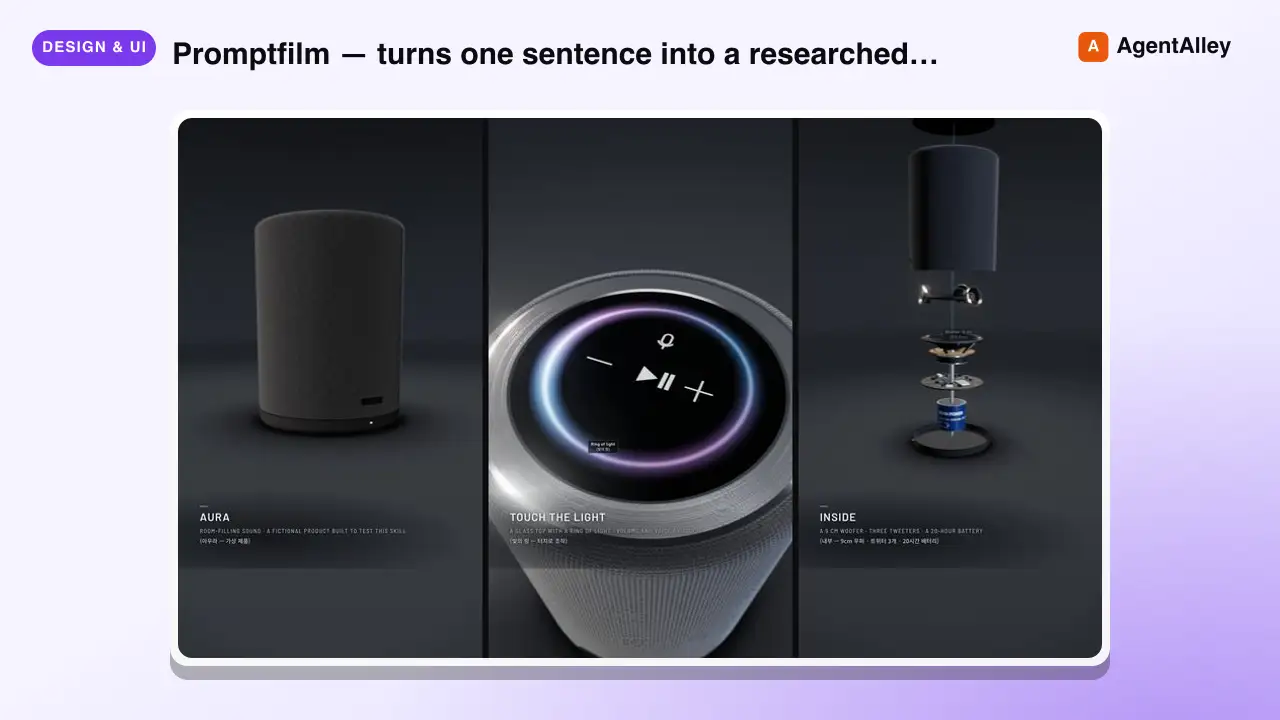
 Seokwoooo/promptfilm · by SeokwooooPromptfilm — turns one sentence into a researched 3D motion graphic — one self-contained real-time HTML file (Three.js) that loops seamlessly and records straight into a video — 9:16 for Shorts/Reels by default, or 16:9, 1:1, 4:5; captions in one or two languages (English + the requester's language by default); paced the way the requester edits; checked by automated QA, a fresh-eyes visual review and a delivery gate; reviewed and exported as a frame-exact MP4 in a local Studio. Use it for any motion graphic — product ads, game or app demos, journeys through scale (Earth to the universe, a chip down to atoms), how-it-works explainers, recreations of a known scene, logo stings, data stories — when the user asks for a motion graphic, a 3D animation or video as HTML, or "an HTML like the cosmic-scale / Blackwell one", even naming only a topic (often in Korean, e.g. "…모션그래픽 만들어줘", "…부터 …까지 확대하는 영상 html 만들어줘"); and for follow-ups on such a film ("리뷰 반영해줘", "mp4로 뽑아줘", "스튜디오 열어줘").★ 26 GitHub stars
 SkillCustom Map Creator
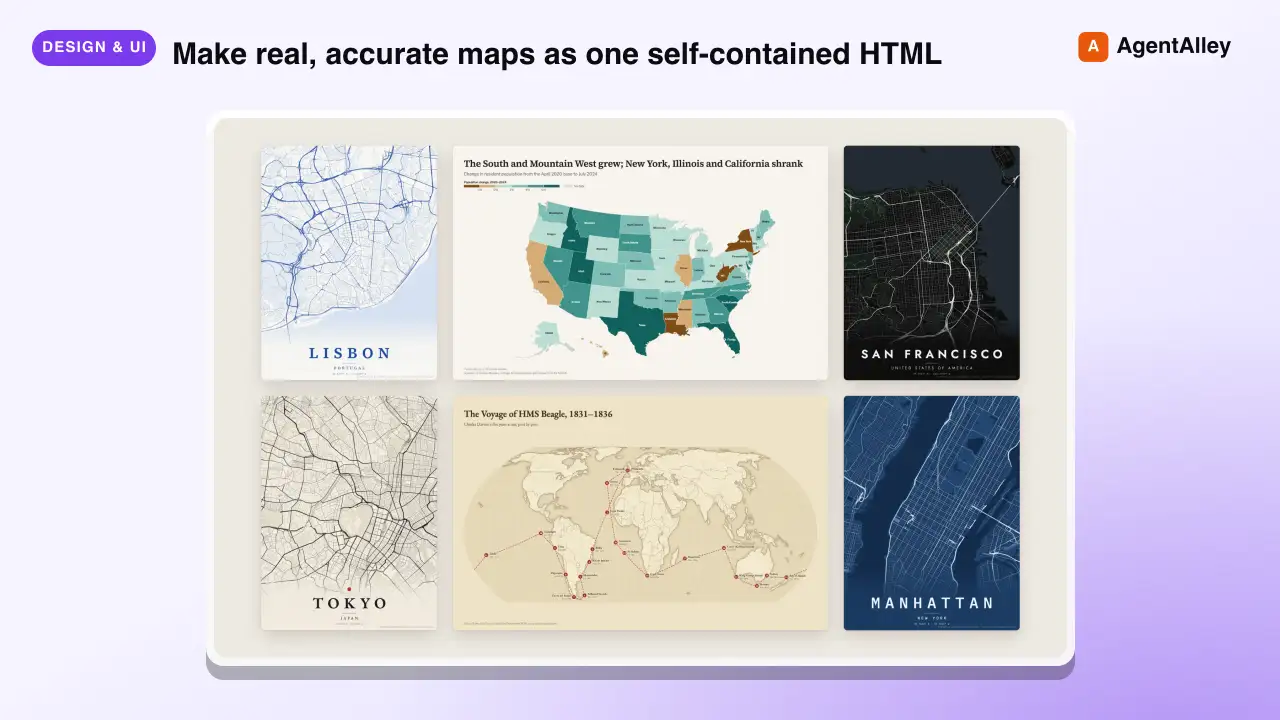
 incline-ltd/map-design · by incline-ltdMake real, accurate maps as one self-contained HTML, SVG and PNG. Choropleths by country, state, province or US county; bubble, spike and point maps; routes and voyages; flow maps; locator maps with an inset globe; and OpenStreetMap city posters. Use whenever the user asks for a map, a "where is" graphic, data by country/state/county/region, a trip, flight or shipping route, a city poster, or any geographic visualization. Ships Natural Earth, US Census and OurAirports data, so coastlines, borders and coordinates are real rather than drawn from memory.★ 8 GitHub stars
 SkillLinkedIn Graphics Designer
 charlie947/social-media-skills · by charlie947Create LinkedIn post graphics. Decides between an HTML/CSS structured graphic or an AI-generated infographic based on the post content. Use this skill whenever the user says "design a graphic", "create a visual", "make an image", "graphic for my post", "LinkedIn image", or wants any visual content to pair with a LinkedIn post. Also trigger when the user finishes writing a post and wants a matching graphic.★ 3.7k GitHub stars
More from OpenClaudia
 SkillA/B Testing Framework
 OpenClaudia/openclaudia-skills · by OpenClaudiaDesign, plan, and analyze A/B tests with statistical rigor. Use when the user asks about A/B testing, split testing, experiment design, statistical significance, sample size calculation, test duration, multivariate testing, or conversion experiments. Trigger phrases include "A/B test", "split test", "experiment", "statistical significance", "sample size", "test duration", "which version wins", "conversion experiment", "hypothesis test", "variant testing".★ 705 GitHub stars
 SkillAffiliate Marketing ProgramOpenClaudia/openclaudia-skills · by OpenClaudiaBuild and manage an affiliate marketing program. Use when the user says "affiliate program", "affiliate marketing", "affiliate partners", "referral commissions", "affiliate network", "partner program", "affiliate tracking", or asks about creating, managing, or growing an affiliate or partner program.★ 705 GitHub stars
 SkillAhrefs API ManagerOpenClaudia/openclaudia-skills · by OpenClaudiaManages Ahrefs API usage in Python using `ahrefs-python` library. Use when working with SEO / marketing related tasks or with data including backlinks, keywords, domain ratings, organic traffic, site audits, rank tracking, and brand monitoring. Covers `ahrefs-python` usage including AhrefsClient / AsyncAhrefsClient, typed request/response models, error handling, and all API sections.★ 705 GitHub stars
 SkillAI Citations Report GeneratorOpenClaudia/openclaudia-skills · by OpenClaudiaGenerate an AI Citations Report (GEO) for a domain — which AI-search prompts cite the site across Google AI Overview and ChatGPT, plus organic-traffic context and per-article citation coverage. Use when the user asks for an 'AI citations report', 'GEO citations report', or 'which AI prompts cite <domain>'.★ 705 GitHub stars
 SkillB2B Lead EnricherOpenClaudia/openclaudia-skills · by OpenClaudiaResearch and enrich B2B leads using the Apollo.io API. Use when the user says "find leads", "prospect research", "company enrichment", "find decision makers", "B2B leads", "lead research", "enrich contacts", "find VP of marketing at", or asks about finding people at specific companies or in specific roles.★ 705 GitHub stars
 SkillBacklink Health CheckerOpenClaudia/openclaudia-skills · by OpenClaudiaAudit a domain's backlink profile using the SemRush API. Use when the user says "audit backlinks", "check my backlinks", "backlink analysis", "link profile", "toxic links", "disavow", "link building opportunities", "referring domains", "anchor text", or asks about a site's link authority.★ 705 GitHub stars