Expo Build Workflow Builder
EAS Workflows Skill
Helps understand and write EAS workflow YAML files for Expo projects. Use this skill when the user asks about CI/CD or workflows in an Expo or EAS context, mentions .eas/workflows/, or wants help with EAS build pipelines or deployment…
---
name: eas-workflows
description: Helps understand and write EAS workflow YAML files for Expo projects. Use this skill when the user asks about CI/CD or workflows in an Expo or EAS context, mentions .eas/workflows/, or wants help with EAS build pipelines or deployment automation.
allowed-tools: "Read,Write,Bash(node:*),Bash(npx *eas-cli@*)"
version: 1.0.0
license: MIT License
---

# EAS Workflows Skill

> **EAS service - costs apply.** EAS Workflows run on Expo Application Services, a paid product with free-tier limits. Each workflow job consumes your plan's build/compute minutes, and jobs that build or submit also need paid Apple Developer and Google Play accounts. Review https://expo.dev/pricing before triggering runs.

Help developers write and edit EAS CI/CD workflow YAML files.

## Reference Documentation

Fetch these resources before generating or editing workflow files, or when answering syntax questions. First resolve this skill's directory, then use the fetch script in its `scripts/` directory. It is implemented using Node.js and caches responses using ETags for efficiency:
Overview
Help developers write and edit EAS CI/CD workflow YAML files.
Manual install (npx, ZIP)
npx skills add expo/skills --skill eas-workflows -g -a claude-codenpx degit expo/skills/plugins/expo/skills/eas-workflows#main ~/.claude/skills/eas-workflowsConnects with Agent Alley MCP · agentalley.io/mcp
Files included
SKILL.md4.7 KB
Read SKILL.md here
Show the full text100 lines
EAS Workflows Skill
EAS service - costs apply. EAS Workflows run on Expo Application Services, a paid product with free-tier limits. Each workflow job consumes your plan's build/compute minutes, and jobs that build or submit also need paid Apple Developer and Google Play accounts. Review https://expo.dev/pricing before triggering runs.
Help developers write and edit EAS CI/CD workflow YAML files.
Reference Documentation
Fetch these resources before generating or editing workflow files, or when answering syntax questions. First resolve this skill's directory, then use the fetch script in its scripts/ directory. It is implemented using Node.js and caches responses using ETags for efficiency:
# Fetch resources
node <skill-dir>/scripts/fetch.js <url>
JSON Schema — https://api.expo.dev/v2/workflows/schema
- It is NECESSARY to fetch this schema
- Source of truth for the workflow YAML structure; EAS CLI remains the authoritative final validator
- All job types and their required/optional parameters
- Trigger types and configurations
- Runner types, VM images, and all enums
Syntax Documentation — https://raw.githubusercontent.com/expo/expo/refs/heads/main/docs/pages/eas/workflows/syntax.mdx
- Overview of workflow YAML syntax
- Examples and English explanations
- Expression syntax and contexts
Pre-packaged Jobs — https://raw.githubusercontent.com/expo/expo/refs/heads/main/docs/pages/eas/workflows/pre-packaged-jobs.mdx
- Documentation for supported pre-packaged job types
- Job-specific parameters and outputs
Do not rely on memorized values; these resources evolve as new features are added.
Workflow File Location
Workflows live in .eas/workflows/*.yml (or .yaml). Each file must be 16 KiB or smaller.
Top-Level Structure
A workflow file has these top-level keys:
name— Display name for the workflowon— Triggers that start the workflow (at least one required)jobs— Job definitions (required)defaults— Shared defaults for all jobsconcurrency— Control parallel workflow runs
Consult the schema for the full specification of each section.
Expressions
Use ${{ }} syntax for dynamic values. The schema defines available contexts:
github.*— GitHub repository and event informationinputs.*— Values fromworkflow_dispatchinputsneeds.*— Outputs and status from dependent jobsjobs.*— Job outputs (alternative syntax)steps.*— Step outputs within custom jobsworkflow.*— Workflow metadata
Generating Workflows
When generating or editing workflows:
- Fetch the schema to get current job types, parameters, and allowed values
- Validate that required fields are present for each job type
- Verify job references in
needsandafterexist in the workflow - Check that expressions reference valid contexts and outputs
- Ensure
ifconditions respect the schema's length constraints
Validation
After generating or editing a workflow file, validate it with EAS CLI from the Expo project root:
npx -y eas-cli@latest workflow:validate .eas/workflows/<workflow.yml> --non-interactive
Run the command separately for each changed workflow file. It requires a logged-in EAS CLI session and a linked Expo project. Unlike schema-only validation, it also checks build profile references against the project's eas.json and performs EAS server-side validation. Fix every reported error and rerun the command until it prints Workflow configuration YAML is valid. Do not replace this command with a local YAML or JSON Schema validator.
Answering Questions
When users ask about available options (job types, triggers, runner types, etc.), fetch the schema and derive the answer from it rather than relying on potentially outdated information.
Submitting Feedback
If you encounter errors, misleading or outdated information in this skill, report it so Expo can improve:
npx --yes submit-expo-feedback@latest --category skills --subject "eas-workflows" "<actionable feedback>"
Only submit when you have something specific and actionable to report. Include as much relevant context as possible. If an AI agent repeatedly failed or the user had to take over an Expo task, load the expo-skill-feedback skill and follow its eval-candidate flow instead of reusing the command above.
| 1 | |
| 2 | name eas-workflows |
| 3 | description Helps understand and write EAS workflow YAML files for Expo projects. Use this skill when the user asks about CI/CD or workflows in an Expo or EAS context, mentions .eas/workflows/, or wants help with EAS build pipelines or deployment automation. |
| 4 | allowed-tools "Read,Write,Bash(node:*),Bash(npx *eas-cli@*)" |
| 5 | version 1.0.0 |
| 6 | license MIT License |
| 7 | |
| 8 | |
| 9 | # EAS Workflows Skill |
| 10 | |
| 11 | > **EAS service - costs apply.** EAS Workflows run on Expo Application Services, a paid product with free-tier limits. Each workflow job consumes your plan's build/compute minutes, and jobs that build or submit also need paid Apple Developer and Google Play accounts. Review https://expo.dev/pricing before triggering runs. |
| 12 | |
| 13 | Help developers write and edit EAS CI/CD workflow YAML files. |
| 14 | |
| 15 | ## Reference Documentation |
| 16 | |
| 17 | Fetch these resources before generating or editing workflow files, or when answering syntax questions. First resolve this skill's directory, then use the fetch script in its `scripts/` directory. It is implemented using Node.js and caches responses using ETags for efficiency: |
| 18 | |
| 19 | |
| 20 | # Fetch resources |
| 21 | node <skill-dir>/scripts/fetch.js <url> |
| 22 | |
| 23 | |
| 24 | **JSON Schema** — https://api.expo.dev/v2/workflows/schema |
| 25 | It is NECESSARY to fetch this schema |
| 26 | Source of truth for the workflow YAML structure; EAS CLI remains the authoritative final validator |
| 27 | All job types and their required/optional parameters |
| 28 | Trigger types and configurations |
| 29 | Runner types, VM images, and all enums |
| 30 | |
| 31 | **Syntax Documentation** — https://raw.githubusercontent.com/expo/expo/refs/heads/main/docs/pages/eas/workflows/syntax.mdx |
| 32 | Overview of workflow YAML syntax |
| 33 | Examples and English explanations |
| 34 | Expression syntax and contexts |
| 35 | |
| 36 | **Pre-packaged Jobs** — https://raw.githubusercontent.com/expo/expo/refs/heads/main/docs/pages/eas/workflows/pre-packaged-jobs.mdx |
| 37 | Documentation for supported pre-packaged job types |
| 38 | Job-specific parameters and outputs |
| 39 | |
| 40 | Do not rely on memorized values; these resources evolve as new features are added. |
| 41 | |
| 42 | ## Workflow File Location |
| 43 | |
| 44 | Workflows live in `.eas/workflows/*.yml` (or `.yaml`). Each file must be 16 KiB or smaller. |
| 45 | |
| 46 | ## Top-Level Structure |
| 47 | |
| 48 | A workflow file has these top-level keys: |
| 49 | |
| 50 | `name` — Display name for the workflow |
| 51 | `on` — Triggers that start the workflow (at least one required) |
| 52 | `jobs` — Job definitions (required) |
| 53 | `defaults` — Shared defaults for all jobs |
| 54 | `concurrency` — Control parallel workflow runs |
| 55 | |
| 56 | Consult the schema for the full specification of each section. |
| 57 | |
| 58 | ## Expressions |
| 59 | |
| 60 | Use `${{ }}` syntax for dynamic values. The schema defines available contexts: |
| 61 | |
| 62 | `github.*` — GitHub repository and event information |
| 63 | `inputs.*` — Values from `workflow_dispatch` inputs |
| 64 | `needs.*` — Outputs and status from dependent jobs |
| 65 | `jobs.*` — Job outputs (alternative syntax) |
| 66 | `steps.*` — Step outputs within custom jobs |
| 67 | `workflow.*` — Workflow metadata |
| 68 | |
| 69 | ## Generating Workflows |
| 70 | |
| 71 | When generating or editing workflows: |
| 72 | |
| 73 | Fetch the schema to get current job types, parameters, and allowed values |
| 74 | Validate that required fields are present for each job type |
| 75 | Verify job references in `needs` and `after` exist in the workflow |
| 76 | Check that expressions reference valid contexts and outputs |
| 77 | Ensure `if` conditions respect the schema's length constraints |
| 78 | |
| 79 | ## Validation |
| 80 | |
| 81 | After generating or editing a workflow file, validate it with EAS CLI from the Expo project root: |
| 82 | |
| 83 | |
| 84 | npx -y eas-cli@latest workflow:validate .eas/workflows/<workflow.yml> --non-interactive |
| 85 | |
| 86 | |
| 87 | Run the command separately for each changed workflow file. It requires a logged-in EAS CLI session and a linked Expo project. Unlike schema-only validation, it also checks build profile references against the project's `eas.json` and performs EAS server-side validation. Fix every reported error and rerun the command until it prints `Workflow configuration YAML is valid.` Do not replace this command with a local YAML or JSON Schema validator. |
| 88 | |
| 89 | ## Answering Questions |
| 90 | |
| 91 | When users ask about available options (job types, triggers, runner types, etc.), fetch the schema and derive the answer from it rather than relying on potentially outdated information. |
| 92 | |
| 93 | ## Submitting Feedback |
| 94 | If you encounter errors, misleading or outdated information in this skill, report it so Expo can improve: |
| 95 | |
| 96 | npx --yes submit-expo-feedback@latest --category skills --subject "eas-workflows" "<actionable feedback>" |
| 97 | |
| 98 | Only submit when you have something specific and actionable to report. Include as much relevant context as possible. |
| 99 | If an AI agent repeatedly failed or the user had to take over an Expo task, load the expo-skill-feedback skill and follow its eval-candidate flow instead of reusing the command above. |
| 100 |
Details
- Version
- 1.0.0
- License
- MIT
- Stars on the repo
- ★ 2,657
- Checked
- Source
- expo/skills ↗
- Creator
- expo · 23 listings
Similar skills
See all → SkillBrowser Automation
 ruvnet/RuView · by ruvnetWeb browser automation with AI-optimized snapshots for claude-flow agents★ 94.7k GitHub stars
 SkillDeepeval LLM Assessment
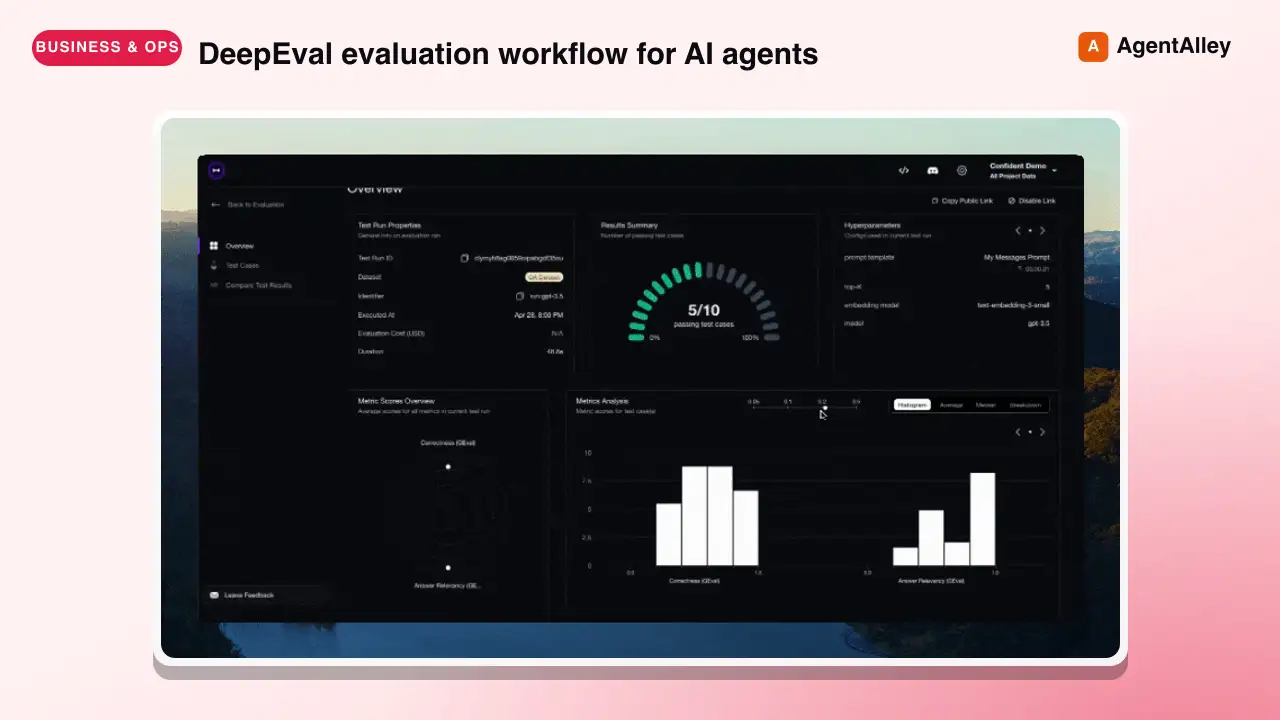
 confident-ai/deepeval · by confident-aiDeepEval evaluation workflow for AI agents and LLM applications. TRIGGER when the user wants to evaluate or improve an AI agent, tool-using workflow, multi-turn chatbot, RAG pipeline, or LLM app; add evals; generate datasets or goldens; use deepeval generate; use deepeval test run; send results to Confident AI; monitor production; run online evals; inspect traces; or iterate on prompts, tools, retrieval, or agent behavior from eval failures. AI agents are the primary use case. Covers Python SDK, pytest eval suites, CLI generation, traced evals, Confident AI reporting, and agent-driven improvement loops. DO NOT TRIGGER for unrelated generic pytest, non-AI test setup, or non-DeepEval observability work unless the user asks to compare or migrate to DeepEval; for instrumenting an app with DeepEval tracing, @observe, or framework integrations (use the `deepeval-tracing` skill); or for raw OpenTelemetry / OTLP export without the deepeval package (use the `deepeval-otel` skill).★ 18.7k GitHub stars
 SkillBrowser Automation Tool
 SawyerHood/dev-browser · by SawyerHoodBrowser automation with persistent named pages via the dev-browser CLI. Use when users ask to navigate websites, fill forms, take screenshots, extract web data, test web apps, log into sites, or automate browser workflows. Trigger phrases include "go to [url]", "click on", "fill out the form", "take a screenshot", "scrape", "automate", "test the website", "log into", "open the browser", or any browser interaction request.★ 6.7k GitHub stars
 SkillSkill to App Converter
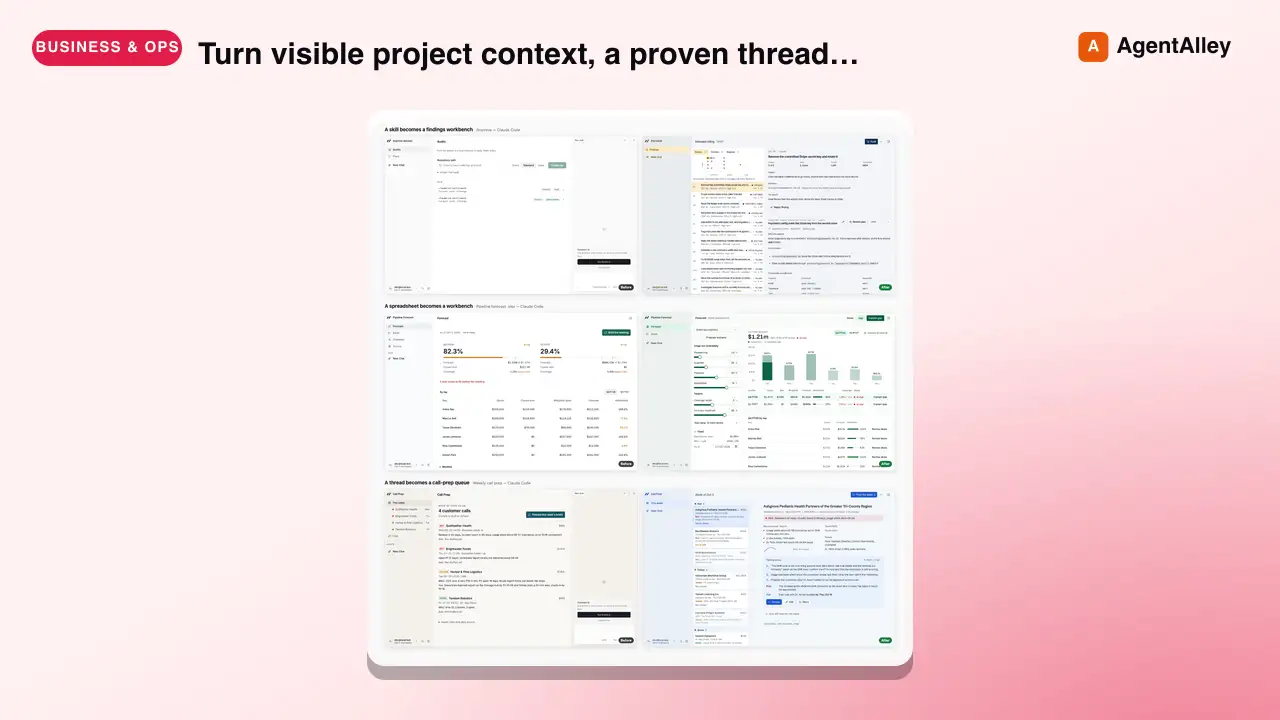
 BuilderIO/skills · by BuilderIOTurn visible project context, a proven thread, skill, or workflow into a runnable Agent-Native app with simple buttons, visible agent steps, preview, and deployment handoff. Use when a user invokes `/turn-into-app` or asks to make a workflow into an app, including from Claude or ChatGPT on the web, including when the source is a spreadsheet link or upload.★ 4.5k GitHub stars
 SkillBrowser Test Automation
 lackeyjb/playwright-skill · by lackeyjbComplete browser automation with Playwright. Auto-detects dev servers, writes reusable test scripts, and supports screenshots, responsive checks, UX validation, login flows, link checks, and arbitrary browser automation. Use when the user wants to test a website, automate browser interactions, validate web functionality, or perform browser-based testing.★ 3.2k GitHub stars
 SkillTinyFish CLI
 tinyfish-io/tinyfish-cookbook · by tinyfish-ioUse TinyFish for web search, fetching URLs, reading pages, current information, source-backed answers, research, docs, pricing/product pages, extraction, scraping, and browser automation. Use whenever the user asks to search, find, look up, research, compare, get information from the web, summarize a URL, fetch page content, or automate a website.★ 2.2k GitHub stars
More from expo
 SkillExpo Task Router
 expo/skills · by expoEntry point and router for every Expo or EAS task. Load this skill first — before writing code and before choosing another expo-* / eas-* skill — when the request, PRD, or spec mentions Expo, EAS, Expo Go, or an expo-* package, or the project has an `expo` dependency in `package.json`. Within that gate it also covers app specs and designs to implement (tabs, stacks, maps, lists, navigation, building from a screenshot), and phrasings like 'implement a mobile app', 'make my app look native', 'add navigation', 'fetch some data', 'upgrade my SDK', 'add Expo to my existing native app', 'ship to the App Store', or 'I'm new to Expo, where do I start'. A fully specified request (SDK pinned, libraries named, layout given) still routes through here — the shared setup rules still apply. Do NOT load it when neither signal is present: a bare React Native project with no `expo` dependency is not Expo work. Detects the real goal, routes to the right expo-* / eas-* skill, and owns the shared setup rules.★ 2.7k GitHub stars
 SkilliOS App Clip Setupexpo/skills · by expoAdd an iOS App Clip target to an Expo app. Use when the user mentions App Clip, AASA, apple-app-site-association, appclips, smart app banner, or wants to ship a lightweight iOS Clip invoked from a URL alongside their parent app.★ 2.7k GitHub stars
 SkillApp Store Deploy Agentexpo/skills · by expoBuild and submit iOS and Android apps with EAS to TestFlight, the App Store, or Google Play. Supports Expo and other React Native projects, plus existing native apps. Use for eas.json setup, release pipelines, signing, app versions and build numbers, store submissions, and listing metadata. For Expo websites and API routes, use eas-hosting; for adding React Native screens to a native app, use expo-brownfield.★ 2.7k GitHub stars
 SkillExpo App Hostingexpo/skills · by expoDeploy Expo websites and Expo Router API routes to EAS Hosting - export the web bundle, run eas deploy for production and PR preview URLs, manage environment secrets and custom domains, and work within the Cloudflare Workers runtime. Also covers authoring API routes (+api.ts handlers, HTTP methods, request handling, CORS). Use when deploying an Expo web app or API routes, setting up EAS Hosting, or configuring hosting environments and domains. Not for native builds or store releases - use the eas-app-stores skill for those.★ 2.7k GitHub stars
 SkillExpo Performance Observerexpo/skills · by expoUse for anything related to EAS Observe - adding `expo-observe` to an Expo project (AppMetricsRoot/ObserveRoot HOC, markInteractive and ObserveInteractiveMarker, the useObserve hook, the Expo Router / React Navigation integrations for per-route metrics, user-defined events via `Observe.logEvent`, error reporting via ObserveErrorBoundary and `Observe.reportError`, and runtime config such as sampleRate and dispatchInDebug), querying via the EAS CLI (`eas observe:metrics-summary`, `observe:metrics`, `observe:routes`, `observe:events`, `observe:session`, `observe:versions`), interpreting the resulting metrics (cold/warm launch, TTR, TTI, navigation cold/warm TTR, update download, and the TTI frameRate/device/network params for triaging slow startups), or shipping an Observe integration inside a third-party package.★ 2.7k GitHub stars
 SkillRemote Device Simulatorexpo/skills · by expoRun and control a user's app on a remote iOS/Android simulator hosted on EAS cloud. Read before running any `eas simulator:*` commands - it has the current syntax for this experimental API. Use whenever the user needs a simulator they can't run locally - 'run my app on a cloud simulator', 'use eas simulator to run/install/screenshot my app', 'I'm on Linux/Cursor and need an iOS device', 'no sim on this box / headless CI', 'let an agent click through my app and screenshot it', 'test my dev build on a remote sim with live reload', 'stream a sim to my browser' - even when they don't say 'EAS Simulator' or 'cloud'. On a host WITHOUT a local simulator (Linux, CI, cloud sandbox) it's the default; on macOS, do NOT auto-trigger for a plain 'run on the simulator' - use it only for a cloud/remote/shareable sim, an iOS version they lack, or an agent-driven session. NOT for local sims (expo run:ios, Xcode, Android Studio), EAS Build/Update, web preview, or physical devices.★ 2.7k GitHub stars