Demo Outline Generator
Deadline prep
Generate a structured demo outline from your session's change log and git history. Reads .claude/critical_log_changes.csv and git log to produce presentation-ready talking points for end-of-day demos, standups, or delivery deadlines.
---
name: deadline-prep
description: Generate a structured demo outline from your session's change log and git history. Reads .claude/critical_log_changes.csv and git log to produce presentation-ready talking points for end-of-day demos, standups, or delivery deadlines.
---

# Deadline Prep

Generate a structured demo outline from your work session. Combines the change log CSV (from the change-logger hook) with git history to create presentation-ready talking points.

## Workflow

### Step 1: Gather data sources

**Change log** (primary source if available):
- Read `.claude/critical_log_changes.csv` if it exists
- Parse columns: timestamp, tool, file_path, action, details
- Group by: files created, files modified, commands executed
Overview
Generate a structured demo outline from your work session. Combines the change log CSV (from the change-logger hook) with git history to create presentation-ready talking points.
Manual install (npx, ZIP)
npx skills add davila7/claude-code-templates --skill deadline-prep -g -a claude-codenpx degit davila7/claude-code-templates/cli-tool/components/skills/productivity/deadline-prep#main ~/.claude/skills/deadline-prepConnects with Agent Alley MCP · agentalley.io/mcp
Files included
SKILL.md2.9 KB
Read SKILL.md here
Show the full text82 lines
Deadline Prep
Generate a structured demo outline from your work session. Combines the change log CSV (from the change-logger hook) with git history to create presentation-ready talking points.
Workflow
Step 1: Gather data sources
Change log (primary source if available):
- Read
.claude/critical_log_changes.csvif it exists - Parse columns: timestamp, tool, file_path, action, details
- Group by: files created, files modified, commands executed
Git history (always available):
git log --oneline --since="today 00:00"
git diff --stat HEAD~10 2>/dev/null || git diff --stat
If the CSV doesn't exist, fall back to git-only mode and note this in the output.
Step 2: Analyze and categorize changes
Group all changes into categories:
| Category | Signals |
|---|---|
| Features shipped | New files, new routes, new components, feat commits |
| Bug fixes | Modified files with fix commits, error handling changes |
| Refactors | Renamed files, structural changes, refactor commits |
| Config/Setup | package.json, tsconfig, CI/CD, Docker changes |
| Tests | Test files created or modified |
| Documentation | README, docs, comments |
Step 3: Generate the demo outline
Create a structured markdown document:
# Demo Outline — [Date]

## What I Shipped
- **[Feature/Fix name]**: One sentence explaining what it does and why it matters
- **[Feature/Fix name]**: One sentence explaining what it does and why it matters
- **[Feature/Fix name]**: One sentence explaining what it does and why it matters

## Architecture Decisions
- **[Decision]**: Why I chose this approach over alternatives
- **[Decision]**: Tradeoff I made and the reasoning

## What I Would Do Next
1. **[Priority 1]**: Why this is the most important next step
2. **[Priority 2]**: What this would unlock
3. **[Priority 3]**: Nice-to-have improvement

## Session Metrics
- Files changed: X
- Lines: +Y / -Z
- Commits: N
- Key files: `path/to/important/file.ts`, `path/to/other.ts`
- Time window: HH:MM - HH:MM
Step 4: Save and present
Save the outline to .claude/demo-outline.md.
Print the full outline to the terminal so the user can review it immediately.
Tips
- Run this 30 minutes before your deadline to have time to review and add personal context
- The "Architecture Decisions" section is what reviewers care about most — add context about tradeoffs
- "What I Would Do Next" shows you think beyond the immediate task
- Edit the generated outline to add your own voice and any context the log missed
- Works best with the
change-loggerhook installed, but functions with git history alone
| 1 | |
| 2 | name deadline-prep |
| 3 | description Generate a structured demo outline from your session's change log and git history. Reads .claude/critical_log_changes.csv and git log to produce presentation-ready talking points for end-of-day demos, standups, or delivery deadlines. |
| 4 | |
| 5 | |
| 6 | # Deadline Prep |
| 7 | |
| 8 | Generate a structured demo outline from your work session. Combines the change log CSV (from the change-logger hook) with git history to create presentation-ready talking points. |
| 9 | |
| 10 | ## Workflow |
| 11 | |
| 12 | ### Step 1: Gather data sources |
| 13 | |
| 14 | **Change log** (primary source if available): |
| 15 | Read `.claude/critical_log_changes.csv` if it exists |
| 16 | Parse columns: timestamp, tool, file_path, action, details |
| 17 | Group by: files created, files modified, commands executed |
| 18 | |
| 19 | **Git history** (always available): |
| 20 | |
| 21 | git log --oneline --since="today 00:00" |
| 22 | git diff --stat HEAD~10 2>/dev/null || git diff --stat |
| 23 | |
| 24 | |
| 25 | If the CSV doesn't exist, fall back to git-only mode and note this in the output. |
| 26 | |
| 27 | ### Step 2: Analyze and categorize changes |
| 28 | |
| 29 | Group all changes into categories: |
| 30 | |
| 31 | | Category | Signals | |
| 32 | |----------|---------| |
| 33 | | **Features shipped** | New files, new routes, new components, `feat` commits | |
| 34 | | **Bug fixes** | Modified files with `fix` commits, error handling changes | |
| 35 | | **Refactors** | Renamed files, structural changes, `refactor` commits | |
| 36 | | **Config/Setup** | package.json, tsconfig, CI/CD, Docker changes | |
| 37 | | **Tests** | Test files created or modified | |
| 38 | | **Documentation** | README, docs, comments | |
| 39 | |
| 40 | ### Step 3: Generate the demo outline |
| 41 | |
| 42 | Create a structured markdown document: |
| 43 | |
| 44 | |
| 45 | # Demo Outline — [Date] |
| 46 | |
| 47 | ## What I Shipped |
| 48 | - **[Feature/Fix name]**: One sentence explaining what it does and why it matters |
| 49 | - **[Feature/Fix name]**: One sentence explaining what it does and why it matters |
| 50 | - **[Feature/Fix name]**: One sentence explaining what it does and why it matters |
| 51 | |
| 52 | ## Architecture Decisions |
| 53 | - **[Decision]**: Why I chose this approach over alternatives |
| 54 | - **[Decision]**: Tradeoff I made and the reasoning |
| 55 | |
| 56 | ## What I Would Do Next |
| 57 | 1. **[Priority 1]**: Why this is the most important next step |
| 58 | 2. **[Priority 2]**: What this would unlock |
| 59 | 3. **[Priority 3]**: Nice-to-have improvement |
| 60 | |
| 61 | ## Session Metrics |
| 62 | - Files changed: X |
| 63 | - Lines: +Y / -Z |
| 64 | - Commits: N |
| 65 | - Key files: `path/to/important/file.ts`, `path/to/other.ts` |
| 66 | - Time window: HH:MM - HH:MM |
| 67 | |
| 68 | |
| 69 | ### Step 4: Save and present |
| 70 | |
| 71 | Save the outline to `.claude/demo-outline.md`. |
| 72 | |
| 73 | Print the full outline to the terminal so the user can review it immediately. |
| 74 | |
| 75 | ## Tips |
| 76 | |
| 77 | Run this 30 minutes before your deadline to have time to review and add personal context |
| 78 | The "Architecture Decisions" section is what reviewers care about most — add context about tradeoffs |
| 79 | "What I Would Do Next" shows you think beyond the immediate task |
| 80 | Edit the generated outline to add your own voice and any context the log missed |
| 81 | Works best with the `change-logger` hook installed, but functions with git history alone |
| 82 |
Details
- License
- MIT
- Stars on the repo
- ★ 32,299
- Checked
- Source
- davila7/claude-code-templates ↗
- Creator
- davila7 · 212 listings
Similar skills
See all → SkillCI/CD Pipeline Setup
 addyosmani/agent-skills · by addyosmaniAutomates CI/CD pipeline setup. Use when setting up or modifying build and deployment pipelines. Use when you need to automate quality gates, configure test runners in CI, or establish deployment strategies.★ 98.7k GitHub stars
 SkillSemantic Release Automation
 thedotmack/claude-mem · by thedotmackAutomated semantic versioning and release workflow for Claude Code plugins. Handles version increments across package.json, marketplace.json, plugin.json manifests, build verification, git tagging, GitHub releases, and changelog generation. NPM publishing is the final human-required handoff because the maintainer raised npm security.★ 95.6k GitHub stars
 SkillOrca CLI
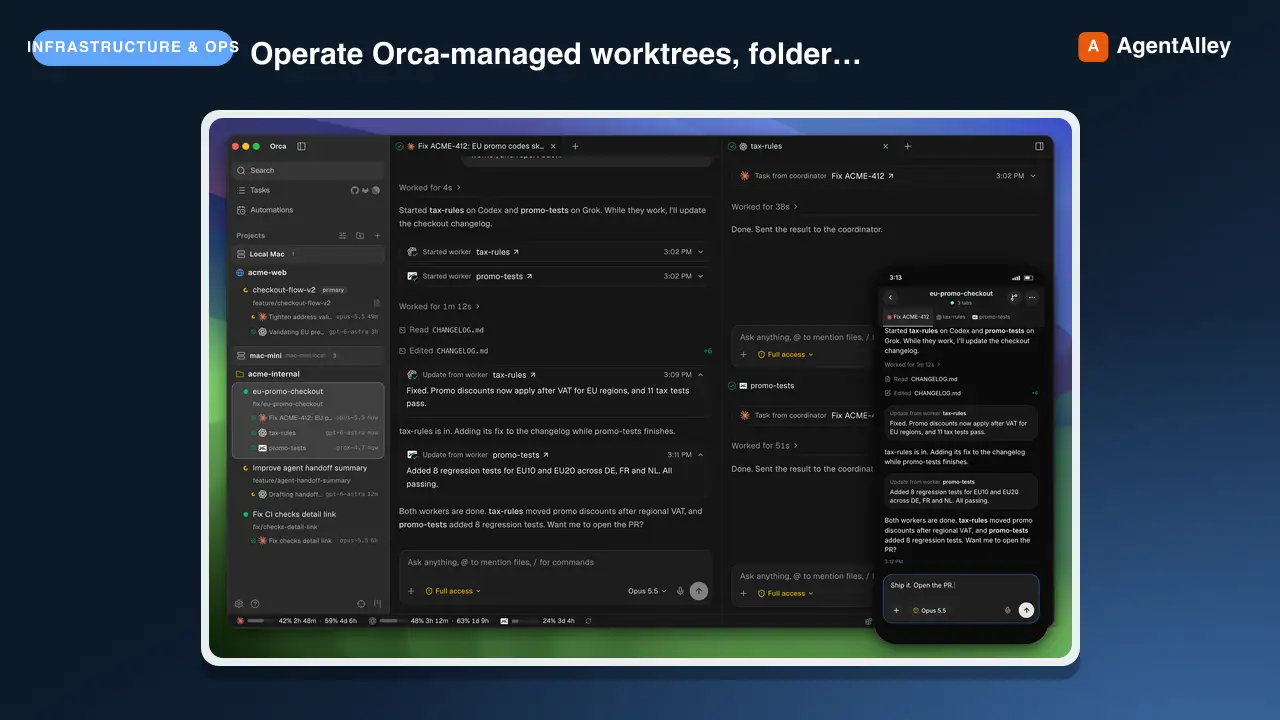
 stablyai/orca · by stablyaiOperate Orca-managed worktrees, folder contexts, terminals, repos, automations, artifacts, skill sharing, worktree comments, and Orca's embedded browser through the `orca` CLI. Use when the user says "$orca-cli", "Orca worktree", "child worktree", "spawn codex/claude in a worktree", "read/wait/send Orca terminal", "handoff" / "handover" / "give this to another agent", "Orca browser", "orca artifacts", or "share skills". Prefer it over raw git worktree, ad hoc PTYs, or Computer Use when Orca state is involved. Use Computer Use only when a visible window needs GUI control that a CLI, filesystem, or API cannot do.★ 84.5k GitHub stars
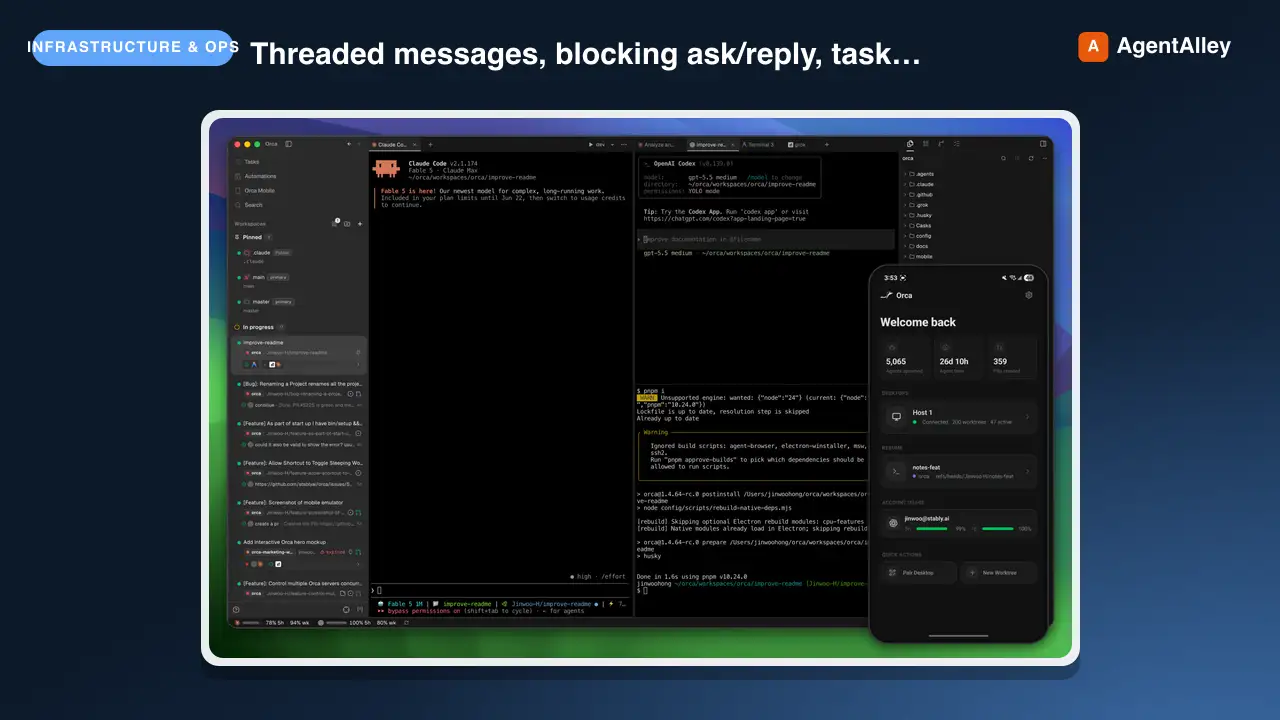 SkillWorker Coordination Enginestablyai/orca · by stablyaiCoordinate supervised Orca workers: threaded messages, blocking ask/reply, task dispatch, worker_done/escalation waits, task DAGs, decision gates, coordinator loops, and decomposing work across agents. Use `orca-cli` for full ownership handoffs — "hand off", "handoff", "handover", "give this to another agent", "another worktree" — unless asked to supervise, monitor, or coordinate a DAG, and for terminal control, lightweight terminal prompts, shell commands, Orca worktree management, and reading or waiting on terminals.★ 84.5k GitHub stars
 SkillVercel Deployment Tool
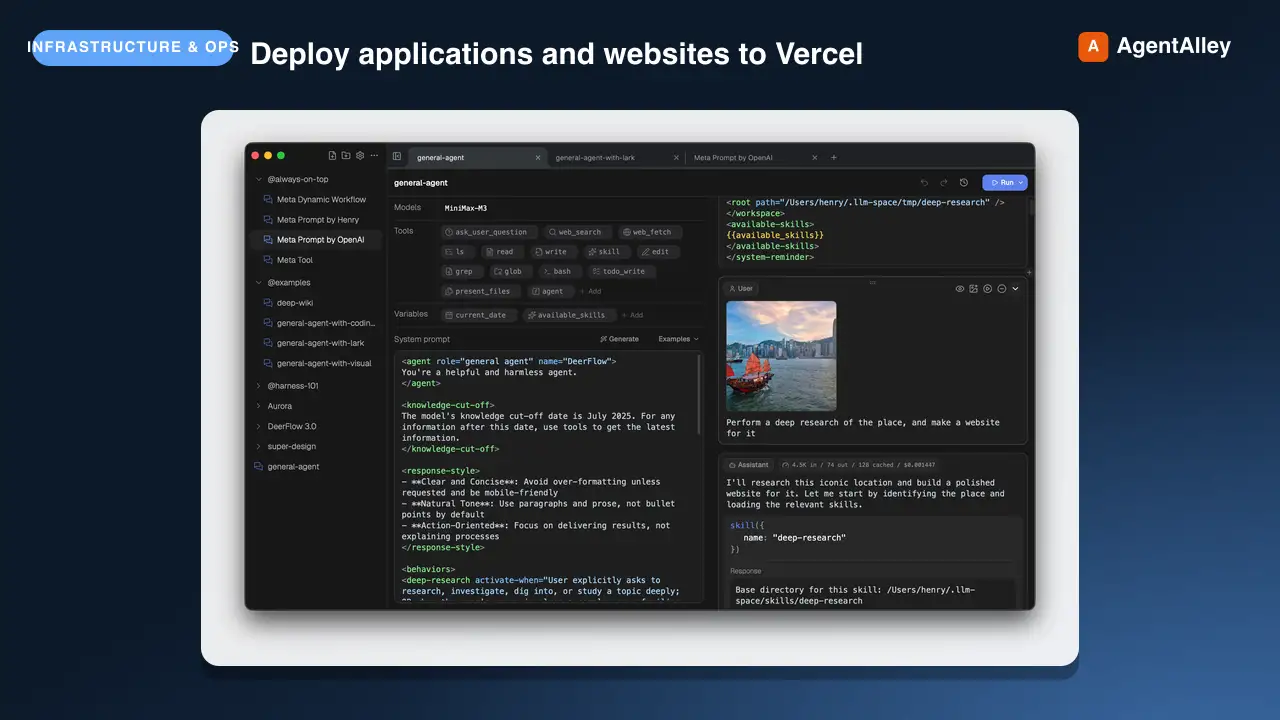
 bytedance/deer-flow · by bytedanceDeploy applications and websites to Vercel. Use this skill when the user requests deployment actions such as "Deploy my app", "Deploy this to production", "Create a preview deployment", "Deploy and give me the link", or "Push this live". No authentication required - returns preview URL and claimable deployment link.★ 83.5k GitHub stars
 SkillPull Request Manager
 pascalorg/editor · by pascalorgOpen or update a pull request on pascalorg/editor from the current branch, describing only what the branch actually did. Use when the user asks to open/create a PR, push and PR, or ship a branch in the editor repo.★ 24.6k GitHub stars
More from davila7
 Skill2D Game Development
 davila7/claude-code-templates · by davila72D game development principles. Sprites, tilemaps, physics, camera.★ 32.3k GitHub stars
 Skill3D Game Development Principlesdavila7/claude-code-templates · by davila73D game development principles. Rendering, shaders, physics, cameras.★ 32.3k GitHub stars
 Skill3D Web Experience Builderdavila7/claude-code-templates · by davila7Expert in building 3D experiences for the web - Three.js, React Three Fiber, Spline, WebGL, and interactive 3D scenes. Covers product configurators, 3D portfolios, immersive websites, and bringing depth to web experiences. Use when: 3D website, three.js, WebGL, react three fiber, 3D experience.★ 32.3k GitHub stars
 SkillSplit Test Setupdavila7/claude-code-templates · by davila7When the user wants to plan, design, or implement an A/B test or experiment. Also use when the user mentions "A/B test," "split test," "experiment," "test this change," "variant copy," "multivariate test," or "hypothesis." For tracking implementation, see analytics-tracking.★ 32.3k GitHub stars
 AgentResearch Literature Synthesizerdavila7/claude-code-templates · by davila7Academic research synthesis specialist. Use PROACTIVELY for comprehensive research on academic topics, literature reviews, technical investigations, and well-cited analysis combining multiple sources. <example>Context: A podcast episode needs a segment grounded in peer-reviewed evidence with formal citations. user: "Research the current state of transformer efficiency techniques for the episode, with proper academic citations." assistant: "I'll use the academic-research-synthesizer agent to search arXiv and Semantic Scholar, extract full-text findings via WebFetch, and produce a cited literature synthesis with confidence levels." <commentary>Use academic-research-synthesizer (not comprehensive-researcher) when the episode segment needs peer-reviewed sourcing, formal citation format, and explicit confidence tagging rather than general-purpose multi-source coverage.</commentary></example> <example>Context: The episode-orchestrator has routed a "literature review" request for a technical deep-dive segment. user: "Summarize the research landscape on federated learning privacy guarantees." assistant: "I'll invoke academic-research-synthesizer to systematically search academic sources, note peer-review status per source, and synthesize consensus vs. open debates."</example>★ 32.3k GitHub stars
 AgentAcademic Research Specialistdavila7/claude-code-templates · by davila7Academic research specialist for scholarly sources, peer-reviewed papers, and academic literature. Use PROACTIVELY for research paper analysis, literature reviews, citation tracking, and academic methodology evaluation. <example>Context: The research-orchestrator has kicked off Phase 4 parallel research on 'efficacy of intermittent fasting' and needs peer-reviewed evidence. user: "Find the academic evidence on intermittent fasting outcomes." assistant: "I'll use the academic-researcher agent to search Semantic Scholar, PubMed, and OpenAlex for peer-reviewed studies and write structured findings to academic-research.md." <commentary>The request is specifically for scholarly/peer-reviewed evidence rather than general web coverage or code, so academic-researcher (not web-researcher or technical-researcher) is the right specialist.</commentary></example> <example>Context: The user wants a literature review comparing methodologies across studies on a topic. user: "Can you review the literature on transformer model interpretability and identify research gaps?" assistant: "Let me invoke the academic-researcher agent to pull foundational and recent papers, extract methodologies, and surface open research gaps." <commentary>Literature review, methodology extraction, and research-gap identification are core academic-researcher capabilities, distinct from technical-researcher's focus on code repositories and implementations.</commentary></example>★ 32.3k GitHub stars