Clay Workflow Builder
Clay automation
Build production-grade Clay enrichment workflows — table architecture, waterfall configuration, Claygent AI research, Sculptor table building, CRM push with clay_status properties, credit optimization. Use when building Clay tables,…
---
name: clay-automation
description: >-
  Build production-grade Clay enrichment workflows — table architecture, waterfall
  configuration, Claygent AI research, Sculptor table building, CRM push with
  clay_status properties, credit optimization. Use when building Clay tables,
  configuring enrichment waterfalls, setting up Claygent, or automating GTM
  workflows in Clay. Triggers on: "Clay", "Clay workflow", "Clay table", "Claygent",
  "Sculptor", "Clay enrichment", "Clay waterfall", "Clay automation", or any
  request about building workflows in Clay.
license: MIT
compatibility: Claude Code, Codex, GitHub Copilot, Cursor, Gemini CLI, OpenCode, Goose, Hermes, Windsurf, Zed
metadata:
  version: "1.0.0"
  author: LeadMagic
  category: automation
  tags: [clay, automation, enrichment, waterfall, workflows]
  related_skills: [clay-toolkit, clay-loops-toolkit, ai-prompts-toolkit, waterfall-enrichment, lead-enrichment, list-building, n8n-automation]
Overview
Clay is the orchestration layer where enrichment, scoring, and routing converge. Used correctly, it's a GTM multiplier. Used incorrectly, it's a credit-burning machine producing data nobody trusts.
Manual install (npx, ZIP)
npx skills add LeadMagic/gtm-skills --skill clay-automation -g -a claude-codenpx degit LeadMagic/gtm-skills/skills/automation/clay-automation#main ~/.claude/skills/clay-automationConnects with Agent Alley MCP · agentalley.io/mcp
Files included
SKILL.md8.5 KB
Read SKILL.md here
Show the full text206 lines
Clay Automation
Overview
Clay is the orchestration layer where enrichment, scoring, and routing converge. Used correctly, it's a GTM multiplier. Used incorrectly, it's a credit-burning machine producing data nobody trusts.
This skill covers when and how to roll out Clay automation — data quality, table separation, rollout phases, and n8n handoff.
Playbook index: references/automation-playbook-index.md — all 38 automation + tool + gtm-ops playbooks.
Automation strategy (before tool config): Jen Igartua (Go Nimbly) — data before AI,
maturity levels 0–4, human+machine division. Canonical → references/gtm-automation-expert-playbook.md
(Pattern 30). Outbound copy/infra → Eric Nowoslawski / Pat Spielmann / Justin Michael — not this skill.
Tool implementation
(table columns, LeadMagic waterfalls, loops) lives in tools/:
clay-toolkit(tools/clay-toolkit) — tables and waterfallsclay-loops-toolkit(tools/clay-loops-toolkit) — signal loops
When to Use
- "Build a Clay enrichment workflow"
- "Set up a Clay table for our prospecting"
- "Configure a waterfall in Clay"
- "Use Claygent for research"
- "Push enriched data from Clay to HubSpot"
- "Optimize our Clay credit usage"
- "Design a Clay automation pipeline"
Authoritative Foundations
Clay workflow design follows patterns from DAMA-DMBOK data-quality dimensions, Ziellab (3 separate waterfalls: company, email, phone), and GTME Pulse (10 production templates tested at $5M-$100M ARR companies).
The core principle: Clay is a routing engine, not a CRM. Enriched data lives in your CRM; Clay processes it en route.
- Eric Nowoslawski — Crawl Walk Run (Growth Engine X). Roll out Clay
automation in phases: Crawl — manual campaigns for 5–10 companies (no AI);
Walk — system prompt with business context + manual examples, review first
50 outputs; Run — automate in Clay → Smartlead/SEP with Supabase for block
lists. Default campaign type: Creative Ideas (3 constrained capabilities per
prospect). Playbook →
references/eric-nowoslawski-outbound.md.
Prerequisites
- Clay account (Pro plan or above for waterfall features and conditional columns)
- API keys for enrichment providers (Apollo, ZoomInfo, PDL, etc.)
- CRM connected (HubSpot, Salesforce, or Attio)
- ICP defined and documented
Step-by-Step Process
Phase 1: Table Architecture
Rule: separate company and person tables.
Company table: one row per domain. Enriches firmographics, tech stack, company-level qualification once.
Person table: one row per contact. References company data via domain lookup. Enriches email, phone, LinkedIn, role-level qualification.
This separation prevents credit waste from re-enriching the same company data across every contact row.
Phase 2: Waterfall Configuration
For each data field, configure a conditional waterfall:
| Field | Primary | Fallback 1 | Fallback 2 |
|---|---|---|---|
| LeadMagic Email Finder | Apollo | Hunter | |
| Phone | Apollo | Cognism | ContactOut |
| Company data | Clay native | Apollo Company | Clearbit |
Set conditions: each fallback only fires when the previous step returns empty or error. Use Clay's conditional logic: "Only run if [previous column] is blank."
Phase 3: Claygent Configuration
Claygent is AI-powered web research. Configure prompts explicitly:
Good prompt: "Find the work email for [name] at [company]. Search the company's team page, LinkedIn profile, and press releases. Return the email AND the source URL. Do NOT guess or construct emails from patterns. If no verified source, return empty."
Bad prompt (don't use): "Find me their email."
Critical rules:
- Always require source URL citation
- Explicitly prohibit pattern-guessing
- Set credit cap per Claygent call (5-10 credits)
- Use only for the 10-15% that structured providers miss
Phase 4: CRM Push
Push enriched data to CRM with a clay_status property:
| clay_status | Meaning | Action |
|---|---|---|
| pending | In enrichment | Hold — not ready |
| enriched | Enrichment complete | Ready for verification |
| verified | Verified and safe | Can enter sequences |
| exported | Pushed to CRM | Done, archive in Clay |
Only contacts with clay_status = verified enter sequences.
Phase 5: Credit Optimization
Qualify first, enrich deep later. Run ICP filters before expensive contact enrichment. Cuts costs 30-40%.
Credit caps per row. Set max 5-6 credits per row. If a contact is that hard to find, they're probably not a good fit.
Native integrations over HTTP API. Clay's native provider integrations are rate-limited and credit-billed correctly. HTTP API calls bypass Clay's cache and often double-charge.
Batch overnight. Claygent is 15-40s per row. Run large Claygent batches during off-hours.
Output Format
Clay workflow document with table architecture diagram, provider waterfall configuration, Claygent prompt templates, CRM push rules, credit budget, and maintenance schedule.
Quality Check
- Company and person tables separated
- Waterfalls configured with conditional fallback logic
- Claygent prompts explicitly prohibit guessing
- CRM push uses clay_status property gating
- Credit caps set per row
- Test batch (50 rows) validated before scaling
Common Pitfalls
One giant table. Combining company and person data wastes credits and makes re-enrichment impossible. Separate always.
Enriching before filtering. Running $0.15-0.40/contact enrichment on non-ICP records wastes budget. Filter on cheap data first.
Claygent guessing emails. Without explicit "do not guess" instructions, Claygent constructs pattern-based emails that bounce at 40-60% rates.
Two-way CRM sync. Clay-to-CRM should be one direction. CRM-to-Clay sync creates data conflicts. Push only.
Clay as permanent storage. Clay is a workspace. Push to CRM, archive or delete rows in Clay. Old rows decay just like anywhere else.
No credit caps. Without caps, a single row can chew through 15+ credits. Cap at 5-6 per row.
Execution Artifacts
references/framework-notes.md— named frameworks, citation anchors, and operating assumptionstemplates/output-template.md— copy-paste deliverable structure for the userscripts/check-output.py— local checklist validator for required sections This skill includes lightweight artifacts the agent can load on demand:references/gtm-automation-expert-playbook.md— Jen Igartua RevOps automation strategy (Pattern 30)references/eric-nowoslawski-outbound.md— Crawl Walk Run, Creative Ideas, GEX stack (Eric Nowoslawski) Use the artifacts when the user asks for an implementation-ready deliverable, a repeatable workflow, or a quality check rather than generic advice.
Related Skills
- waterfall-enrichment: Deep waterfall architecture
- lead-enrichment: Enrichment execution patterns
- list-building: List building workflows in Clay
- clay-toolkit:
tools/clay-toolkit— table blueprints, LeadMagic waterfalls - clay-loops-toolkit:
tools/clay-loops-toolkit— signal loops and routing - ai-prompts-toolkit: Claygent and LLM prompt library
- n8n-automation: n8n as Clay export for complex cases
- crm-integration: CRM configuration for Clay data
| 1 | |
| 2 | name clay-automation |
| 3 | description >- |
| 4 | Build production-grade Clay enrichment workflows — table architecture, waterfall |
| 5 | configuration, Claygent AI research, Sculptor table building, CRM push with |
| 6 | clay_status properties, credit optimization. Use when building Clay tables, |
| 7 | configuring enrichment waterfalls, setting up Claygent, or automating GTM |
| 8 | workflows in Clay. Triggers on: "Clay", "Clay workflow", "Clay table", "Claygent", |
| 9 | "Sculptor", "Clay enrichment", "Clay waterfall", "Clay automation", or any |
| 10 | request about building workflows in Clay. |
| 11 | license MIT |
| 12 | compatibility Claude Code, Codex, GitHub Copilot, Cursor, Gemini CLI, OpenCode, Goose, Hermes, Windsurf, Zed |
| 13 | metadata |
| 14 | version "1.0.0" |
| 15 | author LeadMagic |
| 16 | category automation |
| 17 | tags [clay, automation, enrichment, waterfall, workflows] |
| 18 | related_skills [clay-toolkit, clay-loops-toolkit, ai-prompts-toolkit, waterfall-enrichment, lead-enrichment, list-building, n8n-automation] |
| 19 | frameworks [DAMA-DMBOK Data Quality Dimensions, Ziellab 3-Waterfall Architecture, GTME Pulse Clay Templates, Eric Nowoslawski Crawl Walk Run, Eric Nowoslawski Creative Ideas Campaign, Eric Nowoslawski GEX Agency Stack, Jen Igartua Go Nimbly RevOps automation maturity] |
| 20 | |
| 21 | |
| 22 | # Clay Automation |
| 23 | |
| 24 | ## Overview |
| 25 | |
| 26 | Clay is the orchestration layer where enrichment, scoring, and routing converge. |
| 27 | Used correctly, it's a GTM multiplier. Used incorrectly, it's a credit-burning |
| 28 | machine producing data nobody trusts. |
| 29 | |
| 30 | This skill covers **when and how to roll out** Clay automation — data quality, |
| 31 | table separation, rollout phases, and n8n handoff. |
| 32 | |
| 33 | **Playbook index:** `references/automation-playbook-index.md` — all 38 automation + tool + gtm-ops playbooks. |
| 34 | |
| 35 | **Automation strategy (before tool config):** Jen Igartua (Go Nimbly) — data before AI, |
| 36 | maturity levels 0–4, human+machine division. Canonical → `references/gtm-automation-expert-playbook.md` |
| 37 | (Pattern 30). Outbound copy/infra → Eric Nowoslawski / Pat Spielmann / Justin Michael — not this skill. |
| 38 | |
| 39 | **Tool implementation** |
| 40 | (table columns, LeadMagic waterfalls, loops) lives in `tools/`: |
| 41 | `clay-toolkit` (`tools/clay-toolkit`) — tables and waterfalls |
| 42 | `clay-loops-toolkit` (`tools/clay-loops-toolkit`) — signal loops |
| 43 | |
| 44 | ## When to Use |
| 45 | |
| 46 | "Build a Clay enrichment workflow" |
| 47 | "Set up a Clay table for our prospecting" |
| 48 | "Configure a waterfall in Clay" |
| 49 | "Use Claygent for research" |
| 50 | "Push enriched data from Clay to HubSpot" |
| 51 | "Optimize our Clay credit usage" |
| 52 | "Design a Clay automation pipeline" |
| 53 | |
| 54 | ## Authoritative Foundations |
| 55 | |
| 56 | Clay workflow design follows patterns from DAMA-DMBOK data-quality dimensions, |
| 57 | Ziellab (3 separate waterfalls: company, email, phone), and GTME Pulse |
| 58 | (10 production templates tested at $5M-$100M ARR companies). |
| 59 | |
| 60 | The core principle: Clay is a routing engine, not a CRM. Enriched data |
| 61 | lives in your CRM; Clay processes it en route. |
| 62 | |
| 63 | **Eric Nowoslawski — Crawl Walk Run (Growth Engine X).** Roll out Clay |
| 64 | automation in phases: **Crawl** — manual campaigns for 5–10 companies (no AI); |
| 65 | **Walk** — system prompt with business context + manual examples, review first |
| 66 | 50 outputs; **Run** — automate in Clay → Smartlead/SEP with Supabase for block |
| 67 | lists. Default campaign type: **Creative Ideas** (3 constrained capabilities per |
| 68 | prospect). Playbook → `references/eric-nowoslawski-outbound.md`. |
| 69 | |
| 70 | ## Prerequisites |
| 71 | |
| 72 | Clay account (Pro plan or above for waterfall features and conditional columns) |
| 73 | API keys for enrichment providers (Apollo, ZoomInfo, PDL, etc.) |
| 74 | CRM connected (HubSpot, Salesforce, or Attio) |
| 75 | ICP defined and documented |
| 76 | |
| 77 | ## Step-by-Step Process |
| 78 | |
| 79 | ### Phase 1: Table Architecture |
| 80 | |
| 81 | **Rule: separate company and person tables.** |
| 82 | |
| 83 | Company table: one row per domain. Enriches firmographics, tech stack, |
| 84 | company-level qualification once. |
| 85 | |
| 86 | Person table: one row per contact. References company data via domain |
| 87 | lookup. Enriches email, phone, LinkedIn, role-level qualification. |
| 88 | |
| 89 | This separation prevents credit waste from re-enriching the same company |
| 90 | data across every contact row. |
| 91 | |
| 92 | ### Phase 2: Waterfall Configuration |
| 93 | |
| 94 | For each data field, configure a conditional waterfall: |
| 95 | |
| 96 | | Field | Primary | Fallback 1 | Fallback 2 | |
| 97 | |---|---|---|---| |
| 98 | | Email | LeadMagic Email Finder | Apollo | Hunter | |
| 99 | | Phone | Apollo | Cognism | ContactOut | |
| 100 | | Company data | Clay native | Apollo Company | Clearbit | |
| 101 | |
| 102 | Set conditions: each fallback only fires when the previous step returns |
| 103 | empty or error. Use Clay's conditional logic: "Only run if [previous |
| 104 | column] is blank." |
| 105 | |
| 106 | ### Phase 3: Claygent Configuration |
| 107 | |
| 108 | Claygent is AI-powered web research. Configure prompts explicitly: |
| 109 | |
| 110 | **Good prompt:** "Find the work email for [name] at [company]. Search |
| 111 | the company's team page, LinkedIn profile, and press releases. Return |
| 112 | the email AND the source URL. Do NOT guess or construct emails from |
| 113 | patterns. If no verified source, return empty." |
| 114 | |
| 115 | **Bad prompt (don't use):** "Find me their email." |
| 116 | |
| 117 | Critical rules: |
| 118 | Always require source URL citation |
| 119 | Explicitly prohibit pattern-guessing |
| 120 | Set credit cap per Claygent call (5-10 credits) |
| 121 | Use only for the 10-15% that structured providers miss |
| 122 | |
| 123 | ### Phase 4: CRM Push |
| 124 | |
| 125 | Push enriched data to CRM with a clay_status property: |
| 126 | |
| 127 | | clay_status | Meaning | Action | |
| 128 | |---|---|---| |
| 129 | | pending | In enrichment | Hold — not ready | |
| 130 | | enriched | Enrichment complete | Ready for verification | |
| 131 | | verified | Verified and safe | Can enter sequences | |
| 132 | | exported | Pushed to CRM | Done, archive in Clay | |
| 133 | |
| 134 | Only contacts with clay_status = verified enter sequences. |
| 135 | |
| 136 | ### Phase 5: Credit Optimization |
| 137 | |
| 138 | **Qualify first, enrich deep later.** Run ICP filters before expensive |
| 139 | contact enrichment. Cuts costs 30-40%. |
| 140 | |
| 141 | **Credit caps per row.** Set max 5-6 credits per row. If a contact |
| 142 | is that hard to find, they're probably not a good fit. |
| 143 | |
| 144 | **Native integrations over HTTP API.** Clay's native provider integrations |
| 145 | are rate-limited and credit-billed correctly. HTTP API calls bypass Clay's |
| 146 | cache and often double-charge. |
| 147 | |
| 148 | **Batch overnight.** Claygent is 15-40s per row. Run large Claygent |
| 149 | batches during off-hours. |
| 150 | |
| 151 | ## Output Format |
| 152 | |
| 153 | Clay workflow document with table architecture diagram, provider waterfall |
| 154 | configuration, Claygent prompt templates, CRM push rules, credit budget, |
| 155 | and maintenance schedule. |
| 156 | |
| 157 | ## Quality Check |
| 158 | |
| 159 | [ ] Company and person tables separated |
| 160 | [ ] Waterfalls configured with conditional fallback logic |
| 161 | [ ] Claygent prompts explicitly prohibit guessing |
| 162 | [ ] CRM push uses clay_status property gating |
| 163 | [ ] Credit caps set per row |
| 164 | [ ] Test batch (50 rows) validated before scaling |
| 165 | |
| 166 | ## Common Pitfalls |
| 167 | |
| 168 | **One giant table.** Combining company and person data wastes credits |
| 169 | and makes re-enrichment impossible. Separate always. |
| 170 | |
| 171 | **Enriching before filtering.** Running $0.15-0.40/contact enrichment on |
| 172 | non-ICP records wastes budget. Filter on cheap data first. |
| 173 | |
| 174 | **Claygent guessing emails.** Without explicit "do not guess" instructions, |
| 175 | Claygent constructs pattern-based emails that bounce at 40-60% rates. |
| 176 | |
| 177 | **Two-way CRM sync.** Clay-to-CRM should be one direction. CRM-to-Clay |
| 178 | sync creates data conflicts. Push only. |
| 179 | |
| 180 | **Clay as permanent storage.** Clay is a workspace. Push to CRM, archive |
| 181 | or delete rows in Clay. Old rows decay just like anywhere else. |
| 182 | |
| 183 | **No credit caps.** Without caps, a single row can chew through 15+ credits. |
| 184 | Cap at 5-6 per row. |
| 185 | |
| 186 | ## Execution Artifacts |
| 187 | |
| 188 | `references/framework-notes.md` — named frameworks, citation anchors, and operating assumptions |
| 189 | `templates/output-template.md` — copy-paste deliverable structure for the user |
| 190 | `scripts/check-output.py` — local checklist validator for required sections |
| 191 | This skill includes lightweight artifacts the agent can load on demand: |
| 192 | `references/gtm-automation-expert-playbook.md` — Jen Igartua RevOps automation strategy (Pattern 30) |
| 193 | `references/eric-nowoslawski-outbound.md` — Crawl Walk Run, Creative Ideas, GEX stack (Eric Nowoslawski) |
| 194 | Use the artifacts when the user asks for an implementation-ready deliverable, a repeatable workflow, or a quality check rather than generic advice. |
| 195 | |
| 196 | ## Related Skills |
| 197 | |
| 198 | **waterfall-enrichment**: Deep waterfall architecture |
| 199 | **lead-enrichment**: Enrichment execution patterns |
| 200 | **list-building**: List building workflows in Clay |
| 201 | **clay-toolkit**: `tools/clay-toolkit` — table blueprints, LeadMagic waterfalls |
| 202 | **clay-loops-toolkit**: `tools/clay-loops-toolkit` — signal loops and routing |
| 203 | **ai-prompts-toolkit**: Claygent and LLM prompt library |
| 204 | **n8n-automation**: n8n as Clay export for complex cases |
| 205 | **crm-integration**: CRM configuration for Clay data |
| 206 |
Details
- License
- MIT
- Stars on the repo
- ★ 62
- Checked
- Source
- LeadMagic/gtm-skills ↗
- Creator
- LeadMagic · 129 listings
Similar skills
See all → SkillBrowser Automation
 ruvnet/RuView · by ruvnetWeb browser automation with AI-optimized snapshots for claude-flow agents★ 94.7k GitHub stars
 SkillDeepeval LLM Assessment
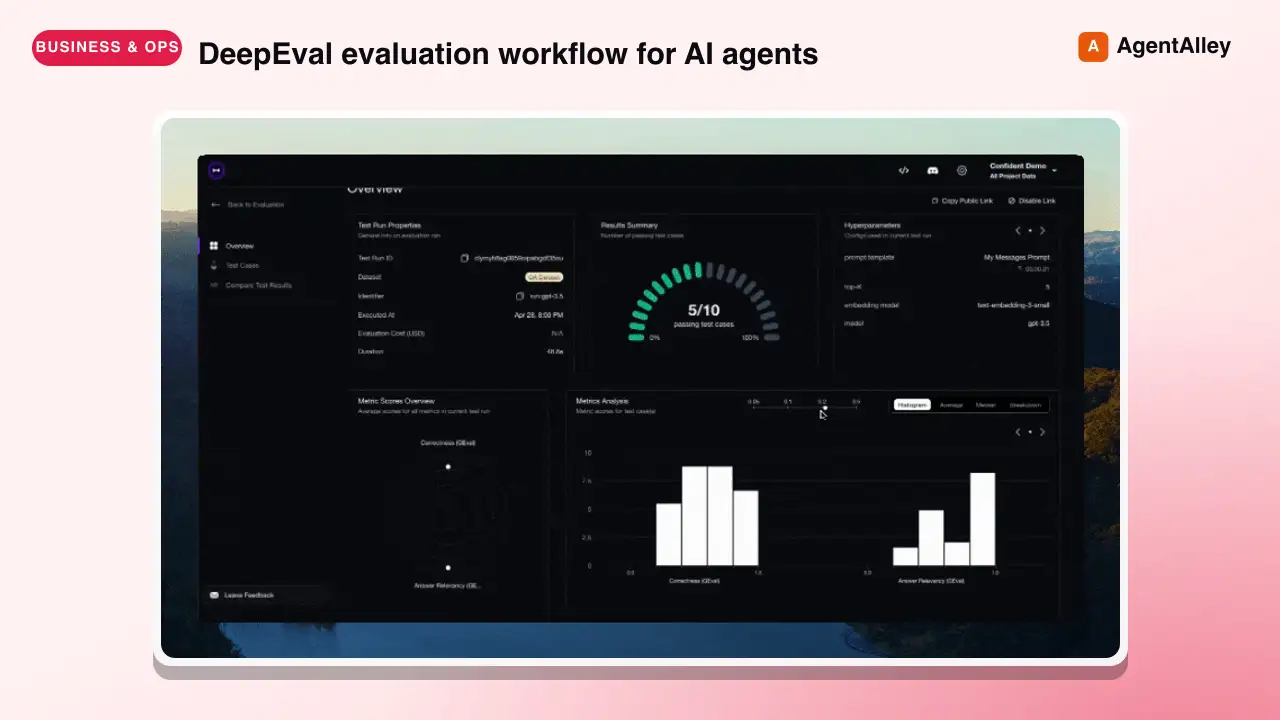
 confident-ai/deepeval · by confident-aiDeepEval evaluation workflow for AI agents and LLM applications. TRIGGER when the user wants to evaluate or improve an AI agent, tool-using workflow, multi-turn chatbot, RAG pipeline, or LLM app; add evals; generate datasets or goldens; use deepeval generate; use deepeval test run; send results to Confident AI; monitor production; run online evals; inspect traces; or iterate on prompts, tools, retrieval, or agent behavior from eval failures. AI agents are the primary use case. Covers Python SDK, pytest eval suites, CLI generation, traced evals, Confident AI reporting, and agent-driven improvement loops. DO NOT TRIGGER for unrelated generic pytest, non-AI test setup, or non-DeepEval observability work unless the user asks to compare or migrate to DeepEval; for instrumenting an app with DeepEval tracing, @observe, or framework integrations (use the `deepeval-tracing` skill); or for raw OpenTelemetry / OTLP export without the deepeval package (use the `deepeval-otel` skill).★ 18.7k GitHub stars
 SkillBrowser Automation Tool
 SawyerHood/dev-browser · by SawyerHoodBrowser automation with persistent named pages via the dev-browser CLI. Use when users ask to navigate websites, fill forms, take screenshots, extract web data, test web apps, log into sites, or automate browser workflows. Trigger phrases include "go to [url]", "click on", "fill out the form", "take a screenshot", "scrape", "automate", "test the website", "log into", "open the browser", or any browser interaction request.★ 6.7k GitHub stars
 SkillSkill to App Converter
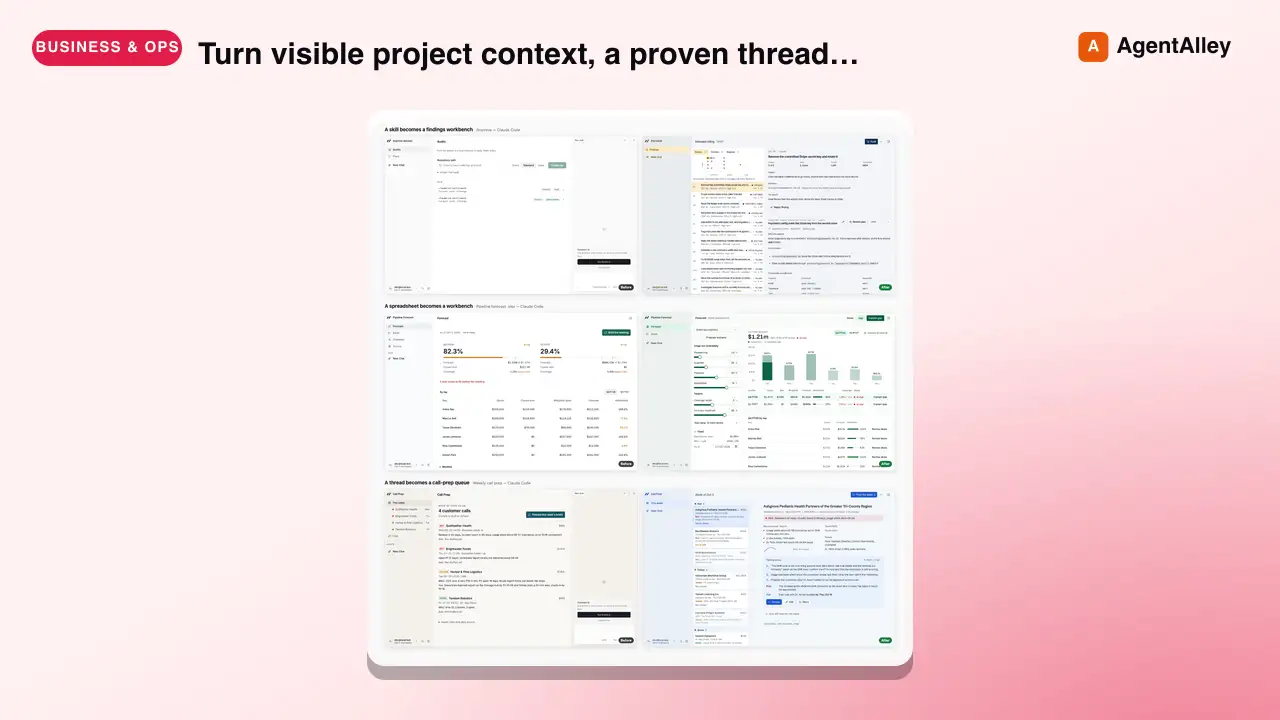
 BuilderIO/skills · by BuilderIOTurn visible project context, a proven thread, skill, or workflow into a runnable Agent-Native app with simple buttons, visible agent steps, preview, and deployment handoff. Use when a user invokes `/turn-into-app` or asks to make a workflow into an app, including from Claude or ChatGPT on the web, including when the source is a spreadsheet link or upload.★ 4.5k GitHub stars
 SkillBrowser Test Automation
 lackeyjb/playwright-skill · by lackeyjbComplete browser automation with Playwright. Auto-detects dev servers, writes reusable test scripts, and supports screenshots, responsive checks, UX validation, login flows, link checks, and arbitrary browser automation. Use when the user wants to test a website, automate browser interactions, validate web functionality, or perform browser-based testing.★ 3.2k GitHub stars
 SkillTinyFish CLI
 tinyfish-io/tinyfish-cookbook · by tinyfish-ioUse TinyFish for web search, fetching URLs, reading pages, current information, source-backed answers, research, docs, pricing/product pages, extraction, scraping, and browser automation. Use whenever the user asks to search, find, look up, research, compare, get information from the web, summarize a URL, fetch page content, or automate a website.★ 2.2k GitHub stars
More from LeadMagic
 SkillFirst-Party Analytics Setup
 LeadMagic/gtm-skills · by LeadMagicSet up first-party tracking and analytics — website pixels, conversion tracking, UTM architecture, cookie consent, server-side tagging vs client-side, 1P vs 3P data strategy, and identity resolution. Use when setting up tracking, implementing pixels, building attribution, or preparing for privacy-first measurement. Triggers on: "pixel", "tracking", "conversion tracking", "first-party data", server-side tagging", "UTM", "cookie consent", "1P vs 3P", "identity resolution", or any tracking implementation request.★ 62 GitHub stars
 SkillStrategic Account MarketingLeadMagic/gtm-skills · by LeadMagicRuns strategic 1-to-1 ABM for 5-15 high-value accounts: account plans, custom microsites, executive engagement, direct mail, and board-level connections. Use when a named enterprise account justifies bespoke content and executive time, or when the user needs a strategic account plan. Triggers on: "1-to-1 ABM", "strategic ABM", "custom ABM", "key account marketing", "named account".★ 62 GitHub stars
 SkillCluster Account MarketingLeadMagic/gtm-skills · by LeadMagicRuns ABM at scale (1-to-few) for 15-50 clustered accounts: industry or persona clusters, semi-custom campaigns, and cluster-level content. Use when named-account ABM needs to reach more accounts without bespoke work per account. Triggers on: "1-to-few ABM", "ABM scale", "cluster ABM", "industry ABM".★ 62 GitHub stars
 SkillProgrammatic Account TargetingLeadMagic/gtm-skills · by LeadMagicRuns programmatic 1-to-many ABM for 50-200+ accounts: automated personalization, scaled outbound, intent-based targeting, and lookalike expansion. Use when ABM coverage must grow without adding headcount or when the user wants automated account-based outreach. Triggers on: "1-to-many ABM", programmatic ABM", "scaled ABM", "automated ABM".★ 62 GitHub stars
 SkillAccount Strategy DesignerLeadMagic/gtm-skills · by LeadMagicDesigns an account-based marketing program: tier selection, account scoring, channel orchestration, BDR alignment (account-based sales development), and a measurement framework. Use when the user is launching or redesigning ABM, choosing between 1-to-1, 1-to-few, and 1-to-many, or building a target account program. Triggers on: "ABM strategy", "account based marketing", "ABM playbook", "design ABM", "target accounts", "ABSD", "account based sales development", "Lars Nilsson".★ 62 GitHub stars
 SkillTarget Account SelectorLeadMagic/gtm-skills · by LeadMagicBuilds and tiers a target account list: fit and intent scoring models, tier assignment, and TAM segmentation. Use when the user needs to decide which accounts to target, score or tier an account list, or prioritize a TAM for ABM or outbound. Triggers on: "account selection", "target account list", "tier accounts", "prioritize accounts", "TAM segmentation".★ 62 GitHub stars