WCAG 2.2 Auditor
Wcag audit patterns
Conduct WCAG 2.2 accessibility audits with automated testing, manual verification, and remediation guidance. Use when auditing websites for accessibility, fixing WCAG violations, or implementing accessible design patterns.
---
name: wcag-audit-patterns
description: Conduct WCAG 2.2 accessibility audits with automated testing, manual verification, and remediation guidance. Use when auditing websites for accessibility, fixing WCAG violations, or implementing accessible design patterns.
---

# WCAG Audit Patterns

Comprehensive guide to auditing web content against WCAG 2.2 guidelines with actionable remediation strategies.

## When to Use This Skill

- Conducting accessibility audits
- Fixing WCAG violations
- Implementing accessible components
- Preparing for accessibility lawsuits
- Meeting ADA/Section 508 requirements
- Achieving VPAT compliance
Overview
Comprehensive guide to auditing web content against WCAG 2.2 guidelines with actionable remediation strategies.
Manual install (npx, ZIP)
Claude Code
npx skills add wshobson/agents --skill wcag-audit-patterns -g -a claude-codeClaude Code (manual)
mkdir -p ~/.claude/skills && curl -sL https://codeload.github.com/wshobson/agents/tar.gz/4236bb91f839 \
  | tar -xz -C ~/.claude/skills --strip-components=4 agents-4236bb91f839/plugins/accessibility-compliance/skills/wcag-audit-patterns
Windows (PowerShell)
New-Item -ItemType Directory -Force "$HOME\.claude\skills" | Out-Null; Invoke-WebRequest "https://m.agentalley.io/zip/a4a2ff90148ec726752f/wcag-audit-patterns.zip" -OutFile "$env:TEMP\wcag-audit-patterns.zip"; Expand-Archive "$env:TEMP\wcag-audit-patterns.zip" -DestinationPath "$HOME\.claude\skills" -ForceClaude.ai / desktop
Codex, Cursor, other agents
Connects with Agent Alley MCP · agentalley.io/mcp
Files included
SKILL.md2.5 KBreferences/1 file · 9.7 KB
Read the files here
SKILL.md
Show the full text81 lines
WCAG Audit Patterns
Comprehensive guide to auditing web content against WCAG 2.2 guidelines with actionable remediation strategies.
When to Use This Skill
- Conducting accessibility audits
- Fixing WCAG violations
- Implementing accessible components
- Preparing for accessibility lawsuits
- Meeting ADA/Section 508 requirements
- Achieving VPAT compliance
Core Concepts
1. WCAG Conformance Levels
| Level | Description | Required For |
|---|---|---|
| A | Minimum accessibility | Legal baseline |
| AA | Standard conformance | Most regulations |
| AAA | Enhanced accessibility | Specialized needs |
2. POUR Principles
Perceivable:  Can users perceive the content?
Operable:     Can users operate the interface?
Understandable: Can users understand the content?
Robust:       Does it work with assistive tech?
3. Common Violations by Impact
Critical (Blockers):
├── Missing alt text for functional images
├── No keyboard access to interactive elements
├── Missing form labels
└── Auto-playing media without controls

Serious:
├── Insufficient color contrast
├── Missing skip links
├── Inaccessible custom widgets
└── Missing page titles

Moderate:
├── Missing language attribute
├── Unclear link text
├── Missing landmarks
└── Improper heading hierarchy
Detailed patterns and worked examples
Detailed pattern documentation lives in references/details.md. Read that file when the navigation tier above is insufficient.
Best Practices
Do's
- Start early - Accessibility from design phase
- Test with real users - Disabled users provide best feedback
- Automate what you can - 30-50% issues detectable
- Use semantic HTML - Reduces ARIA needs
- Document patterns - Build accessible component library
Don'ts
- Don't rely only on automated testing - Manual testing required
- Don't use ARIA as first solution - Native HTML first
- Don't hide focus outlines - Keyboard users need them
- Don't disable zoom - Users need to resize
- Don't use color alone - Multiple indicators needed
| 1 | |
| 2 | name wcag-audit-patterns |
| 3 | description Conduct WCAG 2.2 accessibility audits with automated testing, manual verification, and remediation guidance. Use when auditing websites for accessibility, fixing WCAG violations, or implementing accessible design patterns. |
| 4 | |
| 5 | |
| 6 | # WCAG Audit Patterns |
| 7 | |
| 8 | Comprehensive guide to auditing web content against WCAG 2.2 guidelines with actionable remediation strategies. |
| 9 | |
| 10 | ## When to Use This Skill |
| 11 | |
| 12 | Conducting accessibility audits |
| 13 | Fixing WCAG violations |
| 14 | Implementing accessible components |
| 15 | Preparing for accessibility lawsuits |
| 16 | Meeting ADA/Section 508 requirements |
| 17 | Achieving VPAT compliance |
| 18 | |
| 19 | ## Core Concepts |
| 20 | |
| 21 | ### 1. WCAG Conformance Levels |
| 22 | |
| 23 | | Level | Description | Required For | |
| 24 | | ------- | ---------------------- | ----------------- | |
| 25 | | **A** | Minimum accessibility | Legal baseline | |
| 26 | | **AA** | Standard conformance | Most regulations | |
| 27 | | **AAA** | Enhanced accessibility | Specialized needs | |
| 28 | |
| 29 | ### 2. POUR Principles |
| 30 | |
| 31 | |
| 32 | Perceivable: Can users perceive the content? |
| 33 | Operable: Can users operate the interface? |
| 34 | Understandable: Can users understand the content? |
| 35 | Robust: Does it work with assistive tech? |
| 36 | |
| 37 | |
| 38 | ### 3. Common Violations by Impact |
| 39 | |
| 40 | |
| 41 | Critical (Blockers): |
| 42 | ├── Missing alt text for functional images |
| 43 | ├── No keyboard access to interactive elements |
| 44 | ├── Missing form labels |
| 45 | └── Auto-playing media without controls |
| 46 | |
| 47 | Serious: |
| 48 | ├── Insufficient color contrast |
| 49 | ├── Missing skip links |
| 50 | ├── Inaccessible custom widgets |
| 51 | └── Missing page titles |
| 52 | |
| 53 | Moderate: |
| 54 | ├── Missing language attribute |
| 55 | ├── Unclear link text |
| 56 | ├── Missing landmarks |
| 57 | └── Improper heading hierarchy |
| 58 | |
| 59 | |
| 60 | ## Detailed patterns and worked examples |
| 61 | |
| 62 | Detailed pattern documentation lives in `references/details.md`. Read that file when the navigation tier above is insufficient. |
| 63 | |
| 64 | ## Best Practices |
| 65 | |
| 66 | ### Do's |
| 67 | |
| 68 | **Start early** - Accessibility from design phase |
| 69 | **Test with real users** - Disabled users provide best feedback |
| 70 | **Automate what you can** - 30-50% issues detectable |
| 71 | **Use semantic HTML** - Reduces ARIA needs |
| 72 | **Document patterns** - Build accessible component library |
| 73 | |
| 74 | ### Don'ts |
| 75 | |
| 76 | **Don't rely only on automated testing** - Manual testing required |
| 77 | **Don't use ARIA as first solution** - Native HTML first |
| 78 | **Don't hide focus outlines** - Keyboard users need them |
| 79 | **Don't disable zoom** - Users need to resize |
| 80 | **Don't use color alone** - Multiple indicators needed |
| 81 |
Details
- Updated
- Sep 21, 2026
- License
- MIT
- Stars on the repo
- ★ 39,857
- Checked
- Source
- wshobson/agents ↗
- Creator
- wshobson · 179 listings
Similar skills
See all → SkillWCAG 2.2 Implementation
 wshobson/agents · by wshobsonImplement WCAG 2.2 compliant interfaces with mobile accessibility, inclusive design patterns, and assistive technology support. Use when auditing accessibility, implementing ARIA patterns, building for screen readers, or ensuring inclusive user experiences.★ 39.9k GitHub stars
 AgentAccessibility Testing Validator
 VoltAgent/awesome-claude-code-subagents · by VoltAgentUse this agent when you need comprehensive accessibility testing, WCAG compliance verification, or assessment of assistive technology support.★ 25.2k GitHub stars
 SkillAccessibility Standards Auditor
 jakubkrehel/skills · by jakubkrehelHelps your project comply with accessibility standards and best practices.★ 7.1k GitHub stars
 SkillWeb a11y Auditor
 addyosmani/web-quality-skills · by addyosmaniAudit and improve web accessibility following WCAG 2.2 guidelines. Use when asked to "improve accessibility", "a11y audit", "WCAG compliance", "screen reader support", "keyboard navigation", or "make accessible".★ 2.8k GitHub stars
 SkillWCAG Compliance Auditor
 rampstackco/claude-skills · by rampstackcoRun a comprehensive WCAG accessibility audit covering perceivable, operable, understandable, and robust principles. Use this skill whenever the user wants to audit accessibility, review WCAG compliance, fix accessibility issues, prepare for accessibility certification, address an accessibility lawsuit risk, or systematically improve a site's accessibility. Triggers on accessibility audit, WCAG audit, a11y audit, accessibility compliance, ADA compliance, screen reader test, keyboard navigation, accessibility report, fix accessibility, axe scan. Also triggers when accessibility issues have been reported and need systematic remediation.★ 901 GitHub stars
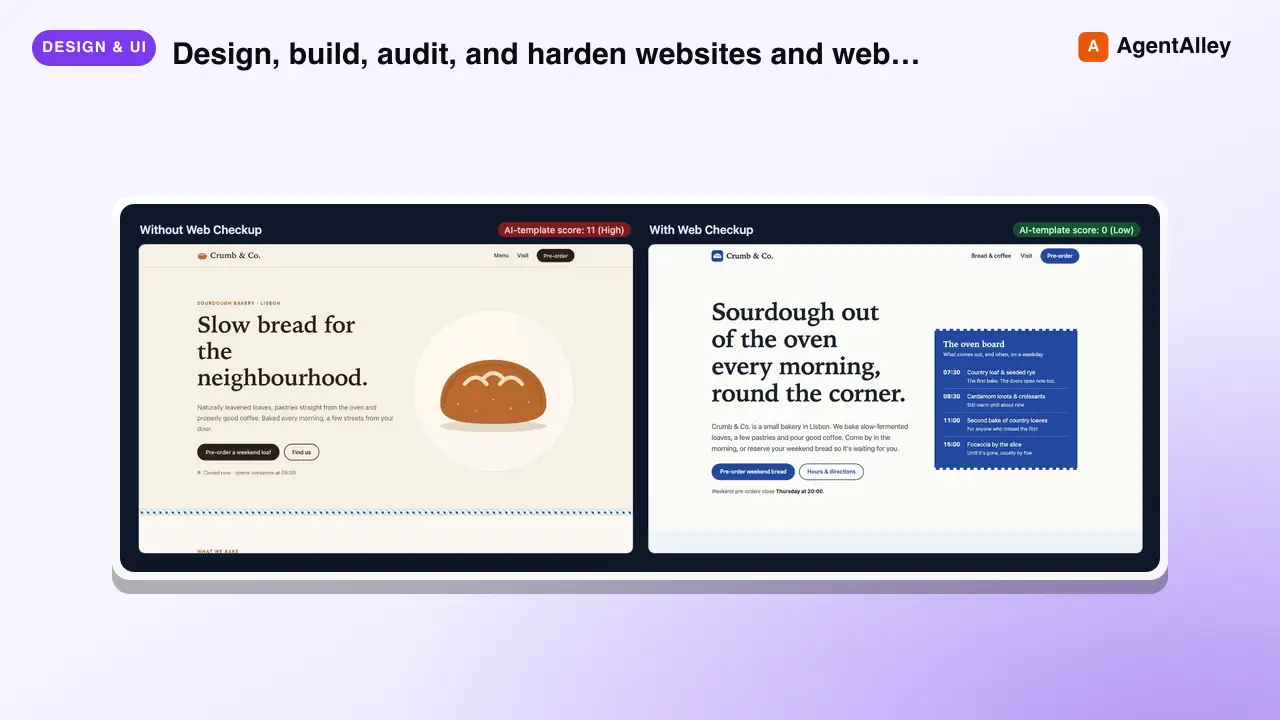 SkillWebsite Auditor
 joshguntarverdiyev/web-checkup · by joshguntarverdiyevDesign, build, audit, and harden websites and web apps so they ship distinctive, secure, fast, accessible, and discoverable instead of looking AI-template generated. Use when creating or redesigning a landing page, SaaS UI, dashboard, portfolio, docs or ecommerce site; when a UI looks generic or "AI-made"; for UX/UI review, mobile and tablet responsiveness, accessibility, security audits (secrets, auth, database rules, headers), performance and Core Web Vitals, SEO, metadata, Open Graph, structured data, AI-search visibility, logo/favicon/icon/asset work, code quality, privacy compliance, or a pre-launch check. Also use when the user asks "is this ready to ship?", "is this safe?", "why does this look generic?", or "audit my site". Not for backend-only work with no web surface, and not for live penetration testing of systems the user does not own.★ 1 GitHub stars
More from wshobson
 Skill.NET Backend Developerwshobson/agents · by wshobsonMaster C#/.NET backend development patterns for building robust APIs, MCP servers, and enterprise applications. Covers async/await, dependency injection, Entity Framework Core, Dapper, configuration, caching, and testing with xUnit. Use when developing .NET backends, reviewing C# code, or designing API architectures.★ 39.9k GitHub starsSkillWCAG 2.2 Implementationwshobson/agents · by wshobsonImplement WCAG 2.2 compliant interfaces with mobile accessibility, inclusive design patterns, and assistive technology support. Use when auditing accessibility, implementing ARIA patterns, building for screen readers, or ensuring inclusive user experiences.★ 39.9k GitHub stars
 SkillMaterial Design 3 & Composewshobson/agents · by wshobsonMaster Material Design 3 and Jetpack Compose patterns for building native Android apps. Use when designing Android interfaces, implementing Compose UI, or following Google's Material Design guidelines.★ 39.9k GitHub stars
 SkillAngularJS to Angular Upgradewshobson/agents · by wshobsonMigrate from AngularJS to Angular using hybrid mode, incremental component rewriting, and dependency injection updates. Use when upgrading AngularJS applications, planning framework migrations, or modernizing legacy Angular code.★ 39.9k GitHub stars
 SkillReverse Engineering Defensewshobson/agents · by wshobsonUnderstand anti-reversing, obfuscation, and protection techniques encountered during software analysis. Use this skill when analyzing malware evasion techniques, when implementing anti-debugging protections for CTF challenges, when reverse engineering packed binaries, or when building security research tools that need to detect virtualized environments.★ 39.9k GitHub stars
 SkillApache Airflow DAG Builderwshobson/agents · by wshobsonBuild production Apache Airflow DAGs with best practices for operators, sensors, testing, and deployment. Use when creating data pipelines, orchestrating workflows, or scheduling batch jobs.★ 39.9k GitHub stars