Internal Communications Writer
Internal Comms
Write internal company communications — 3P updates (Progress/Plans/Problems), company-wide newsletters, FAQ roundups, incident reports, leadership updates, status reports, project updates, and general internal comms. Use this skill any…
---
name: team-communications
description: Write internal company communications — 3P updates (Progress/Plans/Problems), company-wide newsletters, FAQ roundups, incident reports, leadership updates, status reports, project updates, and general internal comms. Use this skill any time the user asks to draft, edit, or format something meant for internal audiences. Trigger on keywords like "3P", "weekly update", "newsletter", "FAQ", "internal comms", "status report", "company update", "team update", "incident report", or any request to summarize work for leadership, teammates, or the broader company. Even casual requests like "write my update" or "summarize what my team did this week" should trigger this skill.
---

# Internal Comms

> Originally contributed by [maximcoding](https://github.com/maximcoding) — enhanced and integrated by the claude-skills team.

Write polished internal communications by loading the right reference file, gathering context, and outputting in the company's exact format.

## Routing

Identify the communication type from the user's request, then read the matching reference file before writing anything:

| Type | Trigger phrases | Reference file |
|---|---|---|
| **3P Update** | "3P", "progress plans problems", "weekly team update", "what did we ship" | `references/3p-updates.md` |
Overview
Write polished internal communications by loading the right reference file, gathering context, and outputting in the company's exact format.
Manual install (npx, ZIP)
npx skills add alirezarezvani/claude-skills --skill team-communications -g -a claude-codenpx degit alirezarezvani/claude-skills/project-management/skills/team-communications#main ~/.claude/skills/team-communicationsConnects with Agent Alley MCP · agentalley.io/mcp
Files included
SKILL.md4.3 KB
Read SKILL.md here
Show the full text68 lines
Internal Comms
Originally contributed by maximcoding — enhanced and integrated by the claude-skills team.
Write polished internal communications by loading the right reference file, gathering context, and outputting in the company's exact format.
Routing
Identify the communication type from the user's request, then read the matching reference file before writing anything:
| Type | Trigger phrases | Reference file |
|---|---|---|
| 3P Update | "3P", "progress plans problems", "weekly team update", "what did we ship" | references/3p-updates.md |
| Newsletter | "newsletter", "company update", "weekly/monthly roundup", "all-hands summary" | references/company-newsletter.md |
| FAQ | "FAQ", "common questions", "what people are asking", "confusion around" | references/faq-answers.md |
| General | anything internal that doesn't match above | references/general-comms.md |
If the type is ambiguous, ask one clarifying question — don't guess.
Workflow
- Read the reference file for the matched type. Follow its formatting exactly.
- Gather inputs. Use available MCP tools (Slack, Gmail, Google Drive, Calendar) to pull real data. If no tools are connected, ask the user to provide bullet points or raw context.
- Clarify scope. Confirm: team name (for 3Ps), time period, audience, and any specific items the user wants included or excluded.
- Draft. Follow the format, tone, and length constraints from the reference file precisely. Do not invent a new format.
- Present the draft and ask if anything needs to be added, removed, or reworded.
Tone & Style (applies to all types)
- Use "we" — you are part of the company.
- Active voice, present tense for progress, future tense for plans.
- Concise. Every sentence should carry information. Cut filler.
- Include metrics and links wherever possible.
- Professional but approachable — not corporate-speak.
- Put the most important information first.
When tools are unavailable
If the user hasn't connected Slack, Gmail, Drive, or Calendar, don't stall. Ask them to paste or describe what they want covered. You're formatting and sharpening — that's still valuable. Mention which tools would improve future drafts so they can connect them later.
Anti-Patterns
| Anti-Pattern | Why It Fails | Better Approach |
|---|---|---|
| Writing updates without reading the reference template first | Output won't match company format — user has to reformat | Always load the matching reference file before drafting |
| Inventing metrics or accomplishments | Internal comms must be factual — fabrication destroys trust | Only include data the user provided or MCP tools retrieved |
| Using passive voice for accomplishments | "The feature was shipped" hides who did the work | "Team X shipped the feature" — active voice credits the team |
| Writing walls of text for status updates | Leadership scans, doesn't read — key info gets buried | Lead with the headline, follow with 3-5 bullet points |
| Sending without confirming audience | A team update reads differently from a company-wide newsletter | Always confirm: who will read this? |
Related Skills
| Skill | Relationship |
|---|---|
project-management/senior-pm |
Broader PM scope — status reports feed into PM reporting |
project-management/meeting-analyzer |
Meeting insights can feed into 3P updates and status reports |
project-management/confluence-expert |
Publish comms as Confluence pages for permanent record |
marketing-skill/content-production |
External comms — use for public-facing content, not internal |
| 1 | |
| 2 | name team-communications |
| 3 | description Write internal company communications — 3P updates (Progress/Plans/Problems), company-wide newsletters, FAQ roundups, incident reports, leadership updates, status reports, project updates, and general internal comms. Use this skill any time the user asks to draft, edit, or format something meant for internal audiences. Trigger on keywords like "3P", "weekly update", "newsletter", "FAQ", "internal comms", "status report", "company update", "team update", "incident report", or any request to summarize work for leadership, teammates, or the broader company. Even casual requests like "write my update" or "summarize what my team did this week" should trigger this skill. |
| 4 | |
| 5 | |
| 6 | # Internal Comms |
| 7 | |
| 8 | > Originally contributed by [maximcoding] — enhanced and integrated by the claude-skills team. |
| 9 | |
| 10 | Write polished internal communications by loading the right reference file, gathering context, and outputting in the company's exact format. |
| 11 | |
| 12 | ## Routing |
| 13 | |
| 14 | Identify the communication type from the user's request, then read the matching reference file before writing anything: |
| 15 | |
| 16 | | Type | Trigger phrases | Reference file | |
| 17 | |---|---|---| |
| 18 | | **3P Update** | "3P", "progress plans problems", "weekly team update", "what did we ship" | `references/3p-updates.md` | |
| 19 | | **Newsletter** | "newsletter", "company update", "weekly/monthly roundup", "all-hands summary" | `references/company-newsletter.md` | |
| 20 | | **FAQ** | "FAQ", "common questions", "what people are asking", "confusion around" | `references/faq-answers.md` | |
| 21 | | **General** | anything internal that doesn't match above | `references/general-comms.md` | |
| 22 | |
| 23 | If the type is ambiguous, ask one clarifying question — don't guess. |
| 24 | |
| 25 | ## Workflow |
| 26 | |
| 27 | **Read the reference file** for the matched type. Follow its formatting exactly. |
| 28 | **Gather inputs.** Use available MCP tools (Slack, Gmail, Google Drive, Calendar) to pull real data. If no tools are connected, ask the user to provide bullet points or raw context. |
| 29 | **Clarify scope.** Confirm: team name (for 3Ps), time period, audience, and any specific items the user wants included or excluded. |
| 30 | **Draft.** Follow the format, tone, and length constraints from the reference file precisely. Do not invent a new format. |
| 31 | **Present the draft** and ask if anything needs to be added, removed, or reworded. |
| 32 | |
| 33 | ## Tone & Style (applies to all types) |
| 34 | |
| 35 | Use "we" — you are part of the company. |
| 36 | Active voice, present tense for progress, future tense for plans. |
| 37 | Concise. Every sentence should carry information. Cut filler. |
| 38 | Include metrics and links wherever possible. |
| 39 | Professional but approachable — not corporate-speak. |
| 40 | Put the most important information first. |
| 41 | |
| 42 | ## When tools are unavailable |
| 43 | |
| 44 | If the user hasn't connected Slack, Gmail, Drive, or Calendar, don't stall. Ask them to paste or describe what they want covered. You're formatting and sharpening — that's still valuable. Mention which tools would improve future drafts so they can connect them later. |
| 45 | |
| 46 | |
| 47 | |
| 48 | ## Anti-Patterns |
| 49 | |
| 50 | | Anti-Pattern | Why It Fails | Better Approach | |
| 51 | |---|---|---| |
| 52 | | Writing updates without reading the reference template first | Output won't match company format — user has to reformat | Always load the matching reference file before drafting | |
| 53 | | Inventing metrics or accomplishments | Internal comms must be factual — fabrication destroys trust | Only include data the user provided or MCP tools retrieved | |
| 54 | | Using passive voice for accomplishments | "The feature was shipped" hides who did the work | "Team X shipped the feature" — active voice credits the team | |
| 55 | | Writing walls of text for status updates | Leadership scans, doesn't read — key info gets buried | Lead with the headline, follow with 3-5 bullet points | |
| 56 | | Sending without confirming audience | A team update reads differently from a company-wide newsletter | Always confirm: who will read this? | |
| 57 | |
| 58 | |
| 59 | |
| 60 | ## Related Skills |
| 61 | |
| 62 | | Skill | Relationship | |
| 63 | |-------|-------------| |
| 64 | | `project-management/senior-pm` | Broader PM scope — status reports feed into PM reporting | |
| 65 | | `project-management/meeting-analyzer` | Meeting insights can feed into 3P updates and status reports | |
| 66 | | `project-management/confluence-expert` | Publish comms as Confluence pages for permanent record | |
| 67 | | `marketing-skill/content-production` | External comms — use for public-facing content, not internal | |
| 68 |
Details
- Updated
- Aug 30, 2026
- License
- MIT
- Stars on the repo
- ★ 26,349
- Checked
- Source
- alirezarezvani/claude-skills ↗
- Creator
- alirezarezvani · 363 listings
Similar skills
See all → SkillBrowser Automation
 ruvnet/RuView · by ruvnetWeb browser automation with AI-optimized snapshots for claude-flow agents★ 94.7k GitHub stars
 SkillDeepeval LLM Assessment
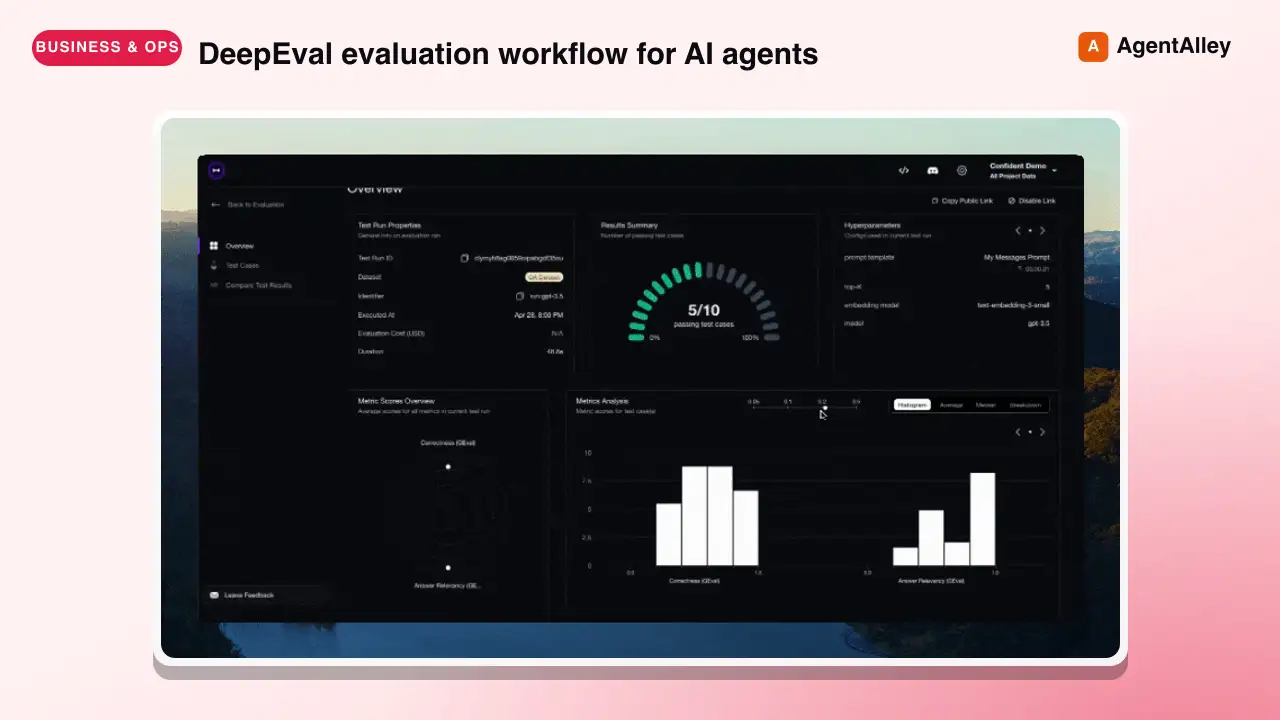
 confident-ai/deepeval · by confident-aiDeepEval evaluation workflow for AI agents and LLM applications. TRIGGER when the user wants to evaluate or improve an AI agent, tool-using workflow, multi-turn chatbot, RAG pipeline, or LLM app; add evals; generate datasets or goldens; use deepeval generate; use deepeval test run; send results to Confident AI; monitor production; run online evals; inspect traces; or iterate on prompts, tools, retrieval, or agent behavior from eval failures. AI agents are the primary use case. Covers Python SDK, pytest eval suites, CLI generation, traced evals, Confident AI reporting, and agent-driven improvement loops. DO NOT TRIGGER for unrelated generic pytest, non-AI test setup, or non-DeepEval observability work unless the user asks to compare or migrate to DeepEval; for instrumenting an app with DeepEval tracing, @observe, or framework integrations (use the `deepeval-tracing` skill); or for raw OpenTelemetry / OTLP export without the deepeval package (use the `deepeval-otel` skill).★ 18.7k GitHub stars
 SkillBrowser Automation Tool
 SawyerHood/dev-browser · by SawyerHoodBrowser automation with persistent named pages via the dev-browser CLI. Use when users ask to navigate websites, fill forms, take screenshots, extract web data, test web apps, log into sites, or automate browser workflows. Trigger phrases include "go to [url]", "click on", "fill out the form", "take a screenshot", "scrape", "automate", "test the website", "log into", "open the browser", or any browser interaction request.★ 6.7k GitHub stars
 SkillSkill to App Converter
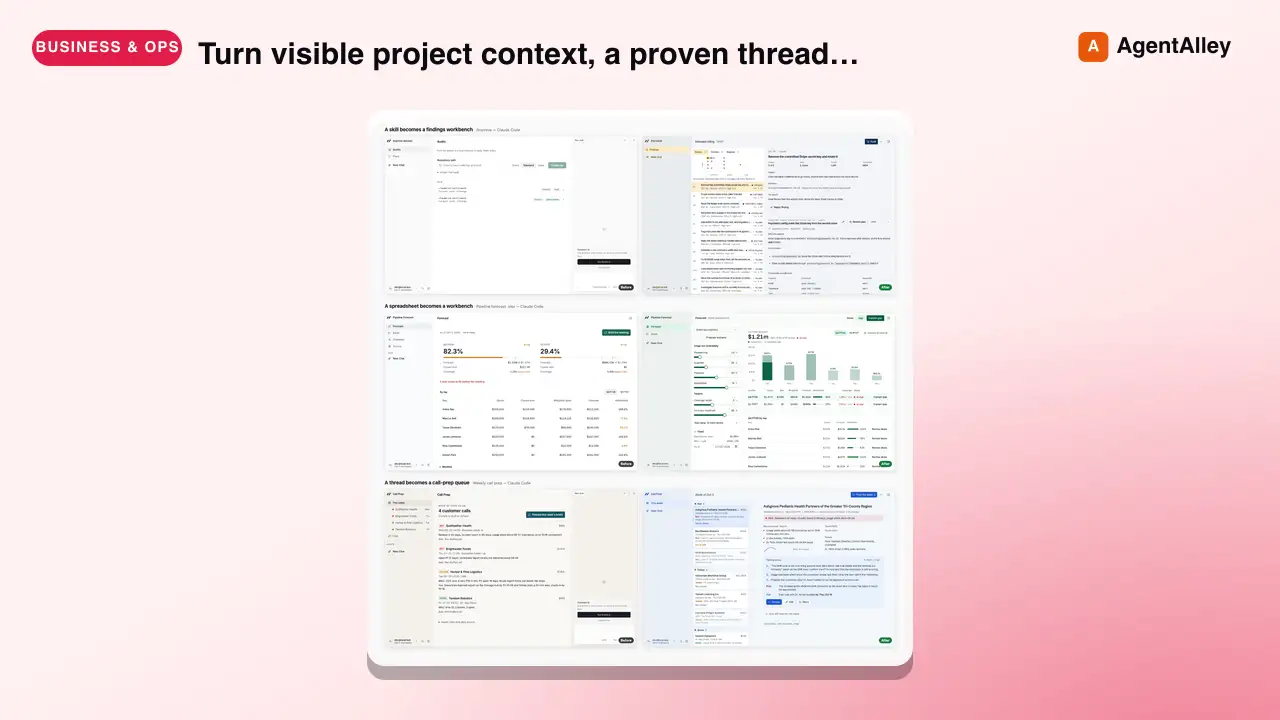
 BuilderIO/skills · by BuilderIOTurn visible project context, a proven thread, skill, or workflow into a runnable Agent-Native app with simple buttons, visible agent steps, preview, and deployment handoff. Use when a user invokes `/turn-into-app` or asks to make a workflow into an app, including from Claude or ChatGPT on the web, including when the source is a spreadsheet link or upload.★ 4.5k GitHub stars
 SkillBrowser Test Automation
 lackeyjb/playwright-skill · by lackeyjbComplete browser automation with Playwright. Auto-detects dev servers, writes reusable test scripts, and supports screenshots, responsive checks, UX validation, login flows, link checks, and arbitrary browser automation. Use when the user wants to test a website, automate browser interactions, validate web functionality, or perform browser-based testing.★ 3.2k GitHub stars
 SkillTinyFish CLI
 tinyfish-io/tinyfish-cookbook · by tinyfish-ioUse TinyFish for web search, fetching URLs, reading pages, current information, source-backed answers, research, docs, pricing/product pages, extraction, scraping, and browser automation. Use whenever the user asks to search, find, look up, research, compare, get information from the web, summarize a URL, fetch page content, or automate a website.★ 2.2k GitHub stars
More from alirezarezvani
 SkillExperiment Resume Tool
 alirezarezvani/claude-skills · by alirezarezvaniResume a paused experiment. Checkout the experiment branch, read results history, continue iterating. Use when the user runs /ar:ar-resume or asks to pick up a previously started autoresearch experiment.★ 26.3k GitHub stars
 SkillExperiment Dashboard Vieweralirezarezvani/claude-skills · by alirezarezvaniShow experiment dashboard with results, active loops, and progress. Use when the user runs /ar:ar-status or asks how an autoresearch experiment is going.★ 26.3k GitHub stars
 SkillAutonomous Experiment Runneralirezarezvani/claude-skills · by alirezarezvaniStart an autonomous experiment loop with user-selected interval (10min, 1h, daily, weekly, monthly). Uses CronCreate for scheduling. Use when the user runs /ar:loop or asks to run an autoresearch experiment continuously on a schedule.★ 26.3k GitHub stars
 SkillSingle Experiment Iteratoralirezarezvani/claude-skills · by alirezarezvaniRun a single experiment iteration. Edit the target file, evaluate, keep or discard. Use when the user runs /ar:run or asks for one manual autoresearch iteration.★ 26.3k GitHub stars
 SkillAutoresearch Experiment Setupalirezarezvani/claude-skills · by alirezarezvaniSet up a new autoresearch experiment interactively. Collects domain, target file, eval command, metric, direction, and evaluator. Use when the user runs /ar:setup or asks to start optimizing a file with the autoresearch loop.★ 26.3k GitHub stars
 SkillExecutive Boardroom Deliberatoralirezarezvani/claude-skills · by alirezarezvani/cs:boardroom <brief> — 6-phase multi-role deliberation across the C-suite with Phase 2 isolation, critic pre-screen, and synthesis. Outputs a board memo. Use when a decision spans multiple executive domains — e.g. a pricing change touching finance, positioning, and product, or a raise-vs-cut runway call.★ 26.3k GitHub stars