Slide Layout Auditor
PPTX Slide Auditor Skill
Audit a PowerPoint presentation for layout issues, text overflow, visual hierarchy problems, and consistency gaps. Use when asked to review a slide deck, check a presentation before a meeting, audit slides for layout problems, or QA a…
---
name: pptx-slide-auditor
description: "Audit a PowerPoint presentation for layout issues, text overflow, visual hierarchy problems, and consistency gaps. Use when asked to review a slide deck, check a presentation before a meeting, audit slides for layout problems, or QA a deck before sharing. Produces a slide-by-slide report with issues ranked by severity and specific fixes. Best used with Claude Opus 4.7 or newer for reliable slide-level vision analysis."
---

# PPTX Slide Auditor Skill

Runs a systematic visual and structural audit of a PowerPoint presentation — identifying layout issues, text overflow, inconsistent styling, weak visual hierarchy, and slides that will cause problems in a presentation setting. Built to leverage Opus 4.7 vision improvements for pixel-level layout analysis.

## Required Inputs

Ask the user for these if not provided:
- **The deck** (upload the .pptx file or individual slide screenshots)
- **Audience** (internal team / executive / external client / conference / investor)
- **Presentation mode** (presented live / sent to read / shared async on video)
- **Areas of concern** (optional — e.g. "I think slide 12 is overcrowded")

## Output Structure
Overview
Runs a systematic visual and structural audit of a PowerPoint presentation — identifying layout issues, text overflow, inconsistent styling, weak visual hierarchy, and slides that will cause problems in a presentation setting. Built to leverage Opus 4.7 vision improvements for pixel-level layout analysis.
Manual install (npx, ZIP)
npx skills add mohitagw15856/pm-claude-skills --skill pptx-slide-auditor -g -a claude-codemkdir -p ~/.claude/skills && curl -sL https://codeload.github.com/mohitagw15856/pm-claude-skills/tar.gz/f6ca79348c55 \
| tar -xz -C ~/.claude/skills --strip-components=2 pm-claude-skills-f6ca79348c55/skills/pptx-slide-auditorNew-Item -ItemType Directory -Force "$HOME\.claude\skills" | Out-Null; Invoke-WebRequest "https://m.agentalley.io/zip/07249d766f49d1d44863/pptx-slide-auditor.zip" -OutFile "$env:TEMP\pptx-slide-auditor.zip"; Expand-Archive "$env:TEMP\pptx-slide-auditor.zip" -DestinationPath "$HOME\.claude\skills" -ForceConnects with Agent Alley MCP · agentalley.io/mcp
Files included
SKILL.md4.7 KB
Read the files here
mohitagw15856/
Show the full text101 lines
PPTX Slide Auditor Skill
Runs a systematic visual and structural audit of a PowerPoint presentation — identifying layout issues, text overflow, inconsistent styling, weak visual hierarchy, and slides that will cause problems in a presentation setting. Built to leverage Opus 4.7 vision improvements for pixel-level layout analysis.
Required Inputs
Ask the user for these if not provided:
- The deck (upload the .pptx file or individual slide screenshots)
- Audience (internal team / executive / external client / conference / investor)
- Presentation mode (presented live / sent to read / shared async on video)
- Areas of concern (optional — e.g. "I think slide 12 is overcrowded")
Output Structure
1. Deck Overview
| Metric | Result |
|---|---|
| Total slides | N |
| Overall status | Ready / Minor fixes needed / Major revisions required |
| Readability score | /10 |
| Visual consistency score | /10 |
| Most common issue | [Pattern observed across multiple slides] |
2. Slide-by-Slide Audit
For each slide with issues:
Slide N: [Slide title]
- Status: Ready / Fix before sending / Major revision
- Issues found:
- [Specific issue with exact location — e.g. "Body text extends beyond the text frame on the right side"]
- [Issue 2]
- Suggested fix: [Specific action — move element, reduce text, resize]
Slides with no issues: just list the slide numbers. Do not write anything else about them.
3. Pattern Issues Across the Deck
Issues that repeat across multiple slides:
[Pattern title — e.g. "Inconsistent body text size"]
- Slides affected: [list]
- Root cause: [master slide issue / manual overrides / mixed templates]
- Fix: [Single action to resolve across all affected slides]
4. Visual Hierarchy Check
| Dimension | Status | Notes |
|---|---|---|
| Title consistency (size, font, colour) | Pass / Fail | |
| Body text readability at presentation distance | Pass / Fail | |
| Image placement alignment | Pass / Fail | |
| Whitespace and breathing room | Pass / Fail | |
| Data visualisation clarity | Pass / Fail / N/A |
5. Audience-Specific Flags
Based on the stated audience:
- Executive audience: flag slides with too much text, complex tables, or unclear bottom-line messages
- External client: flag slides with internal jargon, unfinished placeholder text, or confidentiality concerns
- Live presentation: flag slides that will be hard to read from the back of a room
- Async/video: flag slides that assume a presenter voiceover
6. Prioritised Fix List
| # | Fix | Slide | Effort | Impact |
|---|---|---|---|---|
| 1 | [Specific fix] | Slide N | Low/Med/High | High |
Order by: fixes before handoff (critical) > consistency fixes (high) > polish (medium).
Quality Checks
- Every issue references a specific slide number and location on the slide
- Pattern issues are identified separately from slide-specific issues
- Fix list is ordered by impact, not by slide order
- Audience-appropriate concerns flagged explicitly
- Slides without issues are listed briefly, not ignored
Anti-Patterns
- Do not flag stylistic preferences as issues — only report genuine layout problems, overflow, and consistency errors
- Do not produce a flat list of issues — group by severity (Critical / Major / Minor) so fixes can be prioritised
- Do not skip slides without commenting — every slide must have an explicit pass or issue status
- Do not suggest redesigning content — the audit scope is layout, consistency, and readability, not messaging
- Do not report the same issue type repeatedly across slides without summarising the pattern — consolidate repeated issues
Example Trigger Phrases
- "Audit this slide deck before my board meeting"
- "Review this PowerPoint for layout issues"
- "Check this presentation for consistency problems"
- "QA my deck before I send it to the client"
- "What is wrong with slide 7 in this deck?"
Why This Works Better on Opus 4.7
Earlier models struggled with precise spatial analysis of slide layouts — they would hallucinate issues or miss obvious overflow problems. Opus 4.7 vision improvements mean coordinates map 1:1 to pixels, making slide-level issue detection reliable without manual screenshot annotation.
| 1 | |
| 2 | name pptx-slide-auditor |
| 3 | description "Audit a PowerPoint presentation for layout issues, text overflow, visual hierarchy problems, and consistency gaps. Use when asked to review a slide deck, check a presentation before a meeting, audit slides for layout problems, or QA a deck before sharing. Produces a slide-by-slide report with issues ranked by severity and specific fixes. Best used with Claude Opus 4.7 or newer for reliable slide-level vision analysis." |
| 4 | |
| 5 | |
| 6 | # PPTX Slide Auditor Skill |
| 7 | |
| 8 | Runs a systematic visual and structural audit of a PowerPoint presentation — identifying layout issues, text overflow, inconsistent styling, weak visual hierarchy, and slides that will cause problems in a presentation setting. Built to leverage Opus 4.7 vision improvements for pixel-level layout analysis. |
| 9 | |
| 10 | ## Required Inputs |
| 11 | |
| 12 | Ask the user for these if not provided: |
| 13 | **The deck** (upload the .pptx file or individual slide screenshots) |
| 14 | **Audience** (internal team / executive / external client / conference / investor) |
| 15 | **Presentation mode** (presented live / sent to read / shared async on video) |
| 16 | **Areas of concern** (optional — e.g. "I think slide 12 is overcrowded") |
| 17 | |
| 18 | ## Output Structure |
| 19 | |
| 20 | ### 1. Deck Overview |
| 21 | | Metric | Result | |
| 22 | |---|---| |
| 23 | | Total slides | N | |
| 24 | | Overall status | Ready / Minor fixes needed / Major revisions required | |
| 25 | | Readability score | /10 | |
| 26 | | Visual consistency score | /10 | |
| 27 | | Most common issue | [Pattern observed across multiple slides] | |
| 28 | |
| 29 | ### 2. Slide-by-Slide Audit |
| 30 | |
| 31 | For each slide with issues: |
| 32 | |
| 33 | **Slide N: [Slide title]** |
| 34 | Status: Ready / Fix before sending / Major revision |
| 35 | Issues found: |
| 36 | [Specific issue with exact location — e.g. "Body text extends beyond the text frame on the right side"] |
| 37 | [Issue 2] |
| 38 | Suggested fix: [Specific action — move element, reduce text, resize] |
| 39 | |
| 40 | Slides with no issues: just list the slide numbers. Do not write anything else about them. |
| 41 | |
| 42 | ### 3. Pattern Issues Across the Deck |
| 43 | |
| 44 | Issues that repeat across multiple slides: |
| 45 | |
| 46 | **[Pattern title — e.g. "Inconsistent body text size"]** |
| 47 | Slides affected: [list] |
| 48 | Root cause: [master slide issue / manual overrides / mixed templates] |
| 49 | Fix: [Single action to resolve across all affected slides] |
| 50 | |
| 51 | ### 4. Visual Hierarchy Check |
| 52 | |
| 53 | | Dimension | Status | Notes | |
| 54 | |---|---|---| |
| 55 | | Title consistency (size, font, colour) | Pass / Fail | | |
| 56 | | Body text readability at presentation distance | Pass / Fail | | |
| 57 | | Image placement alignment | Pass / Fail | | |
| 58 | | Whitespace and breathing room | Pass / Fail | | |
| 59 | | Data visualisation clarity | Pass / Fail / N/A | | |
| 60 | |
| 61 | ### 5. Audience-Specific Flags |
| 62 | |
| 63 | Based on the stated audience: |
| 64 | |
| 65 | **Executive audience:** flag slides with too much text, complex tables, or unclear bottom-line messages |
| 66 | **External client:** flag slides with internal jargon, unfinished placeholder text, or confidentiality concerns |
| 67 | **Live presentation:** flag slides that will be hard to read from the back of a room |
| 68 | **Async/video:** flag slides that assume a presenter voiceover |
| 69 | |
| 70 | ### 6. Prioritised Fix List |
| 71 | |
| 72 | | # | Fix | Slide | Effort | Impact | |
| 73 | |---|---|---|---|---| |
| 74 | | 1 | [Specific fix] | Slide N | Low/Med/High | High | |
| 75 | |
| 76 | Order by: fixes before handoff (critical) > consistency fixes (high) > polish (medium). |
| 77 | |
| 78 | ## Quality Checks |
| 79 | [ ] Every issue references a specific slide number and location on the slide |
| 80 | [ ] Pattern issues are identified separately from slide-specific issues |
| 81 | [ ] Fix list is ordered by impact, not by slide order |
| 82 | [ ] Audience-appropriate concerns flagged explicitly |
| 83 | [ ] Slides without issues are listed briefly, not ignored |
| 84 | |
| 85 | ## Anti-Patterns |
| 86 | |
| 87 | [ ] Do not flag stylistic preferences as issues — only report genuine layout problems, overflow, and consistency errors |
| 88 | [ ] Do not produce a flat list of issues — group by severity (Critical / Major / Minor) so fixes can be prioritised |
| 89 | [ ] Do not skip slides without commenting — every slide must have an explicit pass or issue status |
| 90 | [ ] Do not suggest redesigning content — the audit scope is layout, consistency, and readability, not messaging |
| 91 | [ ] Do not report the same issue type repeatedly across slides without summarising the pattern — consolidate repeated issues |
| 92 | |
| 93 | ## Example Trigger Phrases |
| 94 | "Audit this slide deck before my board meeting" |
| 95 | "Review this PowerPoint for layout issues" |
| 96 | "Check this presentation for consistency problems" |
| 97 | "QA my deck before I send it to the client" |
| 98 | "What is wrong with slide 7 in this deck?" |
| 99 | |
| 100 | ## Why This Works Better on Opus 4.7 |
| 101 | Earlier models struggled with precise spatial analysis of slide layouts — they would hallucinate issues or miss obvious overflow problems. Opus 4.7 vision improvements mean coordinates map 1:1 to pixels, making slide-level issue detection reliable without manual screenshot annotation. |
Details
- Updated
- Sep 23, 2026
- License
- MIT
- Stars on the repo
- ★ 1,395
- Checked
- Source
- mohitagw15856/pm-claude-skills ↗
- Creator
- mohitagw15856 · 191 listings
Similar skills
See all → SkillAnimated Slide Deck Builder
 zarazhangrui/frontend-slides · by zarazhangruiCreate stunning, animation-rich HTML presentations from scratch or by converting PowerPoint files. Use when the user wants to build a presentation, convert a PPT/PPTX to web, or create slides for a talk/pitch. Helps non-designers discover their aesthetic through visual exploration rather than abstract choices.★ 30.3k GitHub stars
 SkillSVG Diagram Creator
 JimLiu/baoyu-skills · by JimLiuCreate professional, dark-themed SVG diagrams of any type — architecture diagrams, flowcharts, sequence diagrams, structural diagrams, mind maps, timelines, illustrative/conceptual diagrams, and more. Use this skill whenever the user asks for any kind of technical or conceptual diagram, visualization of a system, process flow, data flow, component relationship, network topology, decision tree, org chart, state machine, or any visual representation of structure/logic/process. Also trigger when the user says "画个图" "画一个架构图" "diagram" "flowchart" "sequence diagram" "draw me a ..." or uploads content and asks to visualize it. Output is always a standalone .svg file.★ 26.6k GitHub stars
 SkillVisual Explainer
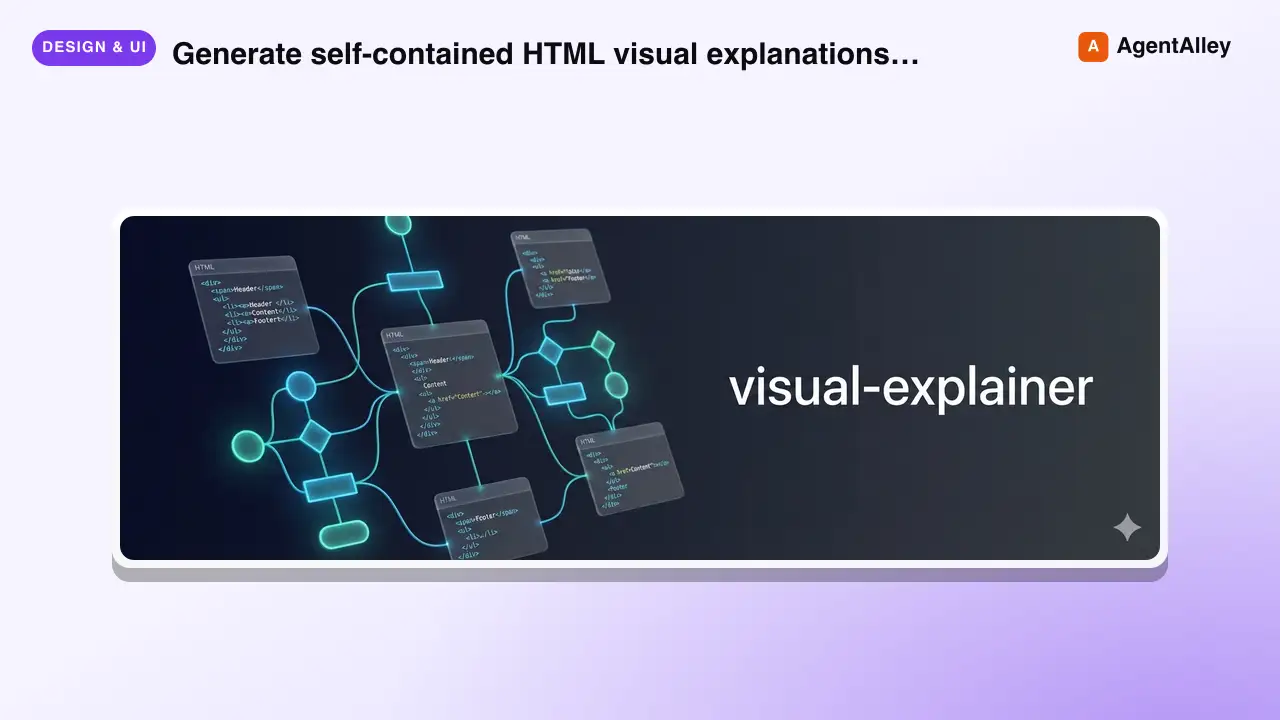
 nicobailon/visual-explainer · by nicobailonGenerate self-contained HTML visual explanations for systems, code changes, plans, data, and technical concepts. Use for diagrams, architecture overviews, diff or plan reviews, project recaps, comparison tables, slide decks, animated explainers, and other visual explanations.★ 10.2k GitHub stars
 SkillHTML Presentation Studio
 lewislulu/html-ppt-skill · by lewisluluHTML PPT Studio — author professional static HTML presentations in many styles, layouts, and animations, all driven by templates. Use when the user asks for a presentation, PPT, slides, keynote, deck, slideshow, "幻灯片", "演讲稿", "做一份 PPT", "做一份 slides", a reveal-style HTML deck, a 小红书 图文, or any kind of multi-slide pitch/report/sharing document that should look tasteful and be usable with keyboard navigation. Triggers include keywords like "presentation", "ppt", "slides", "deck", "keynote", "reveal", "slideshow", "幻灯片", "演讲稿", "分享稿", "小红书图文", "talk slides", "pitch deck", "tech sharing", "technical presentation".★ 8.6k GitHub stars
 SkillLogo Designer
 kaankiziltug/logo-design-skill · by kaankiziltugProfessional logo and brand-mark design, from brief to production files. Guides discovery and the design brief, concept generation, choosing a mark type (wordmark, monogram, letterform, pictorial, abstract, emblem, mascot, combination), building clean geometric SVG logos, optical refinement, colour and typography, testing (16 px, one-colour, reversed, shelf test), client presentation, delivery variants and brand guidelines. Includes a searchable library of 1,400+ real-world SVG logos classified by type, technique, geometry and industry, plus scripts that audit SVGs and generate test sheets, presentation boards and export variants. Use this skill whenever the user wants a logo, logotype, wordmark, monogram, brand mark, symbol, app icon or favicon designed, redesigned, refreshed, critiqued or compared; asks for logo ideas or concepts; needs a design brief, logo guidelines, lockups or an identity system; or mentions branding a new company, product, app or project — even if they don't say the word "logo".★ 2.8k GitHub stars
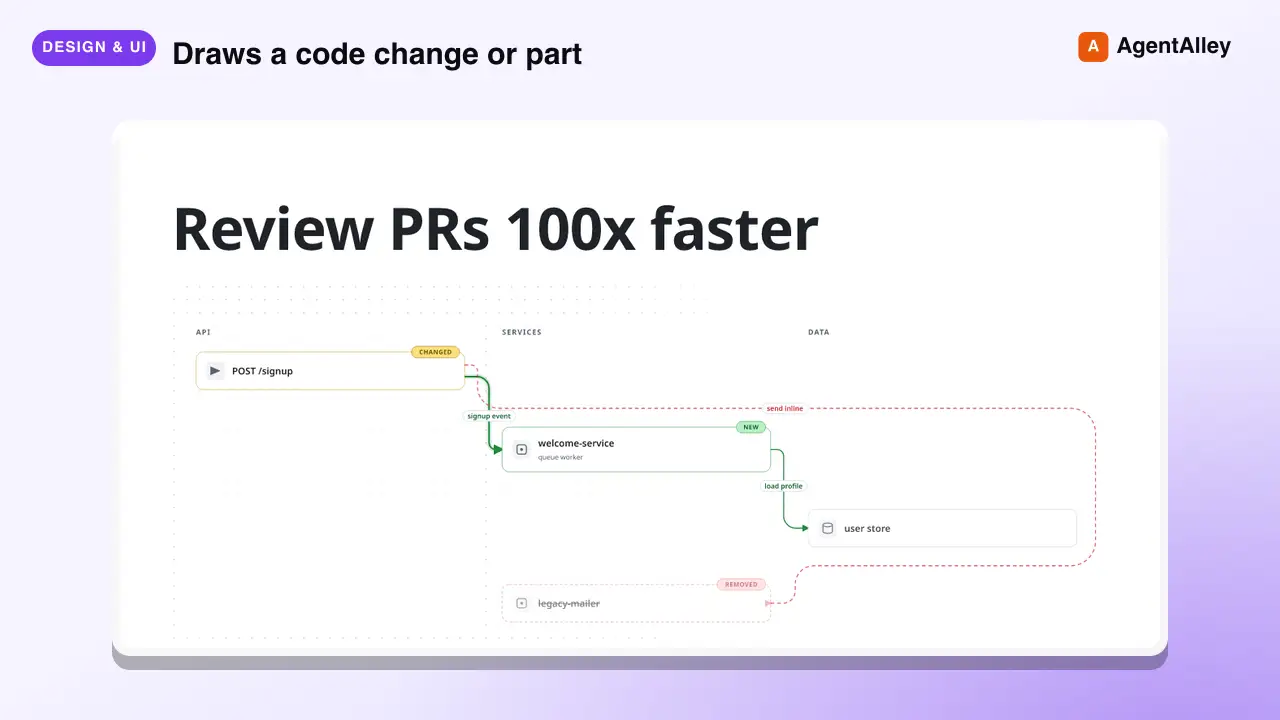 SkillPR Lens
 coldteadotai/pr-lens · by coldteadotaiWHAT: Draws a code change or part of a codebase as an animated architecture or data-flow diagram, on its own or in a pull request. WHEN: asked to diagram, visualise or explain a change or a system, or when a pull request should carry a diagram. KEYWORDS: PR Lens, diagram, architecture, data flow, visualise, visualize, pull request★ 1.9k GitHub stars
More from mohitagw15856
 Skill360 Feedback Survey
 mohitagw15856/pm-claude-skills · by mohitagw15856Design a 360-degree feedback survey or write a structured 360 feedback report. Use when asked to build a 360 feedback process, write 360 feedback for a colleague, design a feedback survey, or produce a feedback report. Produces either a complete survey instrument with rating scales and open-ended questions, or a structured narrative feedback report with themes, strengths, and development areas.★ 1.4k GitHub stars
 SkillExperiment Design Plannermohitagw15856/pm-claude-skills · by mohitagw15856Design statistically rigorous A/B tests for product features, UI changes, onboarding flows, and pricing experiments. Use when asked to set up an experiment, design an A/B test, calculate sample size, or interpret test results. Produces a complete test plan with hypothesis, variant definitions, sample size, duration estimate, guardrail metrics, and a results interpretation guide.★ 1.4k GitHub stars
 SkillWeb Accessibility Auditormohitagw15856/pm-claude-skills · by mohitagw15856Generate a WCAG 2.2 accessibility audit checklist and remediation suggestions for any UI or design. Use when asked to audit for accessibility, check WCAG compliance, review a design for a11y issues, or create an accessibility remediation plan. Produces a prioritised checklist with pass/fail assessments and specific fixes.★ 1.4k GitHub stars
 SkillKey Account Plannermohitagw15856/pm-claude-skills · by mohitagw15856Build a structured account plan for any key customer or target account. Use when asked to create an account plan, key account strategy, strategic account review, or territory plan. Produces a complete account plan with relationship map, growth opportunities, risks, and 90-day action plan.★ 1.4k GitHub stars
 SkillAEO Optimizermohitagw15856/pm-claude-skills · by mohitagw15856Optimize an article for Answer Engine Optimization (AEO) so AI engines like ChatGPT, Perplexity, and Claude can extract, quote, and cite it. Use when asked to AEO-optimize, make content AI-readable, improve AI citation chances, or adapt an article for answer engines. Produces an AEO-optimised rewrite with question headings, 50–80 word answer capsules, a paragraph-length audit, and flagged trust signals.★ 1.4k GitHub stars
 SkillAI Ethics Review Conductormohitagw15856/pm-claude-skills · by mohitagw15856Conduct a structured ethical review of an AI or ML feature, model, or product. Use when preparing to deploy an AI system, assessing algorithmic risk, auditing a model for bias, or producing a responsible AI impact assessment. Produces a structured ethics review covering fairness, transparency, privacy, safety, accountability, and societal impact with a risk tier score, pre-deployment checklist, and prioritised mitigations.★ 1.4k GitHub stars