Markdown Presentation Creator
md-slides — Markdown deck → single-file HTML presentation
Converts a markdown deck (slides separated by `---` HR boundaries or by `# ` H1 headings, with optional `<!-- notes: ... -->` presenter notes blocks) into a single-file HTML presentation with arrow-key / space / PgDn / PgUp / Home / End…
---
name: md-slides
description: "Converts a markdown deck (slides separated by `---` HR boundaries or by `# ` H1 headings, with optional `<!-- notes: ... -->` presenter notes blocks) into a single-file HTML presentation with arrow-key / space / PgDn / PgUp / Home / End / P / Esc keyboard navigation, presenter mode (split view with current slide + speaker notes + clock + next-slide preview), URL-hash deep linking, and `@media print` page-per-slide for PDF export. Triggers when the markdown-html-orchestrator classifies an input as SLIDES, or when invoked directly via /cs:md-slides. Reuses md-document's markdown parser for slide-body rendering and reads design-system tokens via config_loader.py. Refuses if input has no clear slide boundaries, produces a 1-slide deck, or `--strict-notes` is on with < 50% notes coverage. Use after orchestrator routing."
version: 2.10.3
author: Alireza Rezvani
license: MIT
tags: [markdown, html, slides, deck, presenter-mode, keyboard-nav, print-to-pdf, single-file, design-system]
compatible_tools: [claude-code, codex-cli, cursor, antigravity, opencode, gemini-cli]
---

# md-slides — Markdown deck → single-file HTML presentation

The slide-deck converter. Reads a markdown deck (HR or H1 boundaries, optional presenter notes), emits a single-file HTML presentation that runs in any browser with keyboard navigation, presenter mode, and print-to-PDF.

Three stdlib tools pipeline together:

```
slide_splitter.py  →  presenter_notes_parser.py  →  deck_html_renderer.py
Overview
The slide-deck converter. Reads a markdown deck (HR or H1 boundaries, optional presenter notes), emits a single-file HTML presentation that runs in any browser with keyboard navigation, presenter mode, and print-to-PDF.
Manual install (npx, ZIP)
npx skills add alirezarezvani/claude-skills --skill md-slides -g -a claude-codemkdir -p ~/.claude/skills && curl -sL https://codeload.github.com/alirezarezvani/claude-skills/tar.gz/19392f7a0826 \
| tar -xz -C ~/.claude/skills --strip-components=3 claude-skills-19392f7a0826/markdown-html/skills/md-slidesNew-Item -ItemType Directory -Force "$HOME\.claude\skills" | Out-Null; Invoke-WebRequest "https://m.agentalley.io/zip/9b57f7be51094618b073/md-slides.zip" -OutFile "$env:TEMP\md-slides.zip"; Expand-Archive "$env:TEMP\md-slides.zip" -DestinationPath "$HOME\.claude\skills" -ForceConnects with Agent Alley MCP · agentalley.io/mcp
Files included
SKILL.md6.4 KBassets/1 file · 4.8 KBreferences/3 files · 14.7 KBscripts/3 files · 34.2 KB
Read the files here
alirezarezvani/
Shared references1SKILL.md reads these from elsewhere in the repo. Not in the ZIP.
Get them on GitHub ↗Show the full text103 lines
md-slides — Markdown deck → single-file HTML presentation
The slide-deck converter. Reads a markdown deck (HR or H1 boundaries, optional presenter notes), emits a single-file HTML presentation that runs in any browser with keyboard navigation, presenter mode, and print-to-PDF.
Three stdlib tools pipeline together:
slide_splitter.py  →  presenter_notes_parser.py  →  deck_html_renderer.py
   (md → ordered      (extract <!-- notes:         (slides + design-system
    slides with       --> blocks, attach            tokens → single-file
    titles)           per slide)                    HTML with keyboard nav)
When to invoke
| Symptom | Action |
|---|---|
markdown-html-orchestrator routes input as SLIDES |
Invoke this skill |
User runs /cs:md-slides <path>.md directly |
Invoke this skill |
Input has 3+ --- HR lines OR 5+ H1 headings with short bodies |
Invoke this skill |
| Input is a long-form spec | Route to md-document instead |
| Input is a code review | Route to md-review instead |
| Input has no clear slide boundaries | Refuse, route to md-document |
| Input would produce 1 slide | Refuse (it's a poster) |
Pipeline
# 1. Split slides on --- or H1 (auto-detect by default)
python3 markdown-html/skills/md-slides/scripts/slide_splitter.py \
    --input <path>.md --output /tmp/slides.json

# 2. Extract <!-- notes: ... --> blocks from each slide
python3 markdown-html/skills/md-slides/scripts/presenter_notes_parser.py \
    --slides /tmp/slides.json --output /tmp/deck.json

# 3. Render single-file HTML deck
python3 markdown-html/skills/md-slides/scripts/deck_html_renderer.py \
    --slides /tmp/deck.json --title "My Talk" --output deck.html
What ships in the HTML
- All slides as
<section class="slide">— one visible at a time, controlled by JS - Keyboard nav —
→/Space/PgDnadvance;←/PgUpprevious;Home/Endjump;Ppresenter mode;Escexits presenter - URL-hash deep linking —
#3jumps to slide 3; browser back/forward walks slides; sharedeck.html#5to send someone directly there - Progress bar — 3px at top showing position through the deck
- Slide counter — bottom-right ("3 / 12")
- Presenter mode (P key) — splits the window: current slide on left (60% width), panel on right with clock + speaker notes + next-slide preview
- Print stylesheet —
Cmd+Pproduces a PDF with one slide per page @media (prefers-reduced-motion: reduce)honored- 12 brand CSS custom properties from design-system; design_style affects layout density
- Reuses md-document's markdown parser — slide bodies render with consistent paragraph/list/code/table/callout handling
Hard rules
- Refuses input with no clear slide boundaries. Auto mode needs ≥ 3 HR lines or ≥ 5 H1 headings. Otherwise exit 6 — route to md-document.
- Refuses 1-slide decks. That's a poster, not a deck. Exit 5.
- Refuses input < 100 lines. Same Shihipar threshold as all converters.
- Refuses without onboarding. Same gate as every converter.
--strict-notesrefuses < 50% notes coverage. A deck where most slides have no notes isn't set up for presenter mode. Exit 7.- Soft-warns slides > 40 source lines. Signal-to-noise; renders anyway but surfaces the count.
- Single-file output. All CSS + JS inline. Only external is Google Fonts CSS. Prism.js is opt-in via
--syntax. - No JS framework runtime. Vanilla JS + keyboard event handlers, no React/Vue/Svelte.
Forcing-question library (Matt Pocock grill discipline)
- Is this actually a deck, or a long document? Recommended: if you can't draw clear slide boundaries, it's not a deck. Canon: Tufte Cognitive Style of PowerPoint.
- HR (
---) or H1 boundaries? Recommended: HR for typical decks; H1 for outline-driven decks. Canon: Marp / reveal.js / pandoc convergence. - Will it be presented live or distributed for self-paced reading? Recommended: live → need presenter notes; self-paced → notes optional. Canon: Weinschenk 100 Things Every Presenter Needs to Know.
- Is there any slide over 40 source lines? Recommended: split it. Canon: NN/g — audience attention drops past ~6 bullets / 200 words.
- Is
--syntaxneeded? Recommended: only for decks with substantial code blocks. Default off. Canon: single-file shareability discipline.
Distinct from
md-document— that's one continuous document. This is N discrete slides.md-review— that renders diff hunks + annotations. This renders prose slides.marketing/landing/— that's a landing page, not a deck.- Keynote / PowerPoint — those are graphic-design tools. This is for markdown-authored decks projected from a browser.
Output artifact
{default_output_dir}/deck-{slug}.html (path resolved by orchestrator's output_path_resolver.py; collision suffix -2, -3, … by default).
References
- Shihipar — Claude Code HTML output (Medium, 2026), Tier 3 use case "Slide Decks"
- Reynolds — Presentation Zen (less is more discipline)
- Atkinson — Beyond Bullet Points (the bullet-heavy failure mode)
- Tufte — The Cognitive Style of PowerPoint (the polemic)
- reveal.js / Big / Marp — convergent markdown-to-deck conventions
- See
references/for full citations (presentation_ux, keyboard_nav_patterns, single_file_deck_conventions)
| 1 | |
| 2 | name md-slides |
| 3 | description "Converts a markdown deck (slides separated by `---` HR boundaries or by `# ` H1 headings, with optional `<!-- notes: ... -->` presenter notes blocks) into a single-file HTML presentation with arrow-key / space / PgDn / PgUp / Home / End / P / Esc keyboard navigation, presenter mode (split view with current slide + speaker notes + clock + next-slide preview), URL-hash deep linking, and `@media print` page-per-slide for PDF export. Triggers when the markdown-html-orchestrator classifies an input as SLIDES, or when invoked directly via /cs:md-slides. Reuses md-document's markdown parser for slide-body rendering and reads design-system tokens via config_loader.py. Refuses if input has no clear slide boundaries, produces a 1-slide deck, or `--strict-notes` is on with < 50% notes coverage. Use after orchestrator routing." |
| 4 | version 2.10.3 |
| 5 | author Alireza Rezvani |
| 6 | license MIT |
| 7 | tags [markdown, html, slides, deck, presenter-mode, keyboard-nav, print-to-pdf, single-file, design-system] |
| 8 | compatible_tools [claude-code, codex-cli, cursor, antigravity, opencode, gemini-cli] |
| 9 | |
| 10 | |
| 11 | # md-slides — Markdown deck → single-file HTML presentation |
| 12 | |
| 13 | The slide-deck converter. Reads a markdown deck (HR or H1 boundaries, optional presenter notes), emits a single-file HTML presentation that runs in any browser with keyboard navigation, presenter mode, and print-to-PDF. |
| 14 | |
| 15 | Three stdlib tools pipeline together: |
| 16 | |
| 17 | |
| 18 | slide_splitter.py → presenter_notes_parser.py → deck_html_renderer.py |
| 19 | (md → ordered (extract <!-- notes: (slides + design-system |
| 20 | slides with --> blocks, attach tokens → single-file |
| 21 | titles) per slide) HTML with keyboard nav) |
| 22 | |
| 23 | |
| 24 | ## When to invoke |
| 25 | |
| 26 | | Symptom | Action | |
| 27 | |---|---| |
| 28 | | `markdown-html-orchestrator` routes input as SLIDES | Invoke this skill | |
| 29 | | User runs `/cs:md-slides <path>.md` directly | Invoke this skill | |
| 30 | | Input has 3+ `---` HR lines OR 5+ H1 headings with short bodies | Invoke this skill | |
| 31 | | Input is a long-form spec | Route to `md-document` instead | |
| 32 | | Input is a code review | Route to `md-review` instead | |
| 33 | | Input has no clear slide boundaries | Refuse, route to `md-document` | |
| 34 | | Input would produce 1 slide | Refuse (it's a poster) | |
| 35 | |
| 36 | ## Pipeline |
| 37 | |
| 38 | |
| 39 | # 1. Split slides on --- or H1 (auto-detect by default) |
| 40 | python3 markdown-html/skills/md-slides/scripts/slide_splitter.py \ |
| 41 | --input <path>.md --output /tmp/slides.json |
| 42 | |
| 43 | # 2. Extract <!-- notes: ... --> blocks from each slide |
| 44 | python3 markdown-html/skills/md-slides/scripts/presenter_notes_parser.py \ |
| 45 | --slides /tmp/slides.json --output /tmp/deck.json |
| 46 | |
| 47 | # 3. Render single-file HTML deck |
| 48 | python3 markdown-html/skills/md-slides/scripts/deck_html_renderer.py \ |
| 49 | --slides /tmp/deck.json --title "My Talk" --output deck.html |
| 50 | |
| 51 | |
| 52 | ## What ships in the HTML |
| 53 | |
| 54 | **All slides as `<section class="slide">`** — one visible at a time, controlled by JS |
| 55 | **Keyboard nav** — `→` / `Space` / `PgDn` advance; `←` / `PgUp` previous; `Home`/`End` jump; `P` presenter mode; `Esc` exits presenter |
| 56 | **URL-hash deep linking** — `#3` jumps to slide 3; browser back/forward walks slides; share `deck.html#5` to send someone directly there |
| 57 | **Progress bar** — 3px at top showing position through the deck |
| 58 | **Slide counter** — bottom-right ("3 / 12") |
| 59 | **Presenter mode** (P key) — splits the window: current slide on left (60% width), panel on right with clock + speaker notes + next-slide preview |
| 60 | **Print stylesheet** — `Cmd+P` produces a PDF with one slide per page |
| 61 | **`@media (prefers-reduced-motion: reduce)`** honored |
| 62 | **12 brand CSS custom properties** from design-system; design_style affects layout density |
| 63 | **Reuses md-document's markdown parser** — slide bodies render with consistent paragraph/list/code/table/callout handling |
| 64 | |
| 65 | ## Hard rules |
| 66 | |
| 67 | **Refuses input with no clear slide boundaries.** Auto mode needs ≥ 3 HR lines or ≥ 5 H1 headings. Otherwise exit 6 — route to md-document. |
| 68 | **Refuses 1-slide decks.** That's a poster, not a deck. Exit 5. |
| 69 | **Refuses input < 100 lines.** Same Shihipar threshold as all converters. |
| 70 | **Refuses without onboarding.** Same gate as every converter. |
| 71 | **`--strict-notes` refuses < 50% notes coverage.** A deck where most slides have no notes isn't set up for presenter mode. Exit 7. |
| 72 | **Soft-warns slides > 40 source lines.** Signal-to-noise; renders anyway but surfaces the count. |
| 73 | **Single-file output.** All CSS + JS inline. Only external is Google Fonts CSS. Prism.js is opt-in via `--syntax`. |
| 74 | **No JS framework runtime.** Vanilla JS + keyboard event handlers, no React/Vue/Svelte. |
| 75 | |
| 76 | ## Forcing-question library (Matt Pocock grill discipline) |
| 77 | |
| 78 | **Is this actually a deck, or a long document?** Recommended: if you can't draw clear slide boundaries, it's not a deck. Canon: Tufte *Cognitive Style of PowerPoint*. |
| 79 | **HR (`---`) or H1 boundaries?** Recommended: HR for typical decks; H1 for outline-driven decks. Canon: Marp / reveal.js / pandoc convergence. |
| 80 | **Will it be presented live or distributed for self-paced reading?** Recommended: live → need presenter notes; self-paced → notes optional. Canon: Weinschenk *100 Things Every Presenter Needs to Know*. |
| 81 | **Is there any slide over 40 source lines?** Recommended: split it. Canon: NN/g — audience attention drops past ~6 bullets / 200 words. |
| 82 | **Is `--syntax` needed?** Recommended: only for decks with substantial code blocks. Default off. Canon: single-file shareability discipline. |
| 83 | |
| 84 | ## Distinct from |
| 85 | |
| 86 | **`md-document`** — that's one continuous document. This is N discrete slides. |
| 87 | **`md-review`** — that renders diff hunks + annotations. This renders prose slides. |
| 88 | **`marketing/landing/`** — that's a landing page, not a deck. |
| 89 | **Keynote / PowerPoint** — those are graphic-design tools. This is for markdown-authored decks projected from a browser. |
| 90 | |
| 91 | ## Output artifact |
| 92 | |
| 93 | `{default_output_dir}/deck-{slug}.html` (path resolved by orchestrator's `output_path_resolver.py`; collision suffix `-2`, `-3`, … by default). |
| 94 | |
| 95 | ## References |
| 96 | |
| 97 | Shihipar — *Claude Code HTML output* (Medium, 2026), Tier 3 use case "Slide Decks" |
| 98 | Reynolds — *Presentation Zen* (less is more discipline) |
| 99 | Atkinson — *Beyond Bullet Points* (the bullet-heavy failure mode) |
| 100 | Tufte — *The Cognitive Style of PowerPoint* (the polemic) |
| 101 | reveal.js / Big / Marp — convergent markdown-to-deck conventions |
| 102 | See `references/` for full citations (presentation_ux, keyboard_nav_patterns, single_file_deck_conventions) |
| 103 |
Details
- Version
- 2.10.3
- Updated
- Aug 30, 2026
- License
- MIT
- Stars on the repo
- ★ 26,349
- Checked
- Source
- alirezarezvani/claude-skills ↗
- Creator
- alirezarezvani · 363 listings
Similar skills
See all →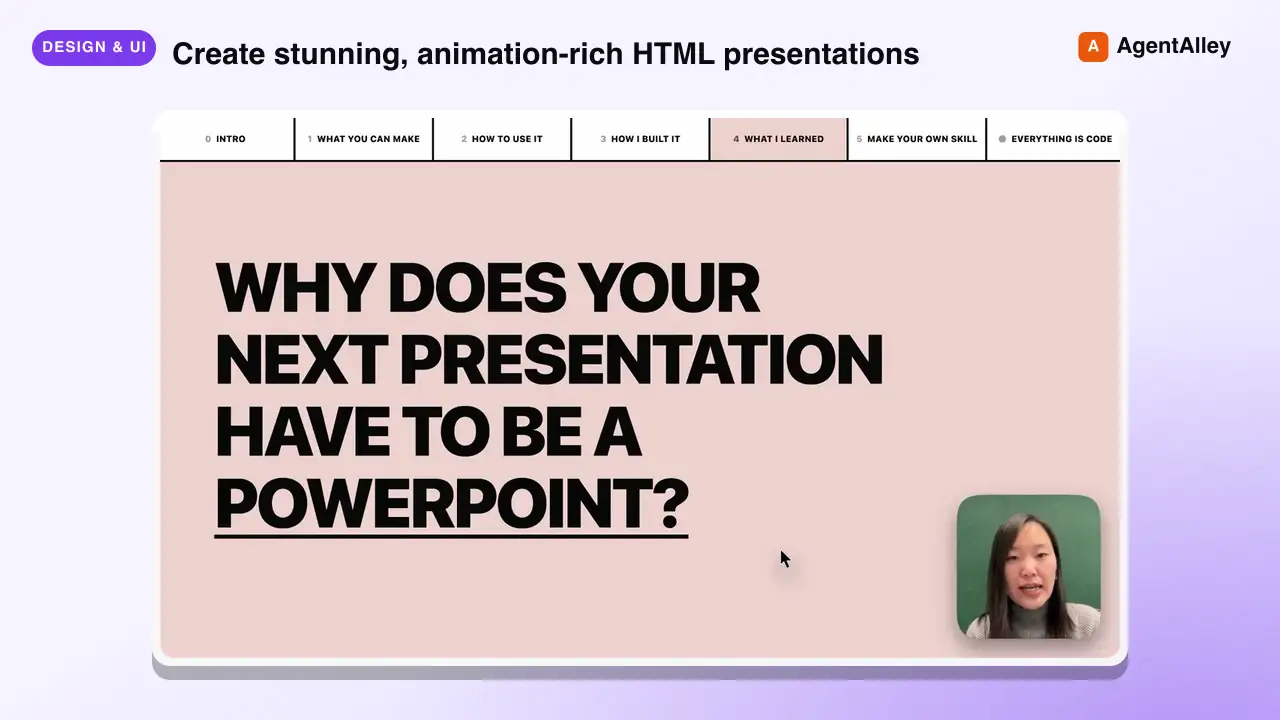 SkillAnimated Slide Deck Builder
 zarazhangrui/frontend-slides · by zarazhangruiCreate stunning, animation-rich HTML presentations from scratch or by converting PowerPoint files. Use when the user wants to build a presentation, convert a PPT/PPTX to web, or create slides for a talk/pitch. Helps non-designers discover their aesthetic through visual exploration rather than abstract choices.★ 30.3k GitHub stars
 SkillSVG Diagram Creator
 JimLiu/baoyu-skills · by JimLiuCreate professional, dark-themed SVG diagrams of any type — architecture diagrams, flowcharts, sequence diagrams, structural diagrams, mind maps, timelines, illustrative/conceptual diagrams, and more. Use this skill whenever the user asks for any kind of technical or conceptual diagram, visualization of a system, process flow, data flow, component relationship, network topology, decision tree, org chart, state machine, or any visual representation of structure/logic/process. Also trigger when the user says "画个图" "画一个架构图" "diagram" "flowchart" "sequence diagram" "draw me a ..." or uploads content and asks to visualize it. Output is always a standalone .svg file.★ 26.6k GitHub stars
 SkillVisual Explainer
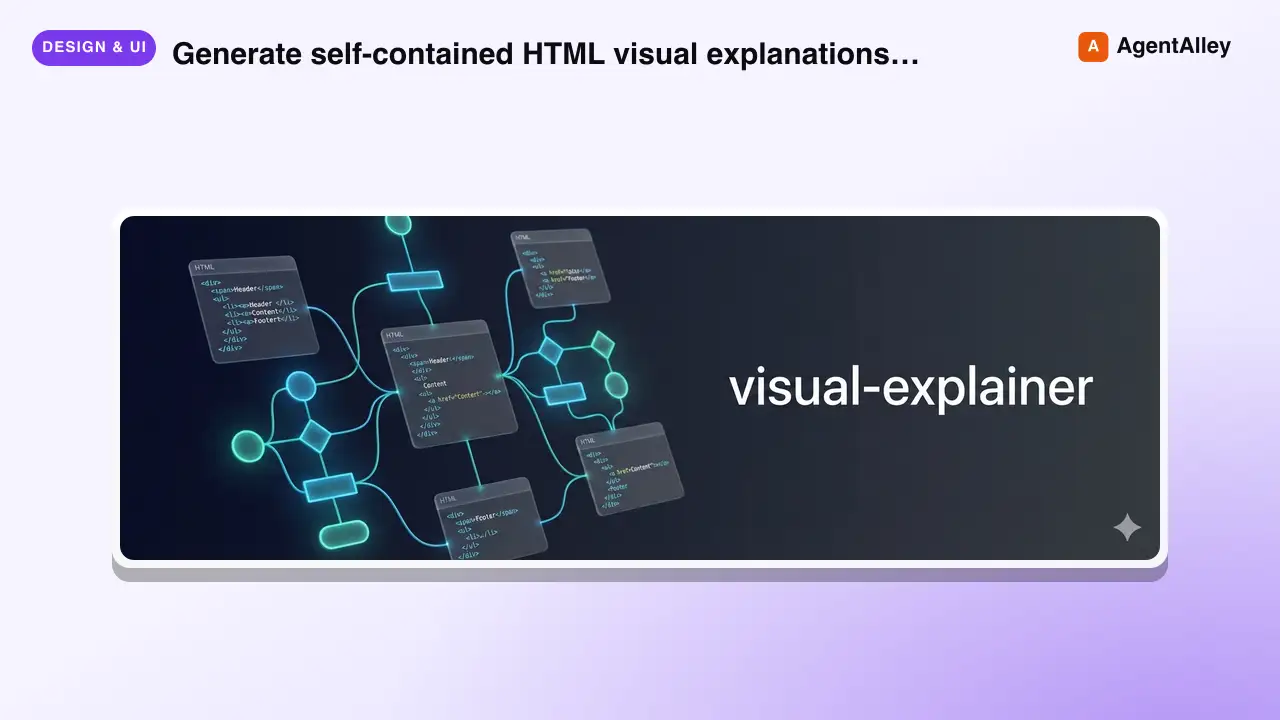
 nicobailon/visual-explainer · by nicobailonGenerate self-contained HTML visual explanations for systems, code changes, plans, data, and technical concepts. Use for diagrams, architecture overviews, diff or plan reviews, project recaps, comparison tables, slide decks, animated explainers, and other visual explanations.★ 10.2k GitHub stars
 SkillHTML Presentation Studio
 lewislulu/html-ppt-skill · by lewisluluHTML PPT Studio — author professional static HTML presentations in many styles, layouts, and animations, all driven by templates. Use when the user asks for a presentation, PPT, slides, keynote, deck, slideshow, "幻灯片", "演讲稿", "做一份 PPT", "做一份 slides", a reveal-style HTML deck, a 小红书 图文, or any kind of multi-slide pitch/report/sharing document that should look tasteful and be usable with keyboard navigation. Triggers include keywords like "presentation", "ppt", "slides", "deck", "keynote", "reveal", "slideshow", "幻灯片", "演讲稿", "分享稿", "小红书图文", "talk slides", "pitch deck", "tech sharing", "technical presentation".★ 8.6k GitHub stars
 SkillLogo Designer
 kaankiziltug/logo-design-skill · by kaankiziltugProfessional logo and brand-mark design, from brief to production files. Guides discovery and the design brief, concept generation, choosing a mark type (wordmark, monogram, letterform, pictorial, abstract, emblem, mascot, combination), building clean geometric SVG logos, optical refinement, colour and typography, testing (16 px, one-colour, reversed, shelf test), client presentation, delivery variants and brand guidelines. Includes a searchable library of 1,400+ real-world SVG logos classified by type, technique, geometry and industry, plus scripts that audit SVGs and generate test sheets, presentation boards and export variants. Use this skill whenever the user wants a logo, logotype, wordmark, monogram, brand mark, symbol, app icon or favicon designed, redesigned, refreshed, critiqued or compared; asks for logo ideas or concepts; needs a design brief, logo guidelines, lockups or an identity system; or mentions branding a new company, product, app or project — even if they don't say the word "logo".★ 2.8k GitHub stars
 SkillPR Lens
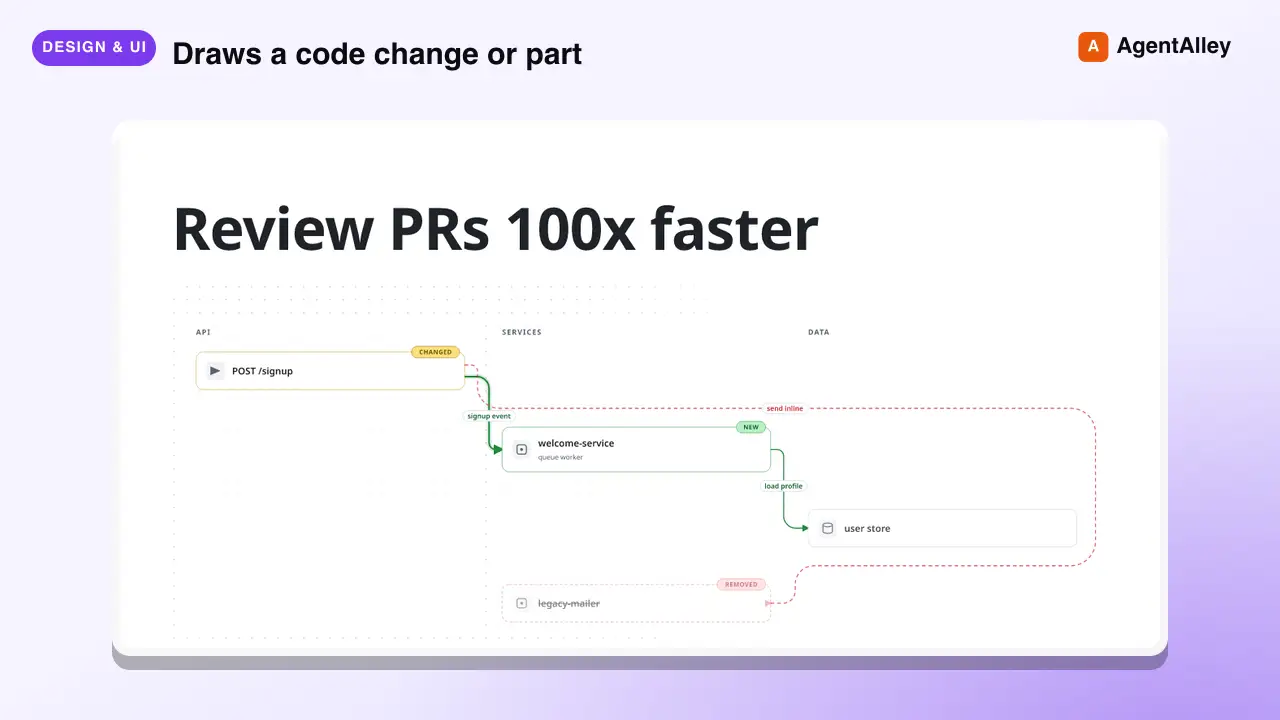
 coldteadotai/pr-lens · by coldteadotaiWHAT: Draws a code change or part of a codebase as an animated architecture or data-flow diagram, on its own or in a pull request. WHEN: asked to diagram, visualise or explain a change or a system, or when a pull request should carry a diagram. KEYWORDS: PR Lens, diagram, architecture, data flow, visualise, visualize, pull request★ 1.9k GitHub stars
More from alirezarezvani
 SkillExperiment Resume Tool
 alirezarezvani/claude-skills · by alirezarezvaniResume a paused experiment. Checkout the experiment branch, read results history, continue iterating. Use when the user runs /ar:ar-resume or asks to pick up a previously started autoresearch experiment.★ 26.3k GitHub stars
 SkillExperiment Dashboard Vieweralirezarezvani/claude-skills · by alirezarezvaniShow experiment dashboard with results, active loops, and progress. Use when the user runs /ar:ar-status or asks how an autoresearch experiment is going.★ 26.3k GitHub stars
 SkillAutonomous Experiment Runneralirezarezvani/claude-skills · by alirezarezvaniStart an autonomous experiment loop with user-selected interval (10min, 1h, daily, weekly, monthly). Uses CronCreate for scheduling. Use when the user runs /ar:loop or asks to run an autoresearch experiment continuously on a schedule.★ 26.3k GitHub stars
 SkillSingle Experiment Iteratoralirezarezvani/claude-skills · by alirezarezvaniRun a single experiment iteration. Edit the target file, evaluate, keep or discard. Use when the user runs /ar:run or asks for one manual autoresearch iteration.★ 26.3k GitHub stars
 SkillAutoresearch Experiment Setupalirezarezvani/claude-skills · by alirezarezvaniSet up a new autoresearch experiment interactively. Collects domain, target file, eval command, metric, direction, and evaluator. Use when the user runs /ar:setup or asks to start optimizing a file with the autoresearch loop.★ 26.3k GitHub stars
 SkillExecutive Boardroom Deliberatoralirezarezvani/claude-skills · by alirezarezvani/cs:boardroom <brief> — 6-phase multi-role deliberation across the C-suite with Phase 2 isolation, critic pre-screen, and synthesis. Outputs a board memo. Use when a decision spans multiple executive domains — e.g. a pricing change touching finance, positioning, and product, or a raise-vs-cut runway call.★ 26.3k GitHub stars