Marp Presentation Creator
Marp slide
Create professional Marp presentation slides with 7 beautiful themes (default, minimal, colorful, dark, gradient, tech, business). Use when users request slide creation, presentations, or Marp documents.
---
name: marp-slide
description: Create professional Marp presentation slides with 7 beautiful themes (default, minimal, colorful, dark, gradient, tech, business). Use when users request slide creation, presentations, or Marp documents. Supports custom themes, image layouts, and "make it look good" requests with automatic quality improvements.
---

# Marp Slide Creator

Create professional, visually appealing Marp presentation slides with 7 pre-designed themes and built-in best practices.

## When to Use This Skill

Use this skill when the user:
- Requests to create presentation slides or Marp documents
- Asks to "make slides look good" or "improve slide design"
- Provides vague instructions like "良い感じにして" (make it nice) or "かっこよく" (make it cool)
- Wants to create lecture or seminar materials
- Needs bullet-point focused slides with occasional images
Overview
Create professional, visually appealing Marp presentation slides with 7 pre-designed themes and built-in best practices.
Manual install (npx, ZIP)
npx skills add davila7/claude-code-templates --skill marp-slide -g -a claude-codenpx degit davila7/claude-code-templates/cli-tool/components/skills/creative-design/marp-slide#main ~/.claude/skills/marp-slideConnects with Agent Alley MCP · agentalley.io/mcp
Files included
SKILL.md8.6 KB
Read SKILL.md here
Show the full text238 lines
Marp Slide Creator
Create professional, visually appealing Marp presentation slides with 7 pre-designed themes and built-in best practices.
When to Use This Skill
Use this skill when the user:
- Requests to create presentation slides or Marp documents
- Asks to "make slides look good" or "improve slide design"
- Provides vague instructions like "良い感じにして" (make it nice) or "かっこよく" (make it cool)
- Wants to create lecture or seminar materials
- Needs bullet-point focused slides with occasional images
Quick Start
Step 1: Select Theme
First, determine the appropriate theme based on the user's request and content.
Quick theme selection:
- Technical/Developer content → tech theme
- Business/Corporate → business theme
- Creative/Event → colorful or gradient theme
- Academic/Simple → minimal theme
- General/Unsure → default theme
- Dark background preferred → dark or tech theme
For detailed theme selection guidance, read references/theme-selection.md.
Step 2: Create Slides
Read relevant references first:
- Always start by reading
references/marp-syntax.mdfor basic syntax - For images:
references/image-patterns.md(official Marpit image syntax) - For advanced features (math, emoji):
references/advanced-features.md - For custom themes:
references/theme-css-guide.md
- Always start by reading
Copy content from the appropriate template file:
assets/template-basic.md- Default theme (most common)assets/template-minimal.md- Minimal themeassets/template-colorful.md- Colorful themeassets/template-dark.md- Dark mode themeassets/template-gradient.md- Gradient themeassets/template-tech.md- Tech/code themeassets/template-business.md- Business theme
Read
references/best-practices.mdfor quality guidelinesStructure content following best practices:
- Title slide with
<!-- _class: lead --> - Concise h2 titles (5-7 characters in Japanese)
- 3-5 bullet points per slide
- Adequate whitespace
- Title slide with
Add images if needed using patterns from
references/image-patterns.mdSave to
the project output directorywith.mdextension
Available Themes
1. Default Theme
Colors: Beige background, navy text, blue headings
Style: Clean, sophisticated with decorative lines
Use for: General seminars, lectures, presentations
Template: template-basic.md
2. Minimal Theme
Colors: White background, gray text, black headings
Style: Minimal decoration, wide margins, light fonts
Use for: Content-focused presentations, academic talks
Template: template-minimal.md
3. Colorful & Pop Theme
Colors: Pink gradient background, multi-color accents
Style: Vibrant gradients, bold fonts, rainbow accents
Use for: Youth-oriented events, creative projects
Template: template-colorful.md
4. Dark Mode Theme
Colors: Black background, cyan/purple accents
Style: Dark theme with glow effects, eye-friendly
Use for: Tech presentations, evening talks, modern look
Template: template-dark.md
5. Gradient Background Theme
Colors: Purple/pink/blue/green gradients (varies per slide)
Style: Different gradient per slide, white text, shadows
Use for: Visual-focused, creative presentations
Template: template-gradient.md
6. Tech/Code Theme
Colors: GitHub-style dark background, blue/green accents
Style: Code fonts, Markdown-style headers with # symbols
Use for: Programming tutorials, tech meetups, developer content
Template: template-tech.md
7. Business Theme
Colors: White background, navy headings, blue accents
Style: Corporate presentation style, top border, table support
Use for: Business presentations, proposals, reports
Template: template-business.md
Creating Slides Process
Basic Workflow
Understand requirements
- Identify content: title, topics, key points
- Determine target audience
- Assess formality level
Select theme
- Use quick selection rules above
- If uncertain, consult
references/theme-selection.md - Default to default theme if still unsure
Apply template
- Load appropriate template from
assets/ - CSS is already embedded - no external files needed
- Maintain template structure
- Load appropriate template from
Structure content
- Title slide:
<!-- _class: lead -->+ h1 - Content slides: h2 title + bullet points
- Keep titles to 5-7 characters (Japanese)
- Use 3-5 bullet points per slide
- Title slide:
Refine quality
- Read
references/best-practices.md - Ensure adequate whitespace
- Maintain consistency
- Keep text concise (15-25 chars per line)
- Read
Add images
- If needed, consult
references/image-patterns.md - Common:
for side images - Use proper Marp image syntax
- If needed, consult
Output file
- Save to
the project output directory - Use descriptive filename like
presentation.md
- Save to
Handling "Make It Look Good" Requests
When users give vague instructions like "良い感じにして", "かっこよく", or "make it cool":
Infer theme from content:
- Business content → business theme
- Technical content → tech or dark theme
- Creative content → gradient or colorful theme
- General → default theme
Apply best practices automatically:
- Shorten titles to 5-7 characters
- Limit bullet points to 3-5 items
- Add adequate whitespace
- Use consistent structure
Enhance visual hierarchy:
- Use h3 for sub-sections when appropriate
- Break up dense text into multiple slides
- Ensure logical flow (intro → body → conclusion)
Maintain professional tone:
- Match formality to content
- Use parallel structure in lists
- Keep technical terms consistent
Image Integration
For slides with images, consult references/image-patterns.md for detailed syntax.
Common patterns:
- Side image:
- Image on right, text on left - Centered:
- Centered with specific width - Full background:
- Full-screen background - Multiple images: Multiple
![bg]declarations
Example lecture pattern:
## Slide Title

- Explanation point 1
- Explanation point 2
- Explanation point 3
File Output
Always save the final Marp file to the project output directory with .md extension:
presentation.mdseminar-slides.mdlecture-materials.md
Quality Checklist
Before delivering slides, verify:
- Theme selected appropriately for content
- CSS theme is embedded in the file
- Title slide uses
<!-- _class: lead --> - All h2 titles are concise (5-7 chars)
- Bullet points are 3-5 items per slide
- Images use proper Marp syntax
- File saved to outputs directory
- Content follows best practices
References
Core Documentation
- Marp syntax:
references/marp-syntax.md- Basic Marp/Marpit syntax (directives, frontmatter, pagination, etc.) - Image patterns:
references/image-patterns.md- Official image syntax (bg, filters, split backgrounds) - Theme CSS guide:
references/theme-css-guide.md- How to create custom themes based on Marpit specification - Advanced features:
references/advanced-features.md- Math, emoji, fragmented lists, Marp CLI, VS Code - Official themes:
references/official-themes.md- default, gaia, uncover themes documentation
Quality & Selection Guides
- Theme selection:
references/theme-selection.md- How to choose the right theme for content - Best practices:
references/best-practices.md- Quality guidelines for "cool" slides
Templates & Assets
- Templates:
assets/template-*.md- Starting points with embedded CSS for each theme (7 themes) - Standalone CSS:
assets/theme-*.css- CSS files for reference (already embedded in templates)
Official External Links
- Marp Official Site: https://marp.app/
- Marpit Directives: https://marpit.marp.app/directives
- Marpit Image Syntax: https://marpit.marp.app/image-syntax
- Marpit Theme CSS: https://marpit.marp.app/theme-css
- Marp Core GitHub: https://github.com/marp-team/marp-core
- Marp CLI GitHub: https://github.com/marp-team/marp-cli
| 1 | |
| 2 | name marp-slide |
| 3 | description Create professional Marp presentation slides with 7 beautiful themes (default, minimal, colorful, dark, gradient, tech, business). Use when users request slide creation, presentations, or Marp documents. Supports custom themes, image layouts, and "make it look good" requests with automatic quality improvements. |
| 4 | |
| 5 | |
| 6 | # Marp Slide Creator |
| 7 | |
| 8 | Create professional, visually appealing Marp presentation slides with 7 pre-designed themes and built-in best practices. |
| 9 | |
| 10 | ## When to Use This Skill |
| 11 | |
| 12 | Use this skill when the user: |
| 13 | Requests to create presentation slides or Marp documents |
| 14 | Asks to "make slides look good" or "improve slide design" |
| 15 | Provides vague instructions like "良い感じにして" (make it nice) or "かっこよく" (make it cool) |
| 16 | Wants to create lecture or seminar materials |
| 17 | Needs bullet-point focused slides with occasional images |
| 18 | |
| 19 | ## Quick Start |
| 20 | |
| 21 | ### Step 1: Select Theme |
| 22 | |
| 23 | First, determine the appropriate theme based on the user's request and content. |
| 24 | |
| 25 | **Quick theme selection:** |
| 26 | **Technical/Developer content** → tech theme |
| 27 | **Business/Corporate** → business theme |
| 28 | **Creative/Event** → colorful or gradient theme |
| 29 | **Academic/Simple** → minimal theme |
| 30 | **General/Unsure** → default theme |
| 31 | **Dark background preferred** → dark or tech theme |
| 32 | |
| 33 | For detailed theme selection guidance, read `references/theme-selection.md`. |
| 34 | |
| 35 | ### Step 2: Create Slides |
| 36 | |
| 37 | **Read relevant references first**: |
| 38 | Always start by reading `references/marp-syntax.md` for basic syntax |
| 39 | For images: `references/image-patterns.md` (official Marpit image syntax) |
| 40 | For advanced features (math, emoji): `references/advanced-features.md` |
| 41 | For custom themes: `references/theme-css-guide.md` |
| 42 | |
| 43 | Copy content from the appropriate template file: |
| 44 | `assets/template-basic.md` - Default theme (most common) |
| 45 | `assets/template-minimal.md` - Minimal theme |
| 46 | `assets/template-colorful.md` - Colorful theme |
| 47 | `assets/template-dark.md` - Dark mode theme |
| 48 | `assets/template-gradient.md` - Gradient theme |
| 49 | `assets/template-tech.md` - Tech/code theme |
| 50 | `assets/template-business.md` - Business theme |
| 51 | |
| 52 | Read `references/best-practices.md` for quality guidelines |
| 53 | |
| 54 | Structure content following best practices: |
| 55 | Title slide with `<!-- _class: lead -->` |
| 56 | Concise h2 titles (5-7 characters in Japanese) |
| 57 | 3-5 bullet points per slide |
| 58 | Adequate whitespace |
| 59 | |
| 60 | Add images if needed using patterns from `references/image-patterns.md` |
| 61 | |
| 62 | Save to `the project output directory` with `.md` extension |
| 63 | |
| 64 | ## Available Themes |
| 65 | |
| 66 | ### 1. Default Theme |
| 67 | **Colors**: Beige background, navy text, blue headings |
| 68 | **Style**: Clean, sophisticated with decorative lines |
| 69 | **Use for**: General seminars, lectures, presentations |
| 70 | **Template**: `template-basic.md` |
| 71 | |
| 72 | ### 2. Minimal Theme |
| 73 | **Colors**: White background, gray text, black headings |
| 74 | **Style**: Minimal decoration, wide margins, light fonts |
| 75 | **Use for**: Content-focused presentations, academic talks |
| 76 | **Template**: `template-minimal.md` |
| 77 | |
| 78 | ### 3. Colorful & Pop Theme |
| 79 | **Colors**: Pink gradient background, multi-color accents |
| 80 | **Style**: Vibrant gradients, bold fonts, rainbow accents |
| 81 | **Use for**: Youth-oriented events, creative projects |
| 82 | **Template**: `template-colorful.md` |
| 83 | |
| 84 | ### 4. Dark Mode Theme |
| 85 | **Colors**: Black background, cyan/purple accents |
| 86 | **Style**: Dark theme with glow effects, eye-friendly |
| 87 | **Use for**: Tech presentations, evening talks, modern look |
| 88 | **Template**: `template-dark.md` |
| 89 | |
| 90 | ### 5. Gradient Background Theme |
| 91 | **Colors**: Purple/pink/blue/green gradients (varies per slide) |
| 92 | **Style**: Different gradient per slide, white text, shadows |
| 93 | **Use for**: Visual-focused, creative presentations |
| 94 | **Template**: `template-gradient.md` |
| 95 | |
| 96 | ### 6. Tech/Code Theme |
| 97 | **Colors**: GitHub-style dark background, blue/green accents |
| 98 | **Style**: Code fonts, Markdown-style headers with # symbols |
| 99 | **Use for**: Programming tutorials, tech meetups, developer content |
| 100 | **Template**: `template-tech.md` |
| 101 | |
| 102 | ### 7. Business Theme |
| 103 | **Colors**: White background, navy headings, blue accents |
| 104 | **Style**: Corporate presentation style, top border, table support |
| 105 | **Use for**: Business presentations, proposals, reports |
| 106 | **Template**: `template-business.md` |
| 107 | |
| 108 | ## Creating Slides Process |
| 109 | |
| 110 | ### Basic Workflow |
| 111 | |
| 112 | **Understand requirements** |
| 113 | Identify content: title, topics, key points |
| 114 | Determine target audience |
| 115 | Assess formality level |
| 116 | |
| 117 | **Select theme** |
| 118 | Use quick selection rules above |
| 119 | If uncertain, consult `references/theme-selection.md` |
| 120 | Default to default theme if still unsure |
| 121 | |
| 122 | **Apply template** |
| 123 | Load appropriate template from `assets/` |
| 124 | CSS is already embedded - no external files needed |
| 125 | Maintain template structure |
| 126 | |
| 127 | **Structure content** |
| 128 | Title slide: `<!-- _class: lead -->` + h1 |
| 129 | Content slides: h2 title + bullet points |
| 130 | Keep titles to 5-7 characters (Japanese) |
| 131 | Use 3-5 bullet points per slide |
| 132 | |
| 133 | **Refine quality** |
| 134 | Read `references/best-practices.md` |
| 135 | Ensure adequate whitespace |
| 136 | Maintain consistency |
| 137 | Keep text concise (15-25 chars per line) |
| 138 | |
| 139 | **Add images** |
| 140 | If needed, consult `references/image-patterns.md` |
| 141 | Common: `![bg right:40%]` for side images |
| 142 | Use proper Marp image syntax |
| 143 | |
| 144 | **Output file** |
| 145 | Save to `the project output directory` |
| 146 | Use descriptive filename like `presentation.md` |
| 147 | |
| 148 | ## Handling "Make It Look Good" Requests |
| 149 | |
| 150 | When users give vague instructions like "良い感じにして", "かっこよく", or "make it cool": |
| 151 | |
| 152 | **Infer theme from content**: |
| 153 | Business content → business theme |
| 154 | Technical content → tech or dark theme |
| 155 | Creative content → gradient or colorful theme |
| 156 | General → default theme |
| 157 | |
| 158 | **Apply best practices automatically**: |
| 159 | Shorten titles to 5-7 characters |
| 160 | Limit bullet points to 3-5 items |
| 161 | Add adequate whitespace |
| 162 | Use consistent structure |
| 163 | |
| 164 | **Enhance visual hierarchy**: |
| 165 | Use h3 for sub-sections when appropriate |
| 166 | Break up dense text into multiple slides |
| 167 | Ensure logical flow (intro → body → conclusion) |
| 168 | |
| 169 | **Maintain professional tone**: |
| 170 | Match formality to content |
| 171 | Use parallel structure in lists |
| 172 | Keep technical terms consistent |
| 173 | |
| 174 | ## Image Integration |
| 175 | |
| 176 | For slides with images, consult `references/image-patterns.md` for detailed syntax. |
| 177 | |
| 178 | Common patterns: |
| 179 | **Side image**: `![bg right:40%]` - Image on right, text on left |
| 180 | **Centered**: `![w:600px]` - Centered with specific width |
| 181 | **Full background**: `![bg]` - Full-screen background |
| 182 | **Multiple images**: Multiple `![bg]` declarations |
| 183 | |
| 184 | Example lecture pattern: |
| 185 | |
| 186 | ## Slide Title |
| 187 | |
| 188 |  |
| 189 | |
| 190 | - Explanation point 1 |
| 191 | - Explanation point 2 |
| 192 | - Explanation point 3 |
| 193 | |
| 194 | |
| 195 | ## File Output |
| 196 | |
| 197 | Always save the final Marp file to `the project output directory` with `.md` extension: |
| 198 | `presentation.md` |
| 199 | `seminar-slides.md` |
| 200 | `lecture-materials.md` |
| 201 | |
| 202 | ## Quality Checklist |
| 203 | |
| 204 | Before delivering slides, verify: |
| 205 | [ ] Theme selected appropriately for content |
| 206 | [ ] CSS theme is embedded in the file |
| 207 | [ ] Title slide uses `<!-- _class: lead -->` |
| 208 | [ ] All h2 titles are concise (5-7 chars) |
| 209 | [ ] Bullet points are 3-5 items per slide |
| 210 | [ ] Images use proper Marp syntax |
| 211 | [ ] File saved to outputs directory |
| 212 | [ ] Content follows best practices |
| 213 | |
| 214 | ## References |
| 215 | |
| 216 | ### Core Documentation |
| 217 | **Marp syntax**: `references/marp-syntax.md` - Basic Marp/Marpit syntax (directives, frontmatter, pagination, etc.) |
| 218 | **Image patterns**: `references/image-patterns.md` - Official image syntax (bg, filters, split backgrounds) |
| 219 | **Theme CSS guide**: `references/theme-css-guide.md` - How to create custom themes based on Marpit specification |
| 220 | **Advanced features**: `references/advanced-features.md` - Math, emoji, fragmented lists, Marp CLI, VS Code |
| 221 | **Official themes**: `references/official-themes.md` - default, gaia, uncover themes documentation |
| 222 | |
| 223 | ### Quality & Selection Guides |
| 224 | **Theme selection**: `references/theme-selection.md` - How to choose the right theme for content |
| 225 | **Best practices**: `references/best-practices.md` - Quality guidelines for "cool" slides |
| 226 | |
| 227 | ### Templates & Assets |
| 228 | **Templates**: `assets/template-*.md` - Starting points with embedded CSS for each theme (7 themes) |
| 229 | **Standalone CSS**: `assets/theme-*.css` - CSS files for reference (already embedded in templates) |
| 230 | |
| 231 | ### Official External Links |
| 232 | **Marp Official Site**: https://marp.app/ |
| 233 | **Marpit Directives**: https://marpit.marp.app/directives |
| 234 | **Marpit Image Syntax**: https://marpit.marp.app/image-syntax |
| 235 | **Marpit Theme CSS**: https://marpit.marp.app/theme-css |
| 236 | **Marp Core GitHub**: https://github.com/marp-team/marp-core |
| 237 | **Marp CLI GitHub**: https://github.com/marp-team/marp-cli |
| 238 |
Details
- License
- MIT
- Stars on the repo
- ★ 32,299
- Checked
- Source
- davila7/claude-code-templates ↗
- Creator
- davila7 · 212 listings
Similar skills
See all → SkillAnimated Slide Deck Builder
 zarazhangrui/frontend-slides · by zarazhangruiCreate stunning, animation-rich HTML presentations from scratch or by converting PowerPoint files. Use when the user wants to build a presentation, convert a PPT/PPTX to web, or create slides for a talk/pitch. Helps non-designers discover their aesthetic through visual exploration rather than abstract choices.★ 30.3k GitHub stars
 SkillSVG Diagram Creator
 JimLiu/baoyu-skills · by JimLiuCreate professional, dark-themed SVG diagrams of any type — architecture diagrams, flowcharts, sequence diagrams, structural diagrams, mind maps, timelines, illustrative/conceptual diagrams, and more. Use this skill whenever the user asks for any kind of technical or conceptual diagram, visualization of a system, process flow, data flow, component relationship, network topology, decision tree, org chart, state machine, or any visual representation of structure/logic/process. Also trigger when the user says "画个图" "画一个架构图" "diagram" "flowchart" "sequence diagram" "draw me a ..." or uploads content and asks to visualize it. Output is always a standalone .svg file.★ 26.6k GitHub stars
 SkillVisual Explainer
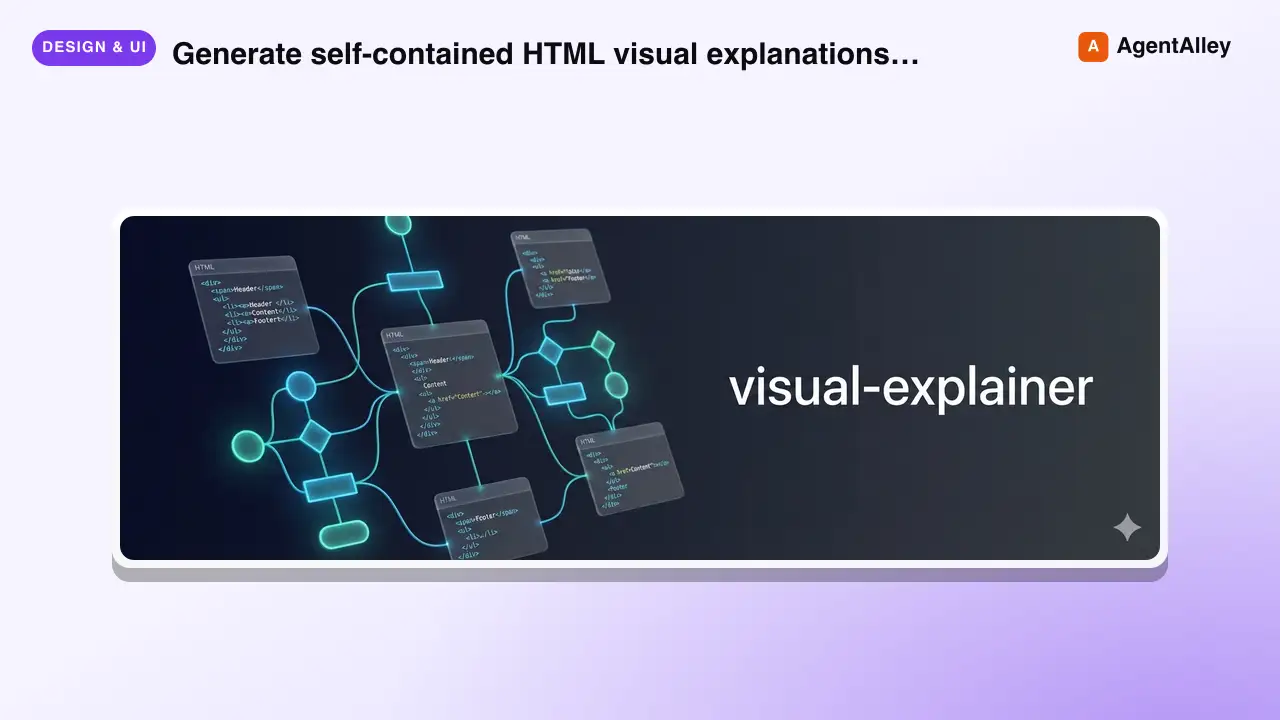
 nicobailon/visual-explainer · by nicobailonGenerate self-contained HTML visual explanations for systems, code changes, plans, data, and technical concepts. Use for diagrams, architecture overviews, diff or plan reviews, project recaps, comparison tables, slide decks, animated explainers, and other visual explanations.★ 10.2k GitHub stars
 SkillHTML Presentation Studio
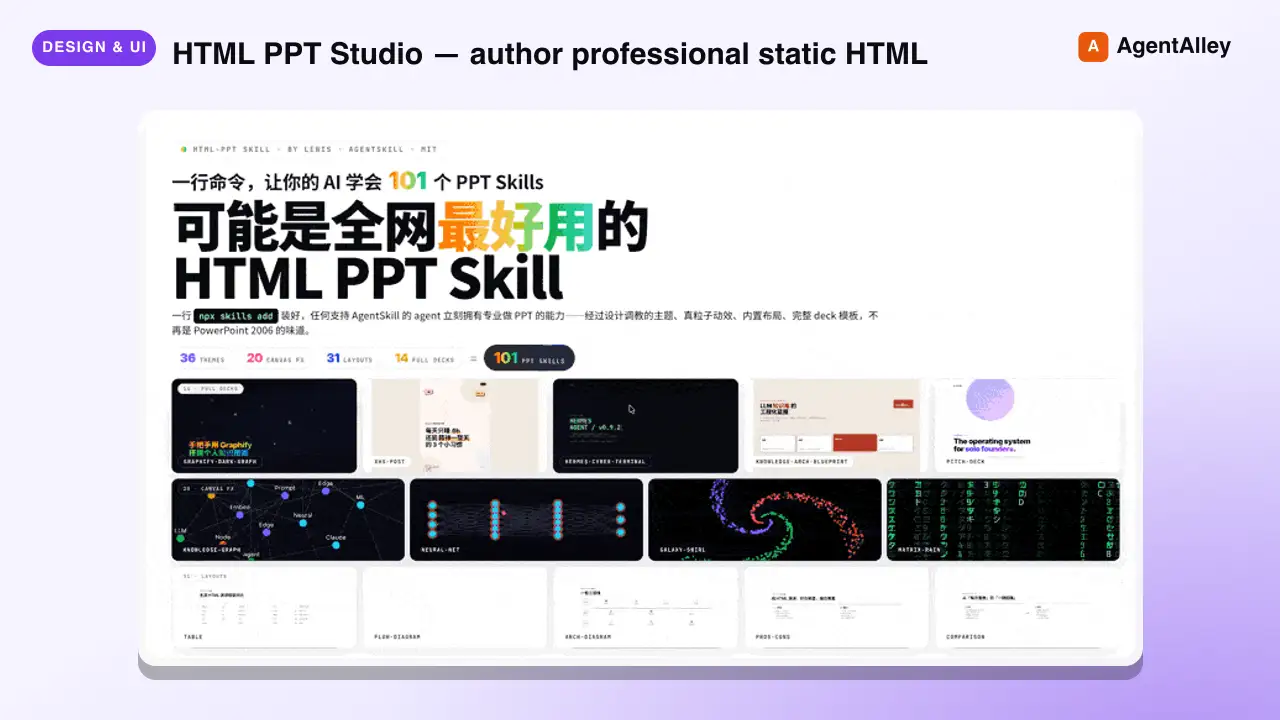
 lewislulu/html-ppt-skill · by lewisluluHTML PPT Studio — author professional static HTML presentations in many styles, layouts, and animations, all driven by templates. Use when the user asks for a presentation, PPT, slides, keynote, deck, slideshow, "幻灯片", "演讲稿", "做一份 PPT", "做一份 slides", a reveal-style HTML deck, a 小红书 图文, or any kind of multi-slide pitch/report/sharing document that should look tasteful and be usable with keyboard navigation. Triggers include keywords like "presentation", "ppt", "slides", "deck", "keynote", "reveal", "slideshow", "幻灯片", "演讲稿", "分享稿", "小红书图文", "talk slides", "pitch deck", "tech sharing", "technical presentation".★ 8.6k GitHub stars
 SkillLogo Designer
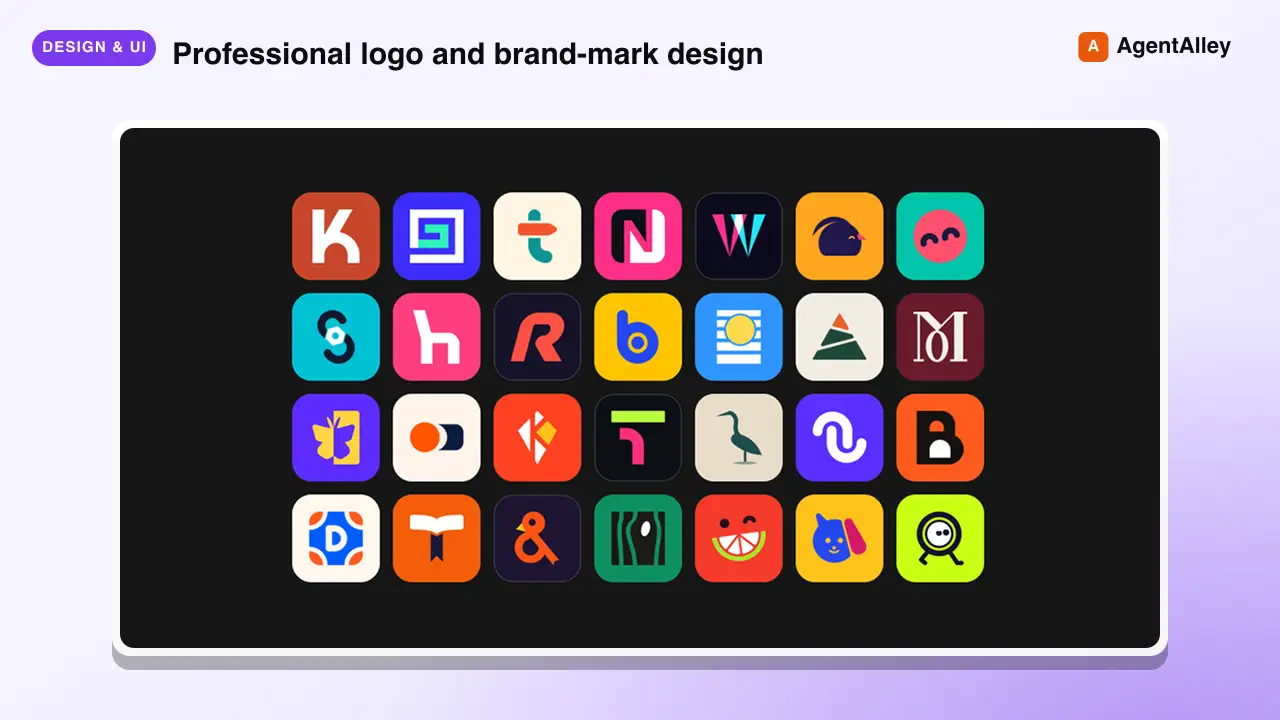
 kaankiziltug/logo-design-skill · by kaankiziltugProfessional logo and brand-mark design, from brief to production files. Guides discovery and the design brief, concept generation, choosing a mark type (wordmark, monogram, letterform, pictorial, abstract, emblem, mascot, combination), building clean geometric SVG logos, optical refinement, colour and typography, testing (16 px, one-colour, reversed, shelf test), client presentation, delivery variants and brand guidelines. Includes a searchable library of 1,400+ real-world SVG logos classified by type, technique, geometry and industry, plus scripts that audit SVGs and generate test sheets, presentation boards and export variants. Use this skill whenever the user wants a logo, logotype, wordmark, monogram, brand mark, symbol, app icon or favicon designed, redesigned, refreshed, critiqued or compared; asks for logo ideas or concepts; needs a design brief, logo guidelines, lockups or an identity system; or mentions branding a new company, product, app or project — even if they don't say the word "logo".★ 2.8k GitHub stars
 SkillPR Lens
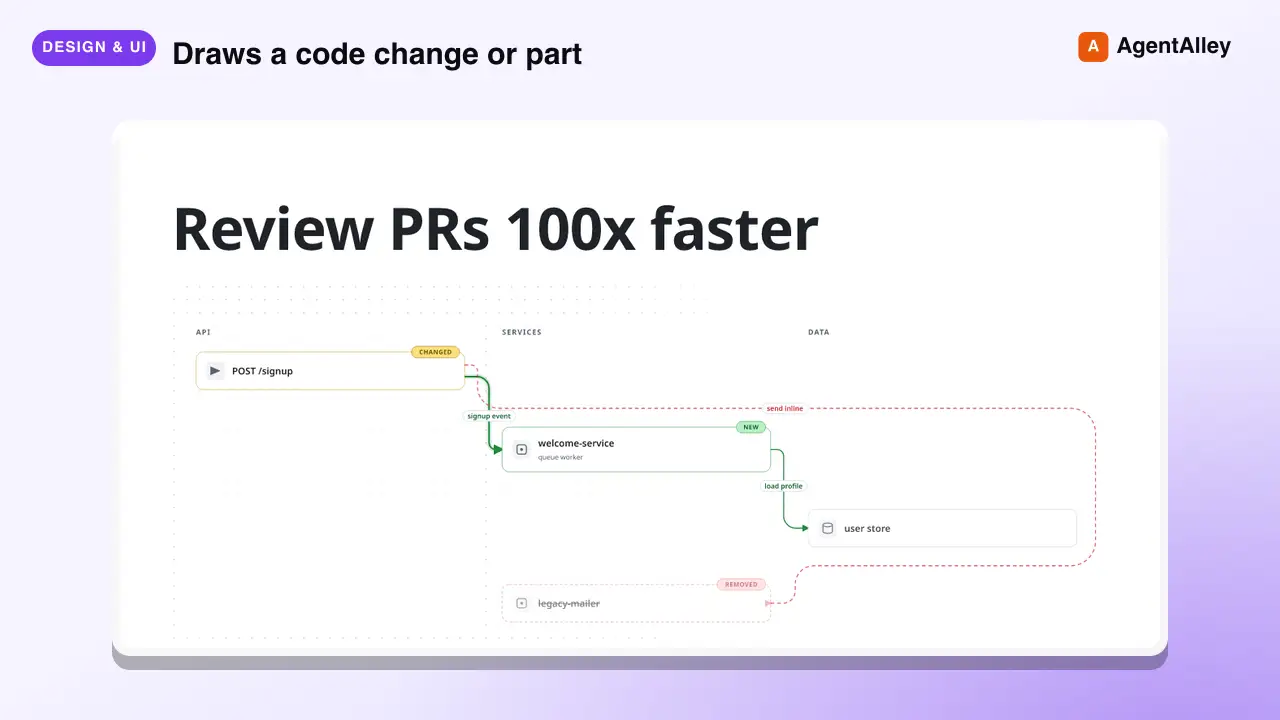
 coldteadotai/pr-lens · by coldteadotaiWHAT: Draws a code change or part of a codebase as an animated architecture or data-flow diagram, on its own or in a pull request. WHEN: asked to diagram, visualise or explain a change or a system, or when a pull request should carry a diagram. KEYWORDS: PR Lens, diagram, architecture, data flow, visualise, visualize, pull request★ 1.9k GitHub stars
More from davila7
 Skill2D Game Development
 davila7/claude-code-templates · by davila72D game development principles. Sprites, tilemaps, physics, camera.★ 32.3k GitHub stars
 Skill3D Game Development Principlesdavila7/claude-code-templates · by davila73D game development principles. Rendering, shaders, physics, cameras.★ 32.3k GitHub stars
 Skill3D Web Experience Builderdavila7/claude-code-templates · by davila7Expert in building 3D experiences for the web - Three.js, React Three Fiber, Spline, WebGL, and interactive 3D scenes. Covers product configurators, 3D portfolios, immersive websites, and bringing depth to web experiences. Use when: 3D website, three.js, WebGL, react three fiber, 3D experience.★ 32.3k GitHub stars
 SkillSplit Test Setupdavila7/claude-code-templates · by davila7When the user wants to plan, design, or implement an A/B test or experiment. Also use when the user mentions "A/B test," "split test," "experiment," "test this change," "variant copy," "multivariate test," or "hypothesis." For tracking implementation, see analytics-tracking.★ 32.3k GitHub stars
 AgentResearch Literature Synthesizerdavila7/claude-code-templates · by davila7Academic research synthesis specialist. Use PROACTIVELY for comprehensive research on academic topics, literature reviews, technical investigations, and well-cited analysis combining multiple sources. <example>Context: A podcast episode needs a segment grounded in peer-reviewed evidence with formal citations. user: "Research the current state of transformer efficiency techniques for the episode, with proper academic citations." assistant: "I'll use the academic-research-synthesizer agent to search arXiv and Semantic Scholar, extract full-text findings via WebFetch, and produce a cited literature synthesis with confidence levels." <commentary>Use academic-research-synthesizer (not comprehensive-researcher) when the episode segment needs peer-reviewed sourcing, formal citation format, and explicit confidence tagging rather than general-purpose multi-source coverage.</commentary></example> <example>Context: The episode-orchestrator has routed a "literature review" request for a technical deep-dive segment. user: "Summarize the research landscape on federated learning privacy guarantees." assistant: "I'll invoke academic-research-synthesizer to systematically search academic sources, note peer-review status per source, and synthesize consensus vs. open debates."</example>★ 32.3k GitHub stars
 AgentAcademic Research Specialistdavila7/claude-code-templates · by davila7Academic research specialist for scholarly sources, peer-reviewed papers, and academic literature. Use PROACTIVELY for research paper analysis, literature reviews, citation tracking, and academic methodology evaluation. <example>Context: The research-orchestrator has kicked off Phase 4 parallel research on 'efficacy of intermittent fasting' and needs peer-reviewed evidence. user: "Find the academic evidence on intermittent fasting outcomes." assistant: "I'll use the academic-researcher agent to search Semantic Scholar, PubMed, and OpenAlex for peer-reviewed studies and write structured findings to academic-research.md." <commentary>The request is specifically for scholarly/peer-reviewed evidence rather than general web coverage or code, so academic-researcher (not web-researcher or technical-researcher) is the right specialist.</commentary></example> <example>Context: The user wants a literature review comparing methodologies across studies on a topic. user: "Can you review the literature on transformer model interpretability and identify research gaps?" assistant: "Let me invoke the academic-researcher agent to pull foundational and recent papers, extract methodologies, and surface open research gaps." <commentary>Literature review, methodology extraction, and research-gap identification are core academic-researcher capabilities, distinct from technical-researcher's focus on code repositories and implementations.</commentary></example>★ 32.3k GitHub stars