Presentation Deck Generator
Deck generator
Generate professional presentations with AI-generated images. Use when asked to create a deck, presentation, pitch deck, or slides.
---
name: deck-generator
description: Generate professional presentations with AI-generated images. Use when asked to create a deck, presentation, pitch deck, or slides. Supports style presets (whiteboard, corporate, minimalist, etc). Uses Imagen 4.0 API for image generation and Google Slides API for assembly. Produces full decks from markdown content specs in minutes.
---

# Deck Generator

Generate complete presentations where every slide is an AI-generated image in a consistent visual style.

## Quick Start

1. Read the content spec (user provides slide content or a markdown file)
2. Read `references/styles.md` to pick or customize a visual style
3. Run `scripts/generate-deck.py` with content + style

## Workflow

### Step 1: Content Spec
Overview
Generate complete presentations where every slide is an AI-generated image in a consistent visual style.
Manual install (npx, ZIP)
npx skills add ericosiu/ai-marketing-skills --skill deck-generator -g -a claude-codenpx degit ericosiu/ai-marketing-skills/deck-generator#main ~/.claude/skills/deck-generatorConnects with Agent Alley MCP · agentalley.io/mcp
Files included
SKILL.md3.5 KB
Read SKILL.md here
Show the full text107 lines
Deck Generator
Generate complete presentations where every slide is an AI-generated image in a consistent visual style.
Quick Start
- Read the content spec (user provides slide content or a markdown file)
- Read
references/styles.mdto pick or customize a visual style - Run
scripts/generate-deck.pywith content + style
Workflow
Step 1: Content Spec
Accept slide content in any format. Normalize to this structure per slide:
- Title: Bold headline
- Body: Key points, stats, or narrative
- Visual cues: Icons, diagrams, layouts described in words
If user provides a markdown file with --- separators, parse each section as a slide.
If user provides a topic only, generate 10-14 slides following standard deck structures.
Step 2: Style Selection
Available style presets:
| Style | Description |
|---|---|
whiteboard |
Hand-drawn sketch on white. Black ink, orange accents. |
corporate |
Navy/white/gold. Clean sans-serif. Professional. |
minimalist |
Pure white, electric blue accent. Maximum negative space. |
dark-tech |
Near-black background, neon green. Terminal aesthetic. |
playful |
Bright pastels, rounded shapes. Modern startup vibe. |
editorial |
Black/white with red spot color. Magazine aesthetic. |
Default: whiteboard. User can specify any preset or describe a custom style.
Step 3: Generate
# Set your API key
export GEMINI_API_KEY="your-gemini-api-key"

# Run the generator
python3 scripts/generate-deck.py \
  --content slides.json \
  --style whiteboard \
  --title "Deck Title" \
  [--output-dir ./output] \
  [--aspect 16:9]
The script:
- Generates each slide image via Imagen 4.0 API
- Saves all images to the output directory
- Optionally creates a Google Slides presentation (requires Google Slides API credentials)
- Returns paths to all generated images
Step 4: Review & Iterate
To regenerate individual slides:
python3 scripts/generate-deck.py \
  --content slides.json \
  --style whiteboard \
  --slides 3,7 \
  --output-dir ./output
Key Details
- Cost: ~4 cents per image. A 14-slide deck costs roughly 56 cents in API calls.
- Speed: ~2 minutes for 14 slides.
- API: Imagen 4.0 via Google's Generative Language API
- Auth: Set
$GEMINI_API_KEYenvironment variable - Aspect ratios: 16:9 (default), 1:1, 4:3, 3:4, 9:16
- Image models:
imagen-4.0-generate-001(best quality),imagen-4.0-fast-generate-001(faster)
Content JSON Format
[
  {"name": "01-title", "prompt": "Title slide: 'Your Deck Title' with company logo placeholder"},
  {"name": "02-problem", "prompt": "Problem slide showing frustrated marketer staring at dashboard with declining metrics"},
  {"name": "03-solution", "prompt": "Solution slide: AI agent workflow diagram with 3 connected boxes"}
]
Google Slides Integration (Optional)
To automatically create a Google Slides presentation, set up Google Slides API credentials:
export GOOGLE_APPLICATION_CREDENTIALS="/path/to/service-account.json"
python3 scripts/generate-deck.py \
  --content slides.json \
  --style whiteboard \
  --title "My Deck" \
  --google-slides \
  --google-account your-email@example.com
| 1 | |
| 2 | name deck-generator |
| 3 | description Generate professional presentations with AI-generated images. Use when asked to create a deck, presentation, pitch deck, or slides. Supports style presets (whiteboard, corporate, minimalist, etc). Uses Imagen 4.0 API for image generation and Google Slides API for assembly. Produces full decks from markdown content specs in minutes. |
| 4 | |
| 5 | |
| 6 | # Deck Generator |
| 7 | |
| 8 | Generate complete presentations where every slide is an AI-generated image in a consistent visual style. |
| 9 | |
| 10 | ## Quick Start |
| 11 | |
| 12 | Read the content spec (user provides slide content or a markdown file) |
| 13 | Read `references/styles.md` to pick or customize a visual style |
| 14 | Run `scripts/generate-deck.py` with content + style |
| 15 | |
| 16 | ## Workflow |
| 17 | |
| 18 | ### Step 1: Content Spec |
| 19 | |
| 20 | Accept slide content in any format. Normalize to this structure per slide: |
| 21 | **Title**: Bold headline |
| 22 | **Body**: Key points, stats, or narrative |
| 23 | **Visual cues**: Icons, diagrams, layouts described in words |
| 24 | |
| 25 | If user provides a markdown file with `---` separators, parse each section as a slide. |
| 26 | If user provides a topic only, generate 10-14 slides following standard deck structures. |
| 27 | |
| 28 | ### Step 2: Style Selection |
| 29 | |
| 30 | Available style presets: |
| 31 | |
| 32 | | Style | Description | |
| 33 | |-------|-------------| |
| 34 | | `whiteboard` | Hand-drawn sketch on white. Black ink, orange accents. | |
| 35 | | `corporate` | Navy/white/gold. Clean sans-serif. Professional. | |
| 36 | | `minimalist` | Pure white, electric blue accent. Maximum negative space. | |
| 37 | | `dark-tech` | Near-black background, neon green. Terminal aesthetic. | |
| 38 | | `playful` | Bright pastels, rounded shapes. Modern startup vibe. | |
| 39 | | `editorial` | Black/white with red spot color. Magazine aesthetic. | |
| 40 | |
| 41 | Default: `whiteboard`. User can specify any preset or describe a custom style. |
| 42 | |
| 43 | ### Step 3: Generate |
| 44 | |
| 45 | |
| 46 | # Set your API key |
| 47 | export GEMINI_API_KEY="your-gemini-api-key" |
| 48 | |
| 49 | # Run the generator |
| 50 | python3 scripts/generate-deck.py \ |
| 51 | --content slides.json \ |
| 52 | --style whiteboard \ |
| 53 | --title "Deck Title" \ |
| 54 | [--output-dir ./output] \ |
| 55 | [--aspect 16:9] |
| 56 | |
| 57 | |
| 58 | The script: |
| 59 | Generates each slide image via Imagen 4.0 API |
| 60 | Saves all images to the output directory |
| 61 | Optionally creates a Google Slides presentation (requires Google Slides API credentials) |
| 62 | Returns paths to all generated images |
| 63 | |
| 64 | ### Step 4: Review & Iterate |
| 65 | |
| 66 | To regenerate individual slides: |
| 67 | |
| 68 | python3 scripts/generate-deck.py \ |
| 69 | --content slides.json \ |
| 70 | --style whiteboard \ |
| 71 | --slides 3,7 \ |
| 72 | --output-dir ./output |
| 73 | |
| 74 | |
| 75 | ## Key Details |
| 76 | |
| 77 | **Cost**: ~4 cents per image. A 14-slide deck costs roughly 56 cents in API calls. |
| 78 | **Speed**: ~2 minutes for 14 slides. |
| 79 | **API**: Imagen 4.0 via Google's Generative Language API |
| 80 | **Auth**: Set `$GEMINI_API_KEY` environment variable |
| 81 | **Aspect ratios**: 16:9 (default), 1:1, 4:3, 3:4, 9:16 |
| 82 | **Image models**: `imagen-4.0-generate-001` (best quality), `imagen-4.0-fast-generate-001` (faster) |
| 83 | |
| 84 | ## Content JSON Format |
| 85 | |
| 86 | |
| 87 | [ |
| 88 | {"name": "01-title", "prompt": "Title slide: 'Your Deck Title' with company logo placeholder"}, |
| 89 | {"name": "02-problem", "prompt": "Problem slide showing frustrated marketer staring at dashboard with declining metrics"}, |
| 90 | {"name": "03-solution", "prompt": "Solution slide: AI agent workflow diagram with 3 connected boxes"} |
| 91 | ] |
| 92 | |
| 93 | |
| 94 | ## Google Slides Integration (Optional) |
| 95 | |
| 96 | To automatically create a Google Slides presentation, set up Google Slides API credentials: |
| 97 | |
| 98 | |
| 99 | export GOOGLE_APPLICATION_CREDENTIALS="/path/to/service-account.json" |
| 100 | python3 scripts/generate-deck.py \ |
| 101 | --content slides.json \ |
| 102 | --style whiteboard \ |
| 103 | --title "My Deck" \ |
| 104 | --google-slides \ |
| 105 | --google-account your-email@example.com |
| 106 | |
| 107 |
Details
- License
- MIT
- Stars on the repo
- ★ 3,615
- Checked
- Source
- ericosiu/ai-marketing-skills ↗
- Creator
- ericosiu · 34 listings
Similar skills
See all → SkillAnimated Slide Deck Builder
 zarazhangrui/frontend-slides · by zarazhangruiCreate stunning, animation-rich HTML presentations from scratch or by converting PowerPoint files. Use when the user wants to build a presentation, convert a PPT/PPTX to web, or create slides for a talk/pitch. Helps non-designers discover their aesthetic through visual exploration rather than abstract choices.★ 30.3k GitHub stars
 SkillSVG Diagram Creator
 JimLiu/baoyu-skills · by JimLiuCreate professional, dark-themed SVG diagrams of any type — architecture diagrams, flowcharts, sequence diagrams, structural diagrams, mind maps, timelines, illustrative/conceptual diagrams, and more. Use this skill whenever the user asks for any kind of technical or conceptual diagram, visualization of a system, process flow, data flow, component relationship, network topology, decision tree, org chart, state machine, or any visual representation of structure/logic/process. Also trigger when the user says "画个图" "画一个架构图" "diagram" "flowchart" "sequence diagram" "draw me a ..." or uploads content and asks to visualize it. Output is always a standalone .svg file.★ 26.6k GitHub stars
 SkillVisual Explainer
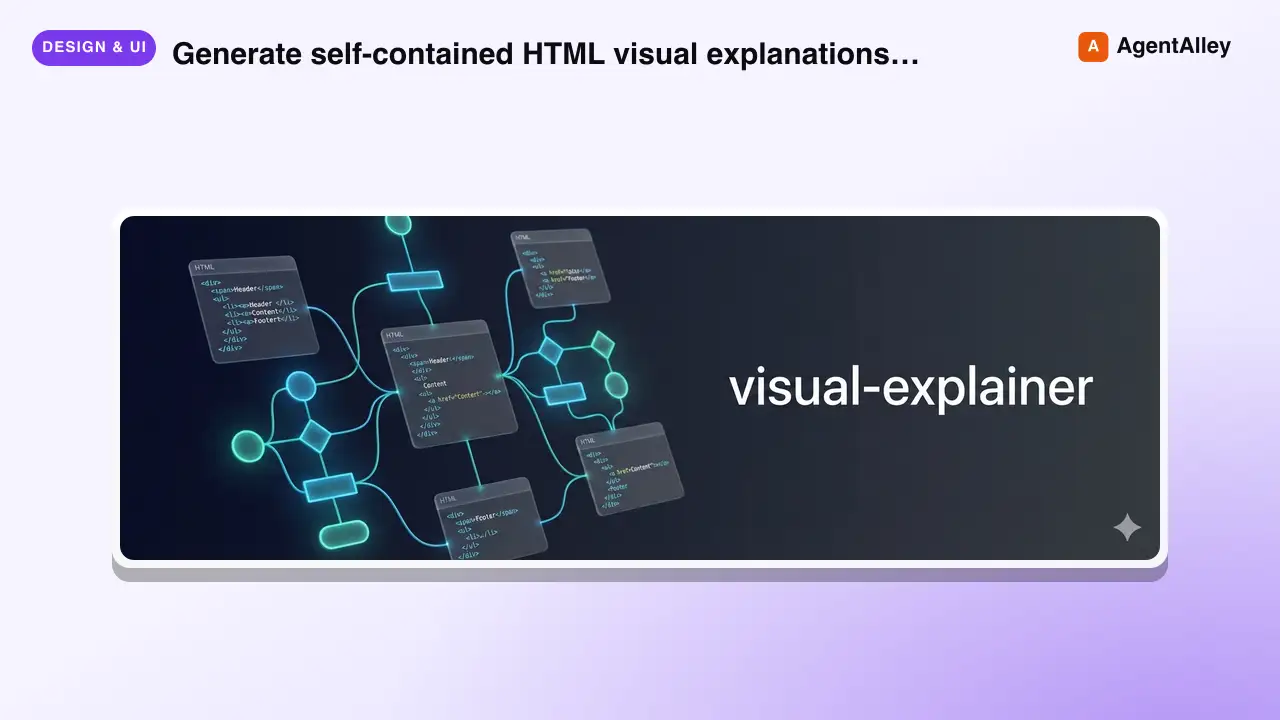
 nicobailon/visual-explainer · by nicobailonGenerate self-contained HTML visual explanations for systems, code changes, plans, data, and technical concepts. Use for diagrams, architecture overviews, diff or plan reviews, project recaps, comparison tables, slide decks, animated explainers, and other visual explanations.★ 10.2k GitHub stars
 SkillHTML Presentation Studio
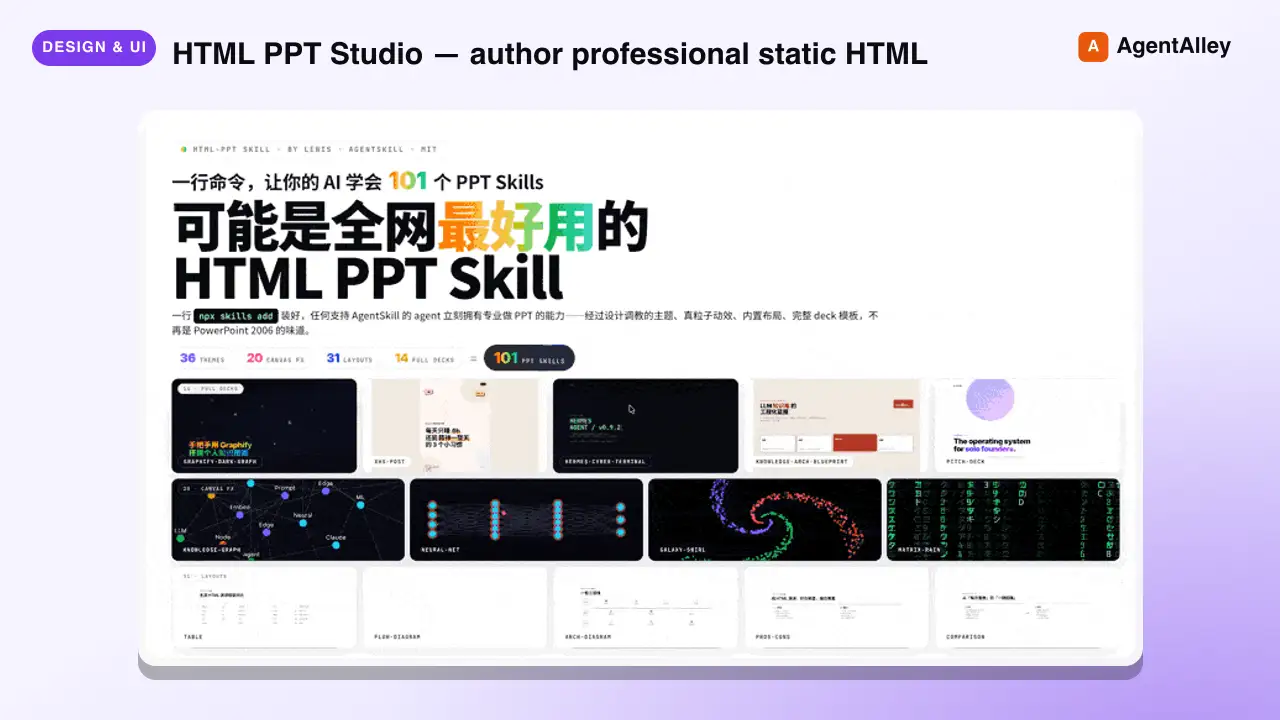
 lewislulu/html-ppt-skill · by lewisluluHTML PPT Studio — author professional static HTML presentations in many styles, layouts, and animations, all driven by templates. Use when the user asks for a presentation, PPT, slides, keynote, deck, slideshow, "幻灯片", "演讲稿", "做一份 PPT", "做一份 slides", a reveal-style HTML deck, a 小红书 图文, or any kind of multi-slide pitch/report/sharing document that should look tasteful and be usable with keyboard navigation. Triggers include keywords like "presentation", "ppt", "slides", "deck", "keynote", "reveal", "slideshow", "幻灯片", "演讲稿", "分享稿", "小红书图文", "talk slides", "pitch deck", "tech sharing", "technical presentation".★ 8.6k GitHub stars
 SkillLogo Designer
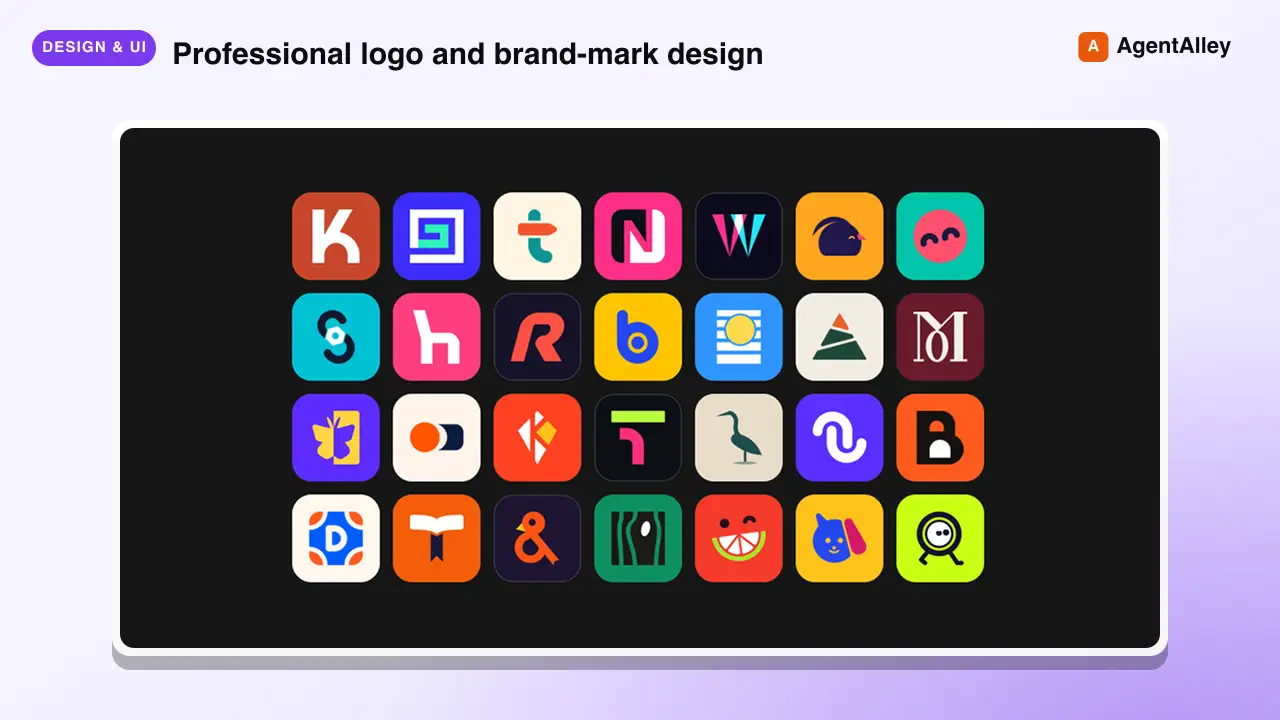
 kaankiziltug/logo-design-skill · by kaankiziltugProfessional logo and brand-mark design, from brief to production files. Guides discovery and the design brief, concept generation, choosing a mark type (wordmark, monogram, letterform, pictorial, abstract, emblem, mascot, combination), building clean geometric SVG logos, optical refinement, colour and typography, testing (16 px, one-colour, reversed, shelf test), client presentation, delivery variants and brand guidelines. Includes a searchable library of 1,400+ real-world SVG logos classified by type, technique, geometry and industry, plus scripts that audit SVGs and generate test sheets, presentation boards and export variants. Use this skill whenever the user wants a logo, logotype, wordmark, monogram, brand mark, symbol, app icon or favicon designed, redesigned, refreshed, critiqued or compared; asks for logo ideas or concepts; needs a design brief, logo guidelines, lockups or an identity system; or mentions branding a new company, product, app or project — even if they don't say the word "logo".★ 2.8k GitHub stars
 SkillPR Lens
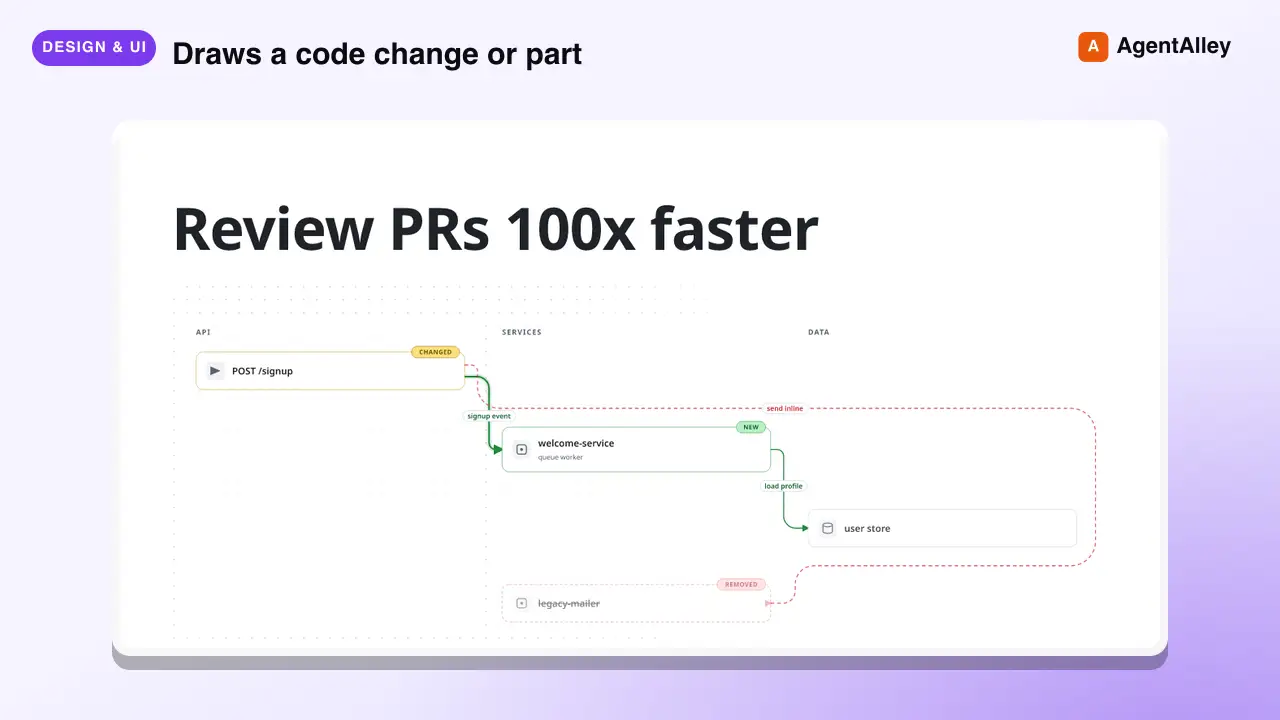
 coldteadotai/pr-lens · by coldteadotaiWHAT: Draws a code change or part of a codebase as an animated architecture or data-flow diagram, on its own or in a pull request. WHEN: asked to diagram, visualise or explain a change or a system, or when a pull request should carry a diagram. KEYWORDS: PR Lens, diagram, architecture, data flow, visualise, visualize, pull request★ 1.9k GitHub stars
More from ericosiu
 SkillVideo Moment Extraction Agent
 ericosiu/ai-marketing-skills · by ericosiuUse when an agent must extract moments, quotes, objections, hooks, or evidence from long video or audio cheaper than full-frame ingest — sales calls, podcasts, YouTube episodes, Loom trials, discovery recordings. Goal-directed watch via Gemini agentic video understanding (frames, audio, or transcript). Not for cutting, overlays, rendering, scheduling, or publishing.★ 3.6k GitHub stars
 SkillConversion Operationsericosiu/ai-marketing-skills · by ericosiupython3 telemetry/versioncheck.py 2>/dev/null || true★ 3.6k GitHub stars
 SkillFinance Operationsericosiu/ai-marketing-skills · by ericosiuAI-powered financial analysis suite. Generates executive CFO briefings from QuickBooks exports (P&L, Balance Sheet, General Ledger, Cash Flow, etc.) with anomaly detection, burn rate, runway analysis, and scenario modeling. Also estimates codebase development costs with organizational overhead and AI ROI analysis. Triggers on: 'CFO briefing', 'financial analysis', 'cost briefing', 'expense review', 'runway analysis', 'burn rate', 'cost estimate', 'how much would this cost to build', 'development cost', 'Claude ROI'.★ 3.6k GitHub stars
 SkillRevenue Intelligence Dashboardericosiu/ai-marketing-skills · by ericosiupython3 telemetry/versioncheck.py 2>/dev/null || true★ 3.6k GitHub stars
 SkillSales Pipeline Managerericosiu/ai-marketing-skills · by ericosiupython3 telemetry/versioncheck.py 2>/dev/null || true★ 3.6k GitHub stars
 SkillValue-Based Sales Playbookericosiu/ai-marketing-skills · by ericosiupython3 telemetry/versioncheck.py 2>/dev/null || true★ 3.6k GitHub stars